Still dragging sliders, hoping the “perfect” shade appears? These tools bring clarity to the chaos and help you create color palettes that feel right from the start.
Color is one of the most powerful elements in design. It influences perception and builds brand identity. Whether you’re creating a logo or designing a website, choosing the right colors matters a lot. It just isn’t about aesthetics; it’s more about strategy, and that’s where the right set of color tools can make all the difference.
Modern design workflows depend a lot on specialized tools for elements like color palettes that work well together and converting color formats. Instead of relying on guesswork for color combinations, designers can now streamline their workflow with tools that deliver instant results with accuracy.
For your ease, we’ve come up with a list of the best color tools that span multiple categories and can assist you in working smarter. Whether you’re a beginner in color theory or a professional in design systems, these tools cover every step of the way.
But before you dive into the list. Let’s discuss a couple of factors that can impact logo color strategies and how the choices shape visual identity.
Color Theory Basics Every Designer Should Know
Color theory, in general, is the foundation of effective design. Color theory in logo design especially helps in creating visually balanced and impactful compositions. At its core, it explains how colors interact and how culture shapes color choices.
Designers typically start with the color wheel, which organizes colors into three main groups:
| Type | Examples | Use Case |
| Primary | Red, Blue, Yellow | Base for creating all other colors |
| Secondary | Green, Orange, Purple | Created by mixing primaries |
| Tertiary | Red-orange, Blue-green | Adds depth and variation |
Beyond structure, color harmony plays a key role. Common combinations include:
- Complementary (opposites) → high contrast, bold visuals
- Analogous (neighbors) → cohesive, calming designs
- Triadic (evenly spaced) → balanced yet vibrant
Another important concept is color temperature. Warm colors like reds and oranges make you feel energetic, while cool colors like blues and greens make you feel calm and professional. This directly impacts how users perceive your design.
Furthermore, saturation and brightness change how bright or dull a color looks. Changing these settings helps make things more readable and focused, especially in UI and branding. Once these basics are covered, designers are capable of building a color palette for each project uniquely.
How to Choose the Right Color Tool for Your Design Needs
With so many color tools available, choosing the right one comes down to understanding your project goals. Not every tool serves the same purpose; some are built for inspiration, while others focus on precision and implementation.
Start by identifying what you need at each stage of your design process:
| Need | Tool Type | Practical Use |
| Idea generation | Palette generators | Create multiple color combinations quickly |
| Color accuracy | Pickers & extractors | Capture exact colors from images or screens |
| Format consistency | Converters | Switch between HEX, RGB, and CMYK formats |
| Accessibility | Contrast checkers | Ensure readability (e.g., 4.5:1 ratio) |
| Visual styling | Gradient tools | Design smooth transitions and backgrounds |
Next, consider how the tool fits into your workflow. UI designers may rely more on gradients and accessibility tools, while branding designers often prioritize palette generators and psychology-based tools. Staying updated with insights like color trends in logo design can also help you align your choices with current design directions.
At the same time, avoiding common pitfalls is key. Reviewing logo color mistakes can guide better decisions and help you use these tools more effectively. Combining multiple tools ensures both creativity and precision in your final design.
Color Palette Generators for Perfect Color Combinations
For creating visually balanced color schemes in seconds, you’ll need smart palette generators. Whether you’re designing a logo or a complete UI, these tools can help you find ideal combinations without any guesswork!
1. Coolors
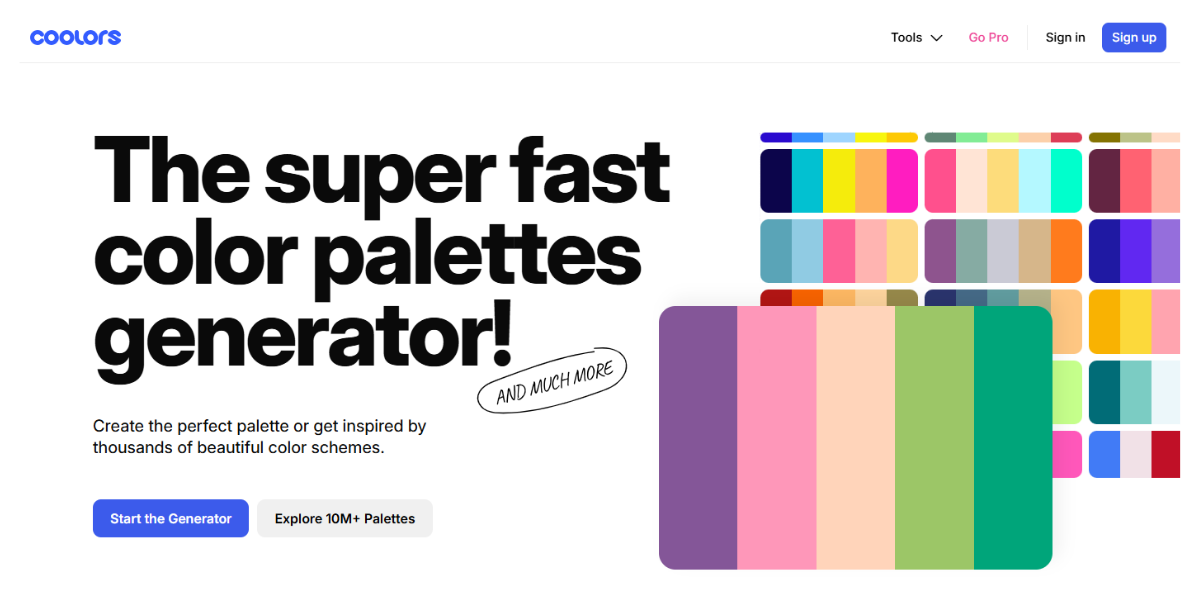
Coolors is a fast, intuitive color palette generator widely used by designers. It lets you generate unlimited 5-color palettes with a single tap, lock specific shades, and adjust hues in real time. The tool is free to use, with optional premium features for advanced workflows.
2. Colormind
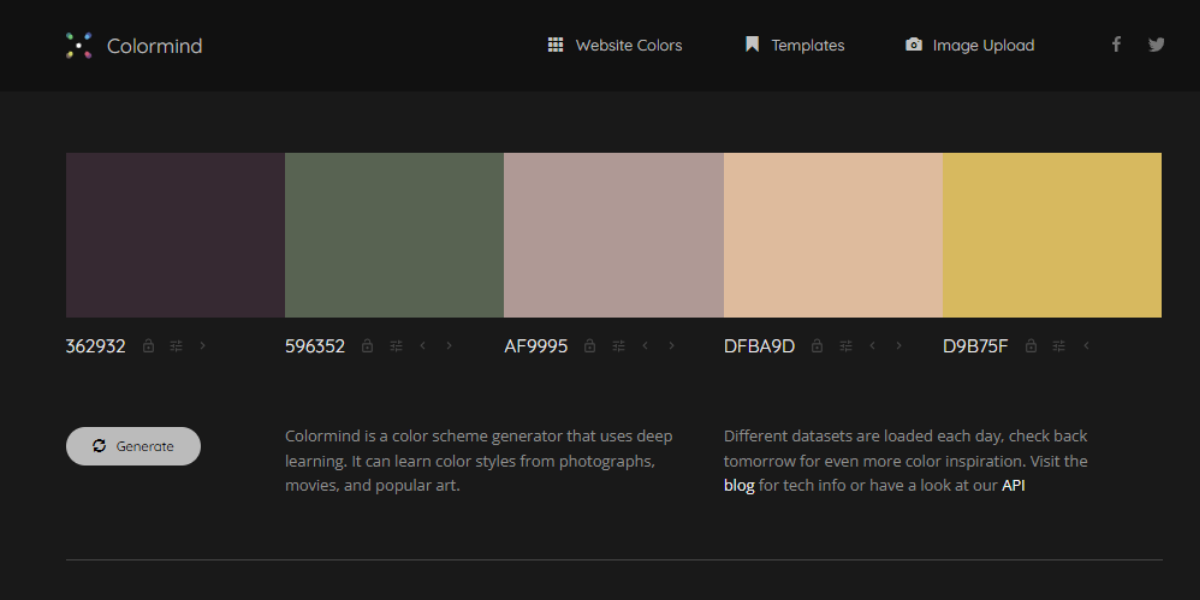
Colormind is an AI-powered color palette generator trained on real design data. It generates 5-color palettes and lets you lock individual shades while regenerating others instantly. You can also extract palettes from images, making it effective for building cohesive UI and website color systems in seconds.
3. Color Hunt
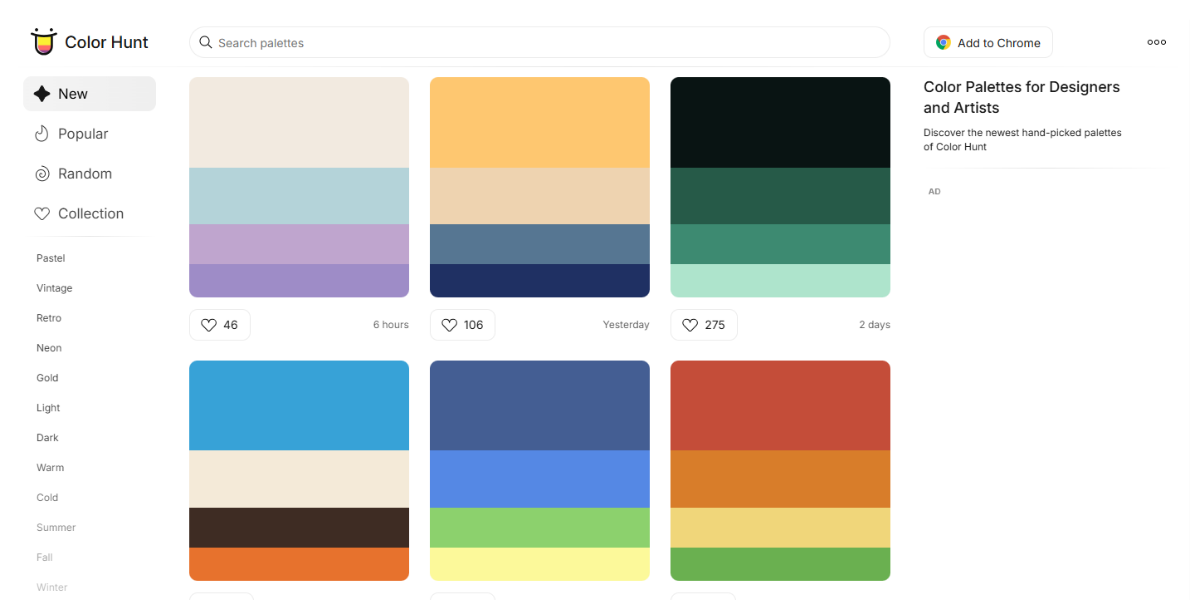
Color Hunt is a curated library featuring thousands of 4-color palettes created by designers worldwide. You can browse trending or popular combinations and copy HEX codes instantly. It’s ideal for quickly discovering ready-made palettes when starting a project or exploring fresh color directions.
4. Figma Color Palette Generator
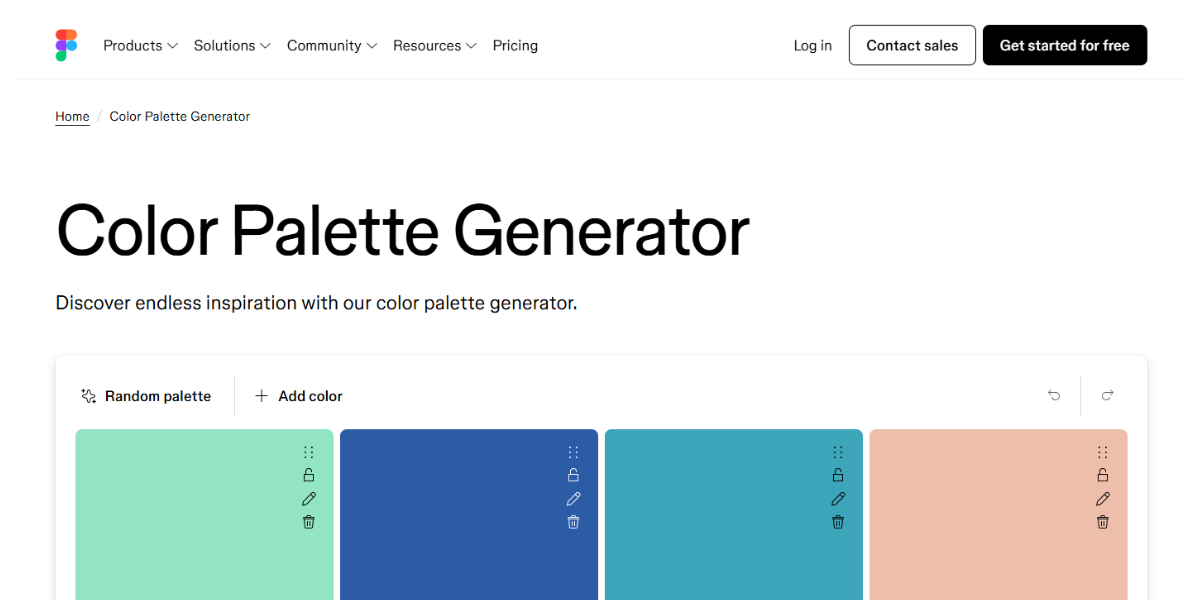
Figma’s Color Palette Generator helps create and test color systems directly within your workflow. It produces multiple palette variations that can be applied across UI components in real time. This allows designers to maintain consistency and experiment with color styles efficiently.
5. Pantone Palette Generator
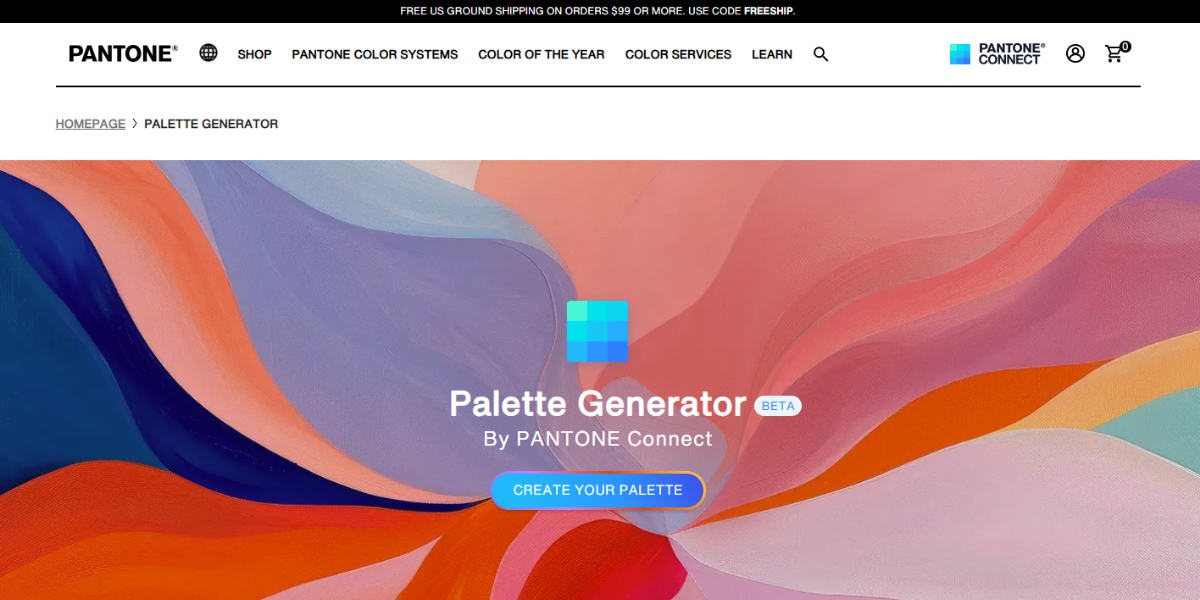
Pantone’s Palette Generator creates palettes using its globally standardized color system. Extracting multiple dominant colors from uploaded images helps designers build schemes aligned with Pantone references, ensuring accurate reproduction across digital and print materials.
6. Hue Mint
HueMint is an AI-driven palette generator that creates multiple color combinations at once based on design context. It allows you to preview palettes on layouts like websites or logos, helping you evaluate how colors perform in real-world branding and UI scenarios.
7. Color Magic
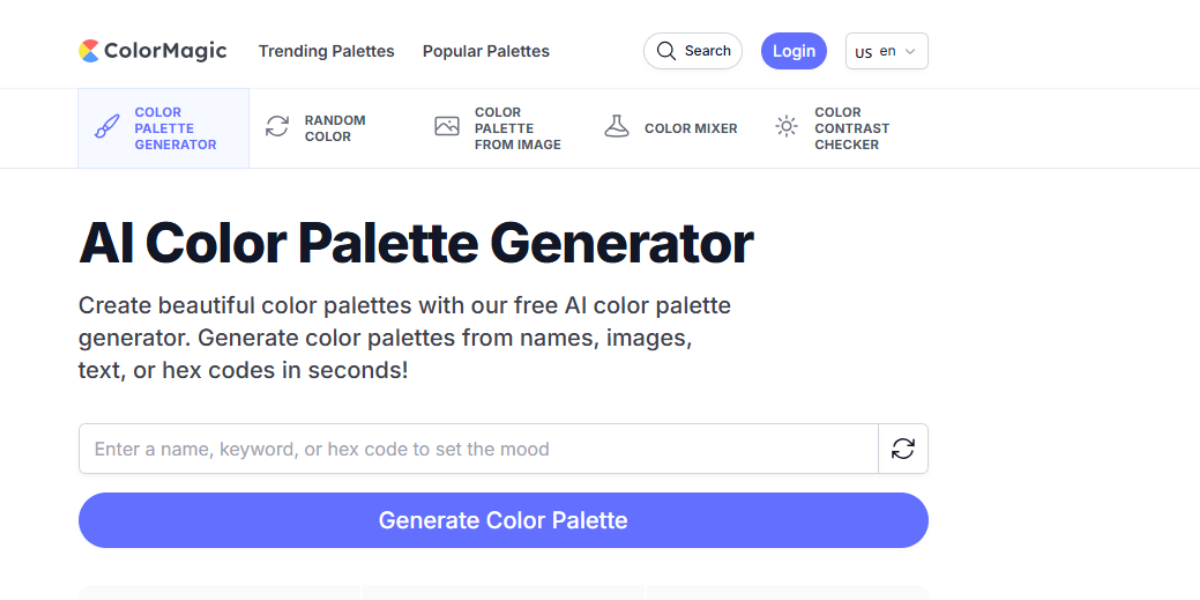
Color Magic makes palettes from text prompts, which means you can see your ideas right away. It generates several palette variations for each prompt, which is helpful for trying out different creative directions and quickly turning themes or moods into structured color combinations.
8. Colorffy
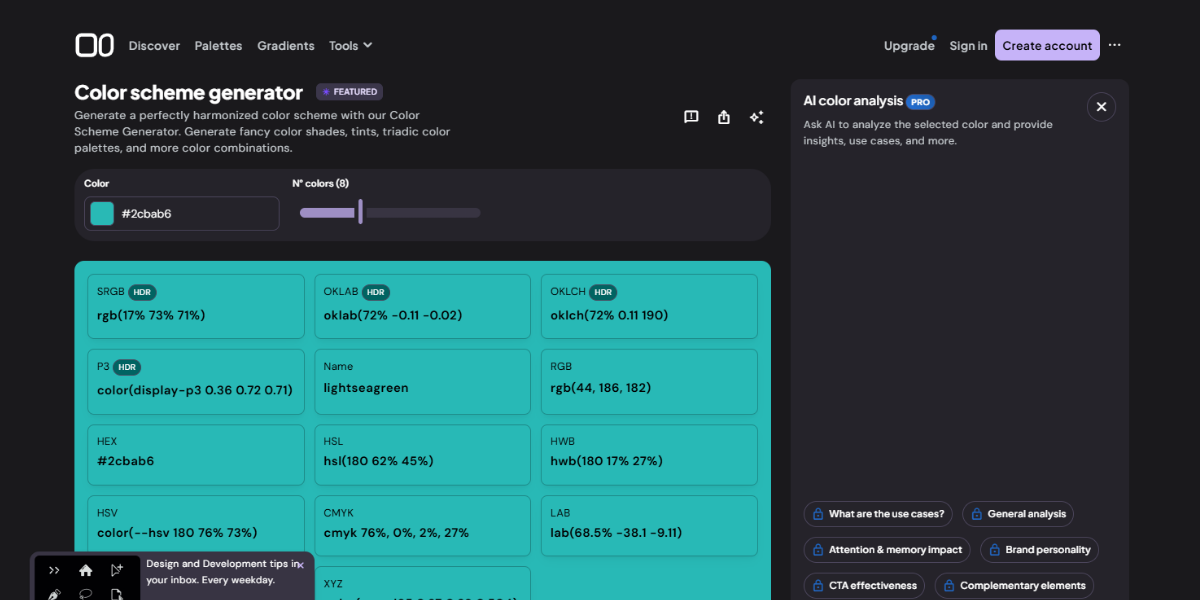
Colorffy is a structured palette generator based on harmony rules like complementary and triadic ones. It generates coordinated color sets with multiple shades and tints, allowing designers to build balanced palettes and refine color relationships for UI or branding projects.
9. Color Drop
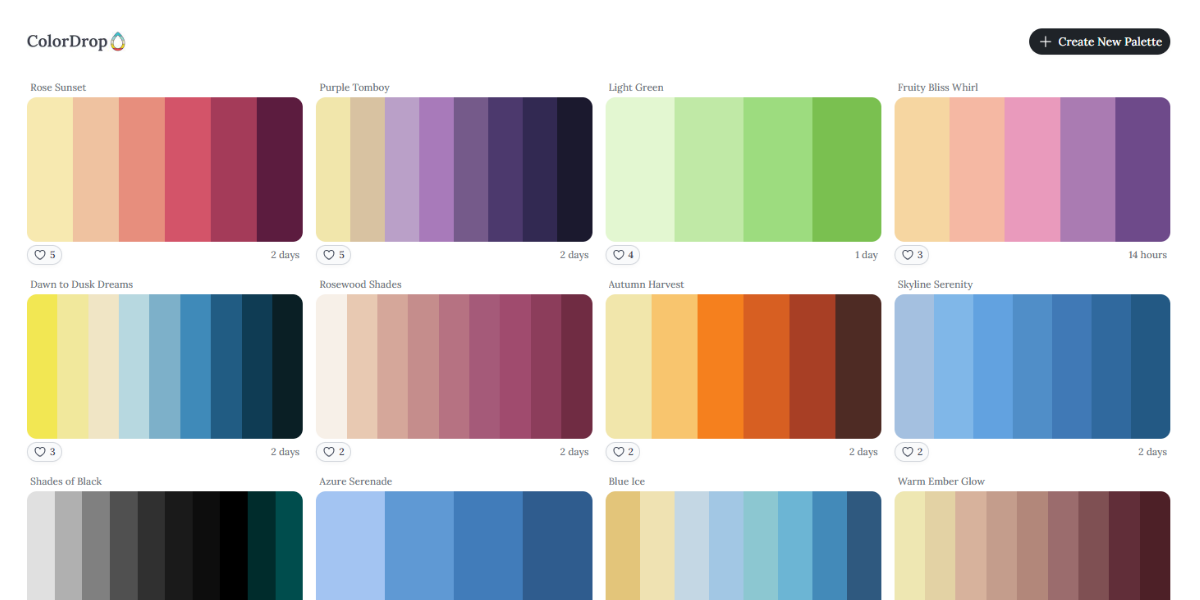
Color Drop is a simple tool that lets you see customized color palettes in a swipe-based interface. Each palette has a small set of colors that go well together, which makes it easy to look through and choose combinations quickly for modern design projects.
10. Paletton
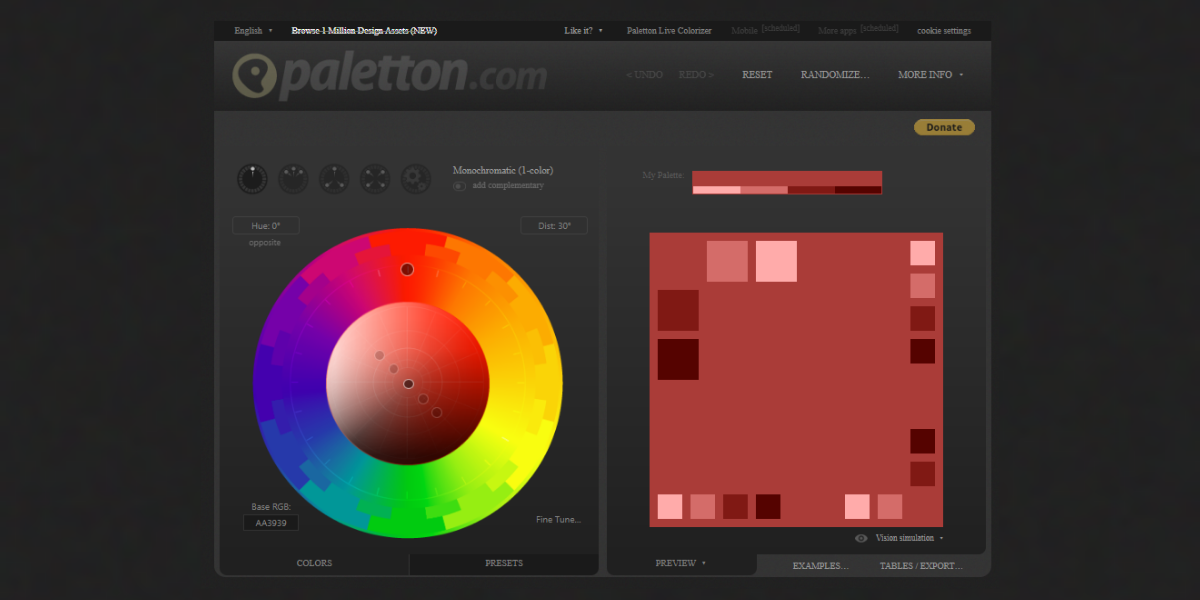
Paletton is a color wheel tool that lets you create palettes using different harmony rules, like monochromatic, triadic, and tetradic. It lets designers see previews in real time and change settings, so they can tweak combinations and see the results instantly.
11. DeGraeve Color Palette
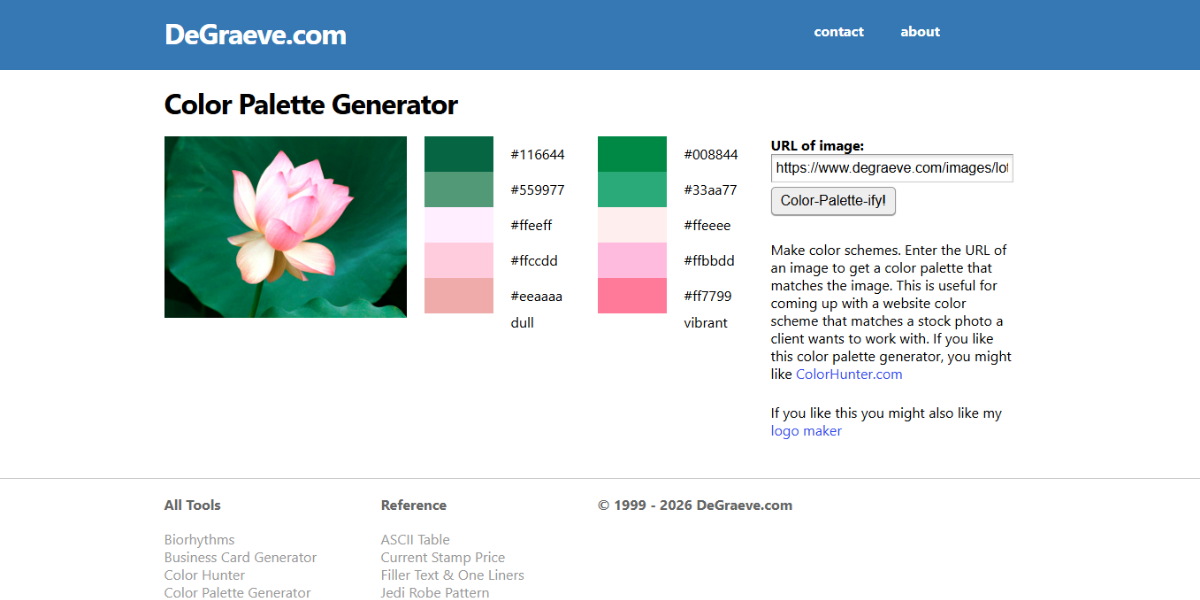
The DeGraeve Color Palette Generator takes uploaded images and finds the most common colors in them. It gives HEX values for each color, which helps designers make palettes right from pictures, artwork, or even brand images.
12. LogoDesign.Net Color Wheel
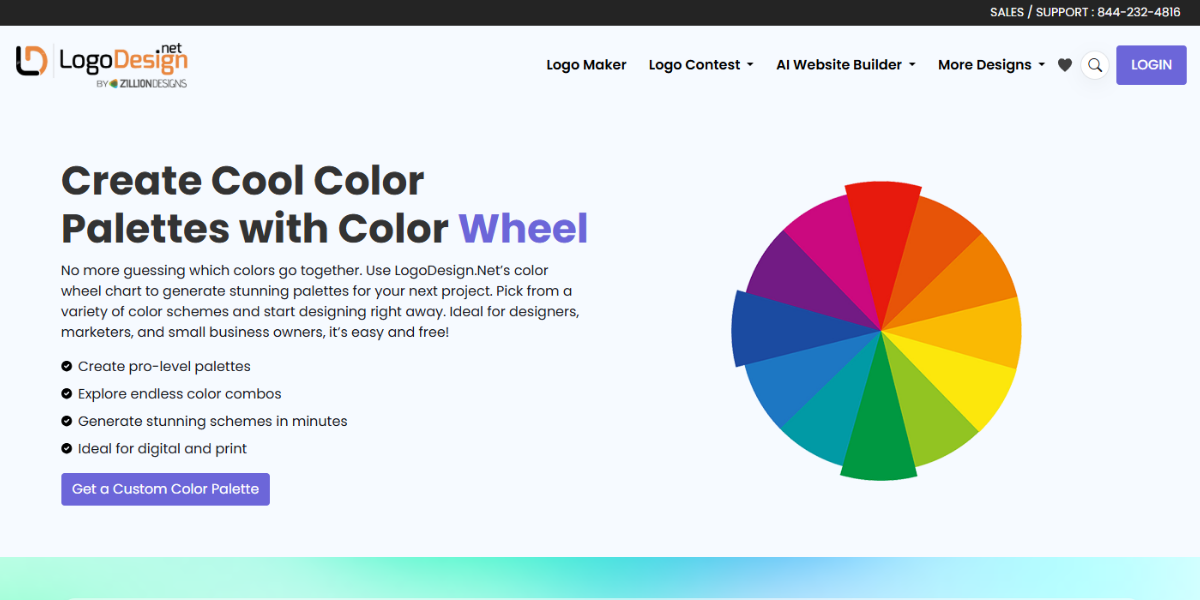
LogoDesign.Net Color Wheel creates color palettes based on traditional rules of color harmony, such as complementary and analogous schemes. It gives you a lot of options based on a base color, helping you create color combinations that look good for logo design and brand identification.
13. Tint & Shade Generator
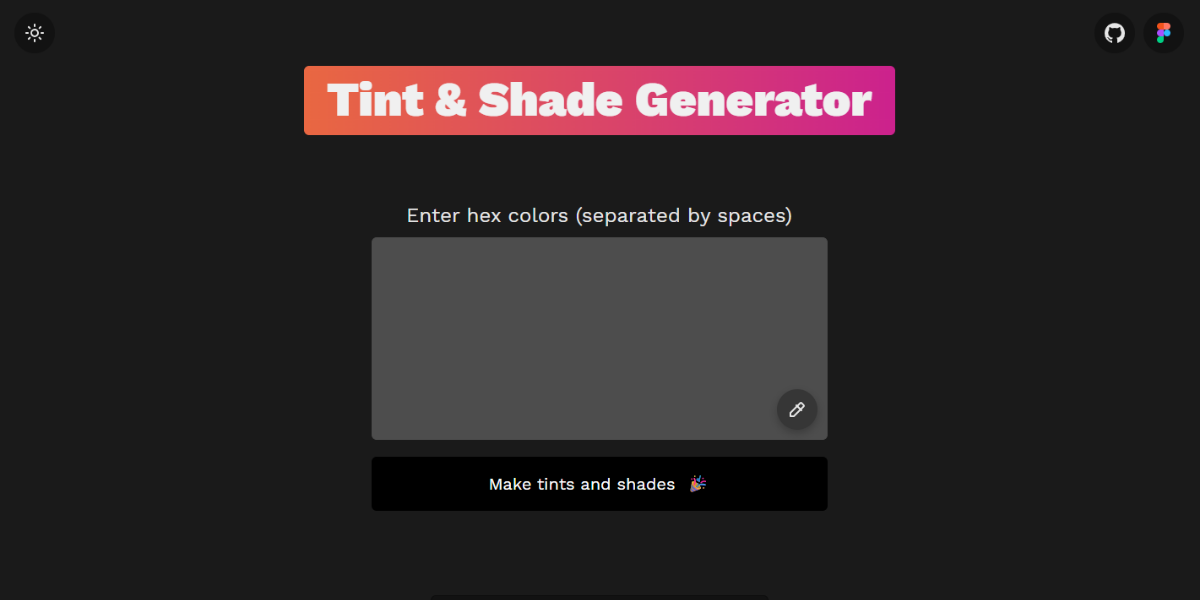
Tint & Shade Generator offers a full range of variations from one color by making many tints and shades. Using this feature, designers can develop consistent color scales for UI elements, hover states, and design systems with precise lightness control.
14. Atmos Color Generator
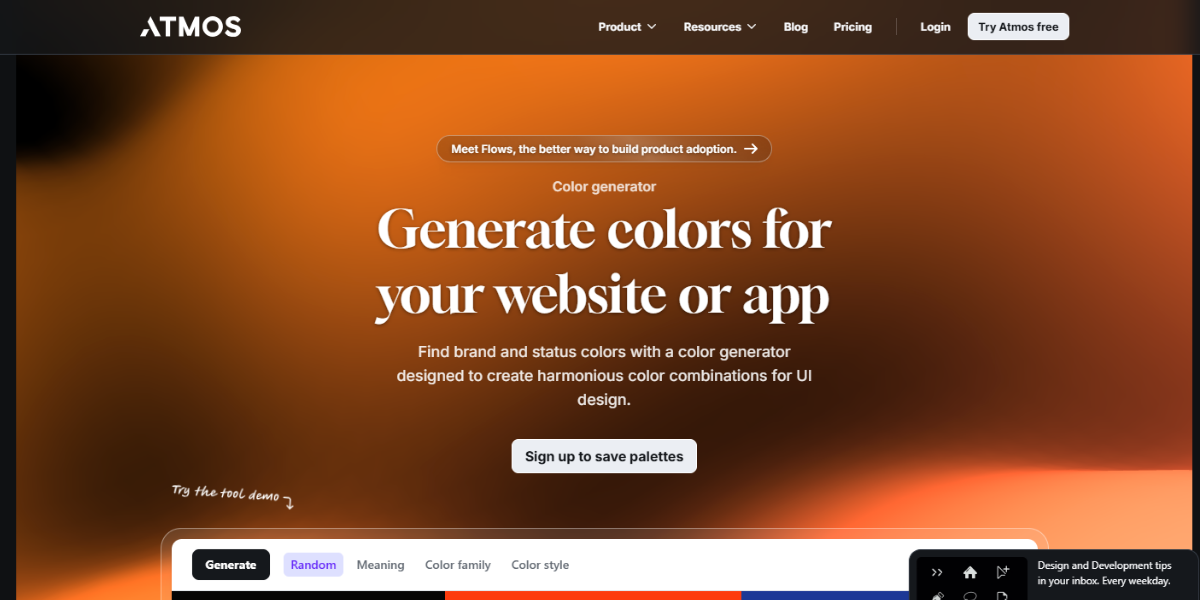
Atmos Color Generator uses AI to make color palettes based on your mood or a word. It makes several sets of colors that go together in seconds, through which designers try out different tones and are able to find palettes that fit a certain visual style.
15. Color Designer Palette Builder
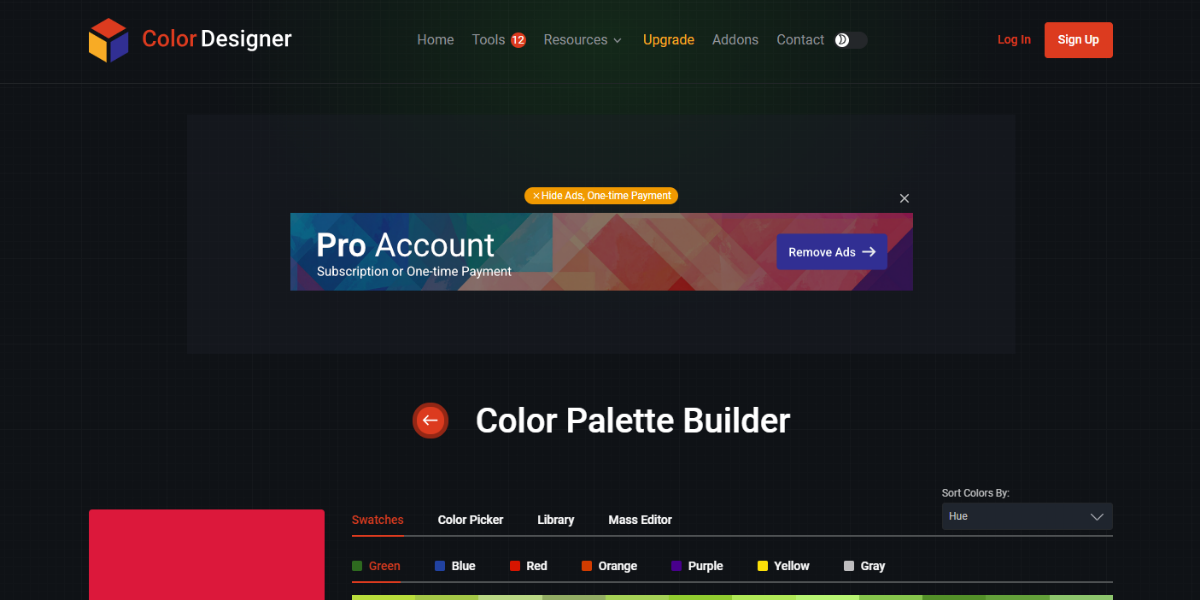
Color Designer Palette Builder helps in creating organized systems with primary, secondary, and accent colors. It is capable of generating a lot of different versions. It also guides you about contrasting colors, which makes it reliable for creating palettes that can be used widely across websites, apps, and design systems.
16. Session College’s Color Wheel
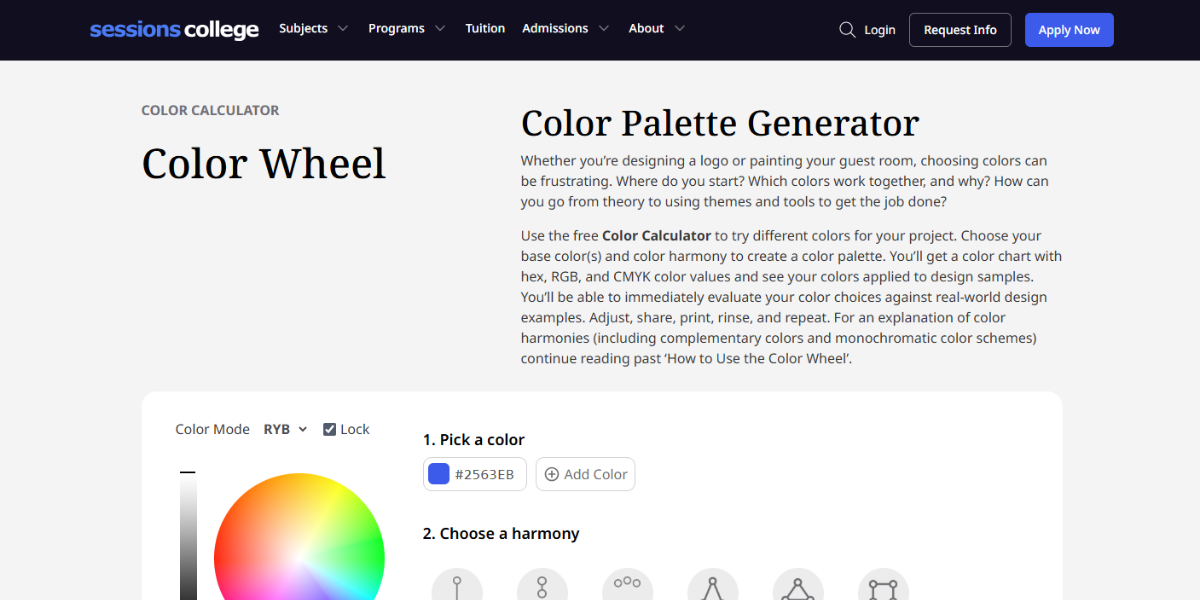
Session College’s Color Wheel is an educational tool that demonstrates key color harmony relationships through an interactive interface. It generates palettes from a base color, thereby helping users understand and apply concepts like complementary and analogous schemes in practice.
17. Learn UI Design – Data Color Picker
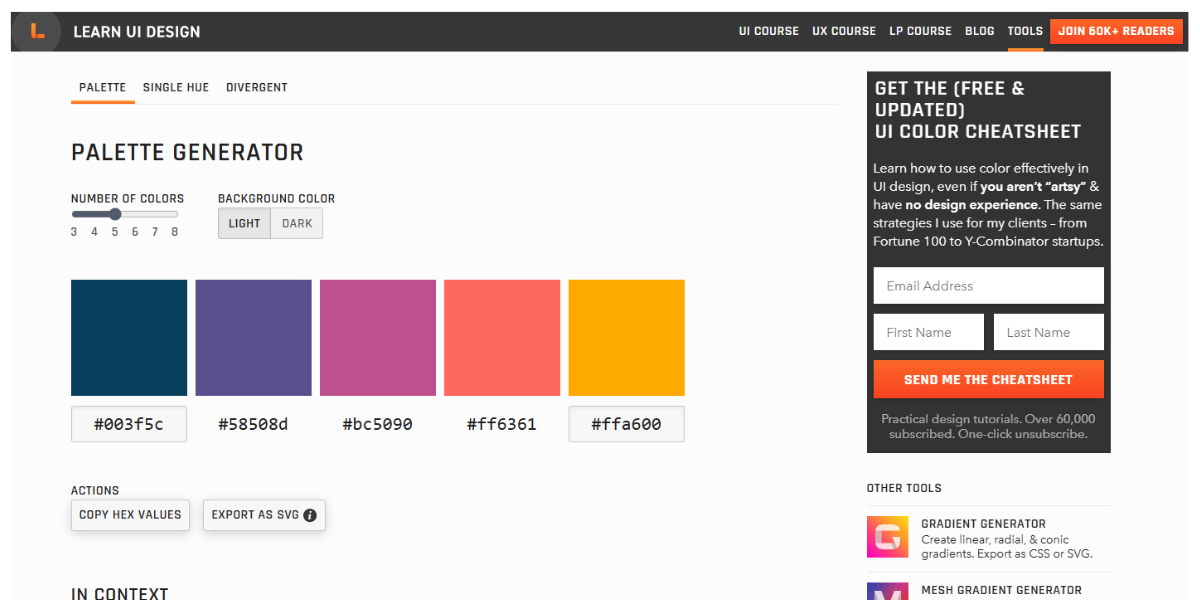
The Data Color Picker is designed for data visualization, generating step-based color scales that are optimized for contrast and readability. It helps designers create clear charts and dashboards by ensuring smooth transitions between data points.
18. Muzli Color Palette Generator
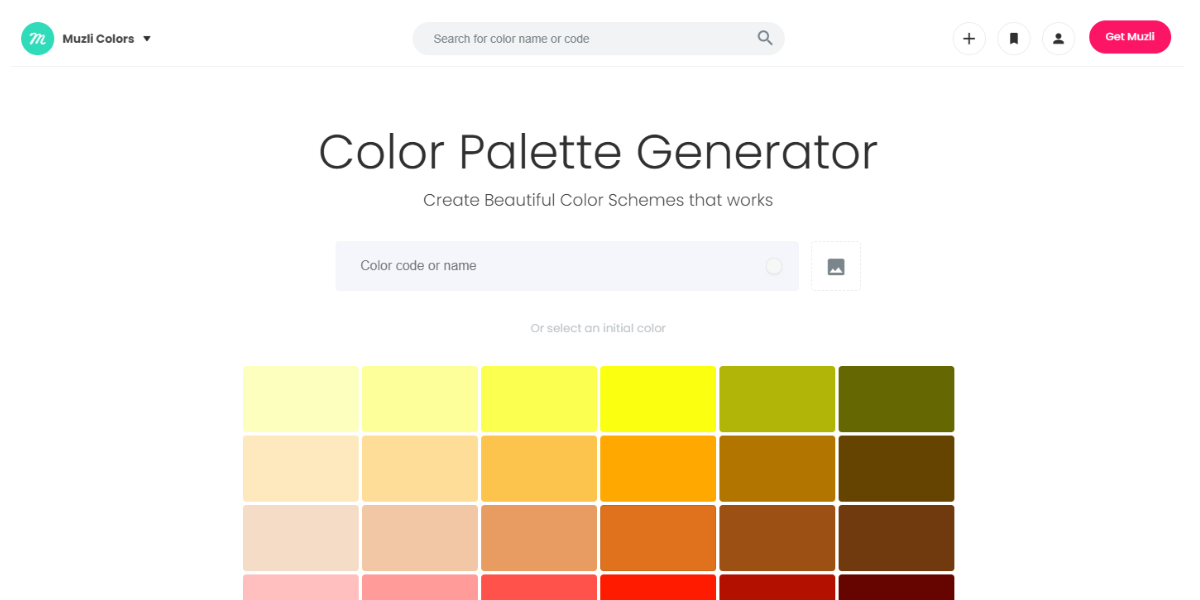
Muzli’s Color Palette Generator creates palettes either randomly or from images, producing multiple color combinations instantly. It allows quick copying of values, making it useful for rapid ideation and integrating palettes into ongoing design workflows.
19. Coleur
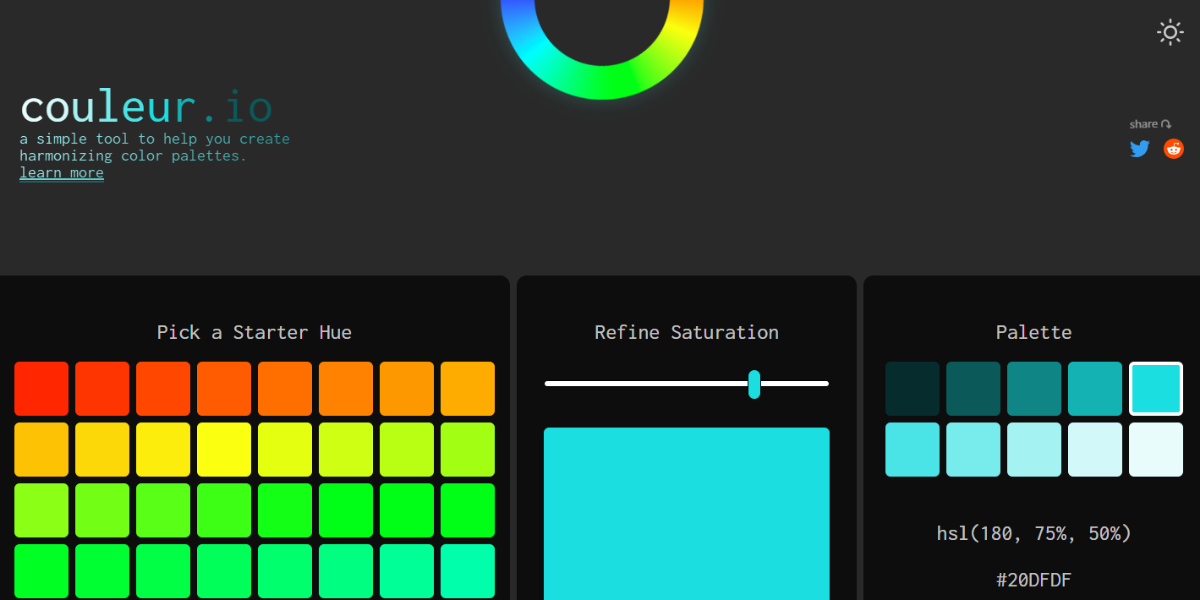
Coleur is a gradient generator that creates multi-color gradients with adjustable stops. It provides CSS-ready output and real-time previews, allowing designers to fine-tune transitions and apply gradients directly to UI elements or web backgrounds.
Color Pickers & Extractors to Grab Colors from Images
Do you need a color from a photo or website? These tools let you instantly pick and extract exact shades so you can easily match or reuse colors across your designs.
20. ColorZilla
ColorZilla is a well-known browser add-on that lets designers choose colors right from web pages. It gets the exact pixel values and gives you HEX, RGB, and CSS formats instantly. You can also make gradients and view page palettes, which is especially helpful for checking and copying colors on live websites.
21. PhotoAid Eye Dropper
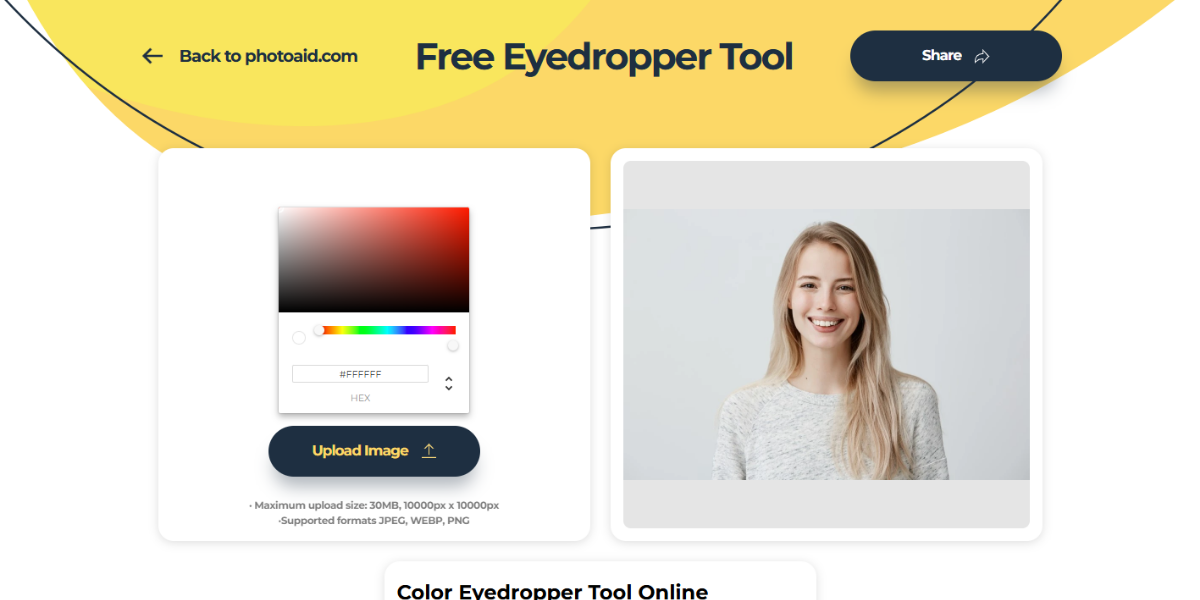
PhotoAid Eye Dropper is an online tool designed to extract colors from uploaded images with precision. It allows you to sample specific pixels and retrieve color codes instantly. This is particularly useful for matching brand colors or pulling palettes from photos for design and editing projects.
22. Color Picker
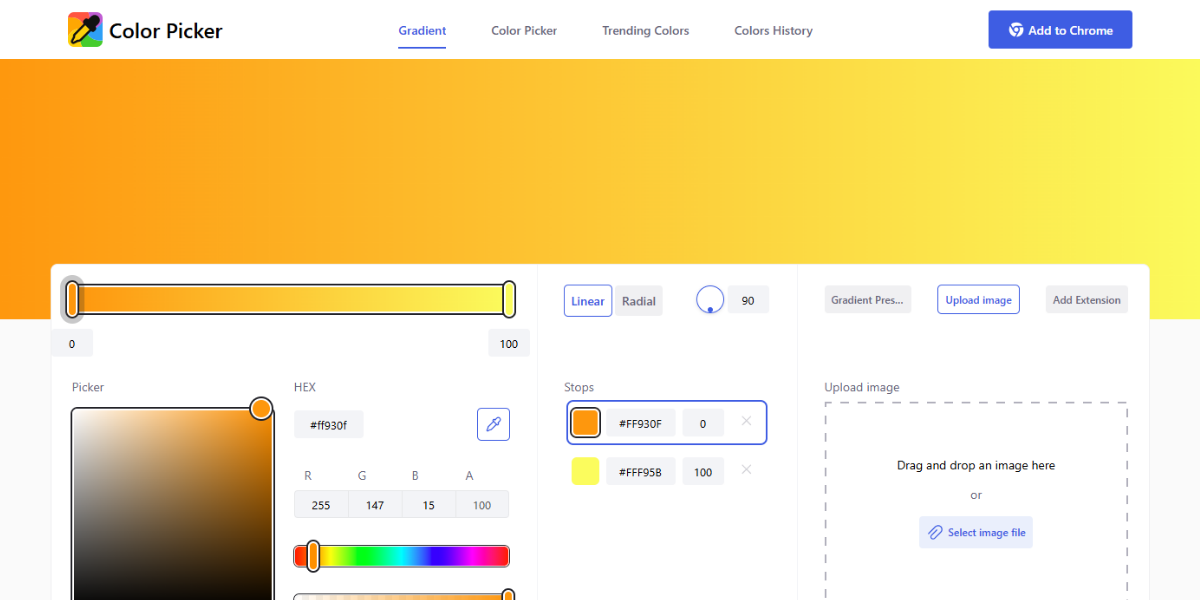
Color Picker is a web-based tool that enables users to select colors from images or choose them manually using an interactive interface. It provides HEX and RGB values and supports fine adjustments. It is a practical tool for designers who need quick, accurate color selection for digital projects.
23. GNOME Eyedropper
GNOME Eyedropper is a desktop app that allows users to pick colors from anywhere on their screen. It captures precise pixel values and displays them in multiple formats. It is ideal for developers and designers working across apps who need consistent color referencing.
24. Pine Tools – Image Color Picker
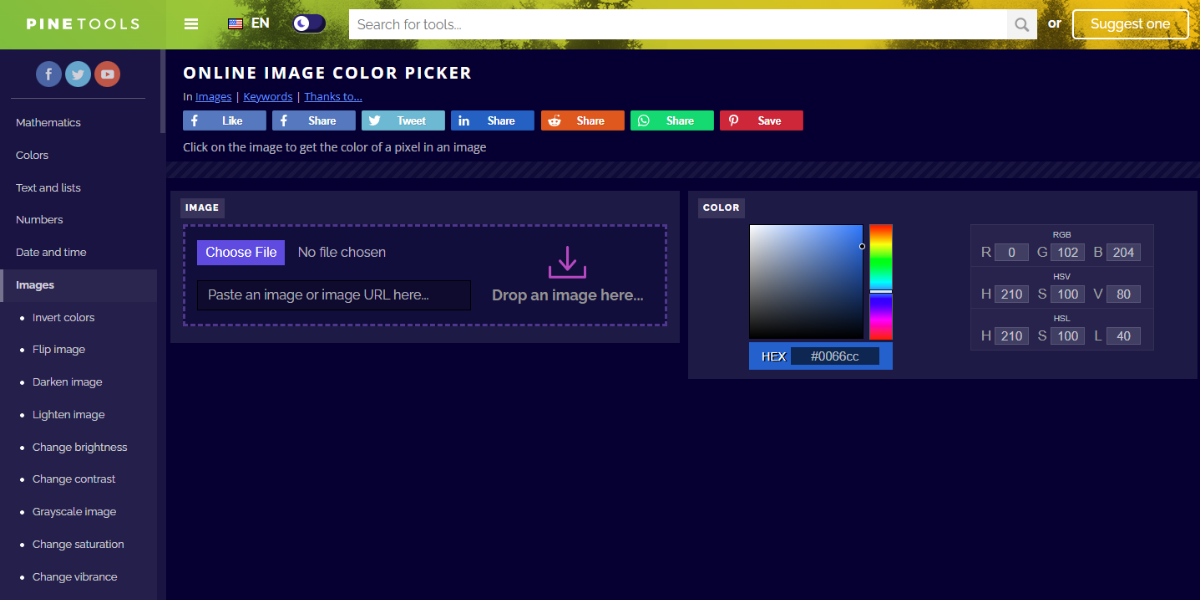
Pine Tools’ Image Color Picker extracts colors from images by letting users click on specific areas. It provides HEX and RGB values along with a preview so that the shades are easily identifiable. This tool is useful for analyzing visuals and recreating color schemes accurately.
25. Color Slurp
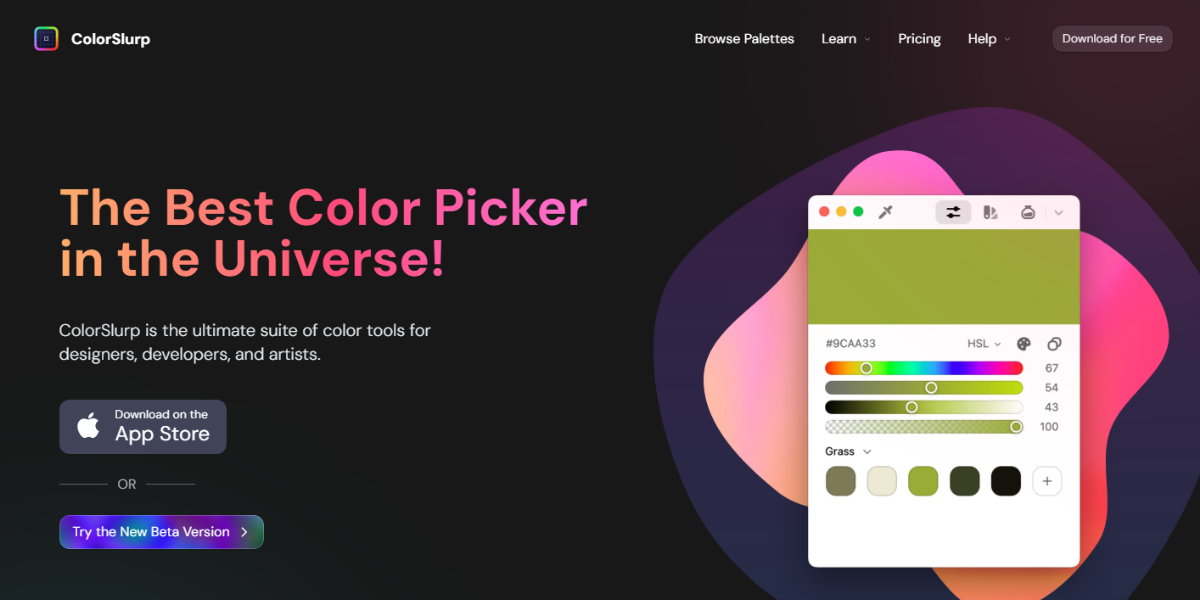
Color Slurp is a macOS and iOS color picker that allows users to capture colors from anywhere on their screen. It supports multiple formats like HEX, RGB, and HSK, and stores picked colors in an organized history. This feature is unique as it helps designers keep track of and use colors in different projects.
Color Code Converters (HEX, RGB, CMYK & More)
Easily switch between color formats for both digital and print projects. These converters make sure that your colors stay the same, no matter what type of file or platform you use.
26. Color Hexa
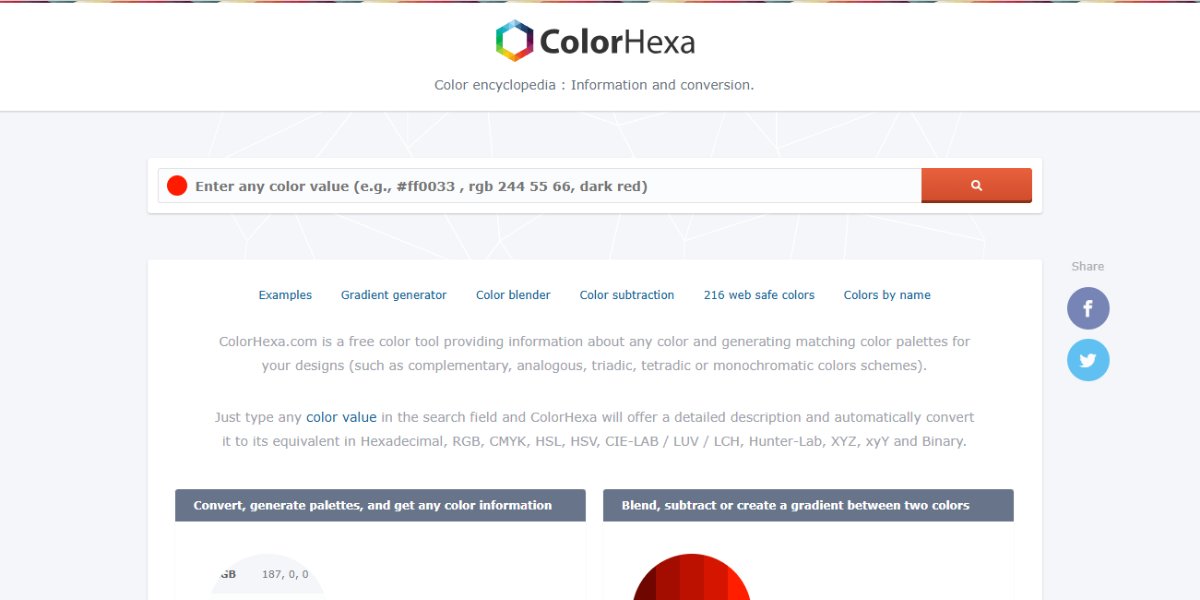
Color Hexa is a full-featured color analysis and conversion tool that gives you detailed information about any color. It can change between HEX, RGB, HSL, and CMYK formats and generate tints, shades, and gradients. Designers use it to try out different colors and make complete palettes from just one base color.
27. ColorKit
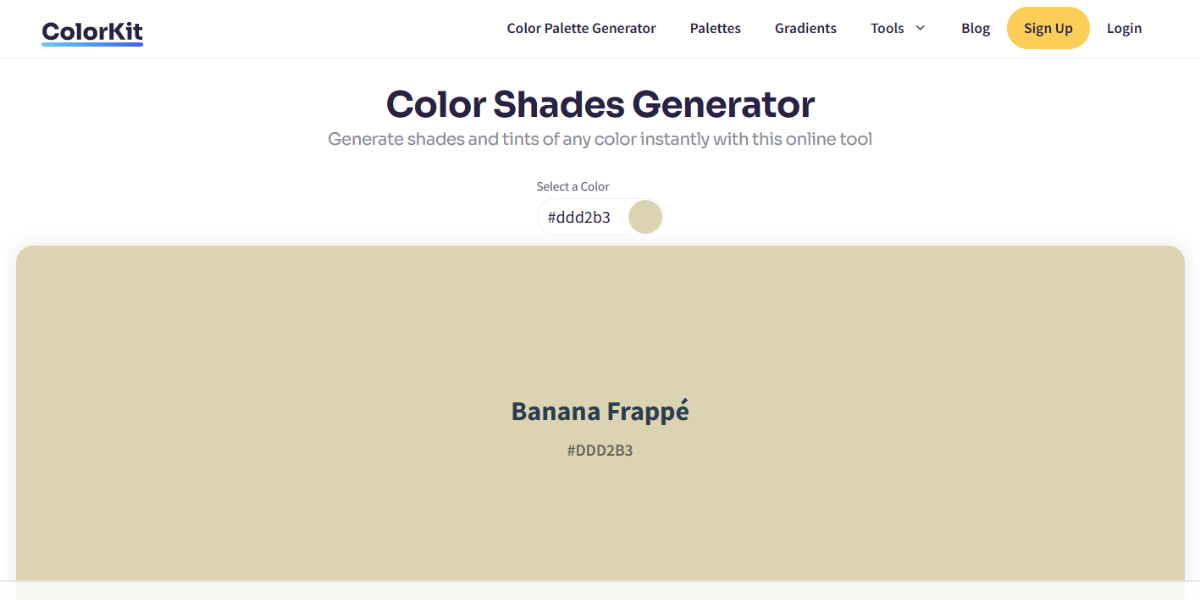
ColorKit is a tool that generates different tints, tones, and shades of a color you choose. It provides organized variations and HEX values that help create consistent UI color scales and improve design system palettes.
28. W3School Color Converter
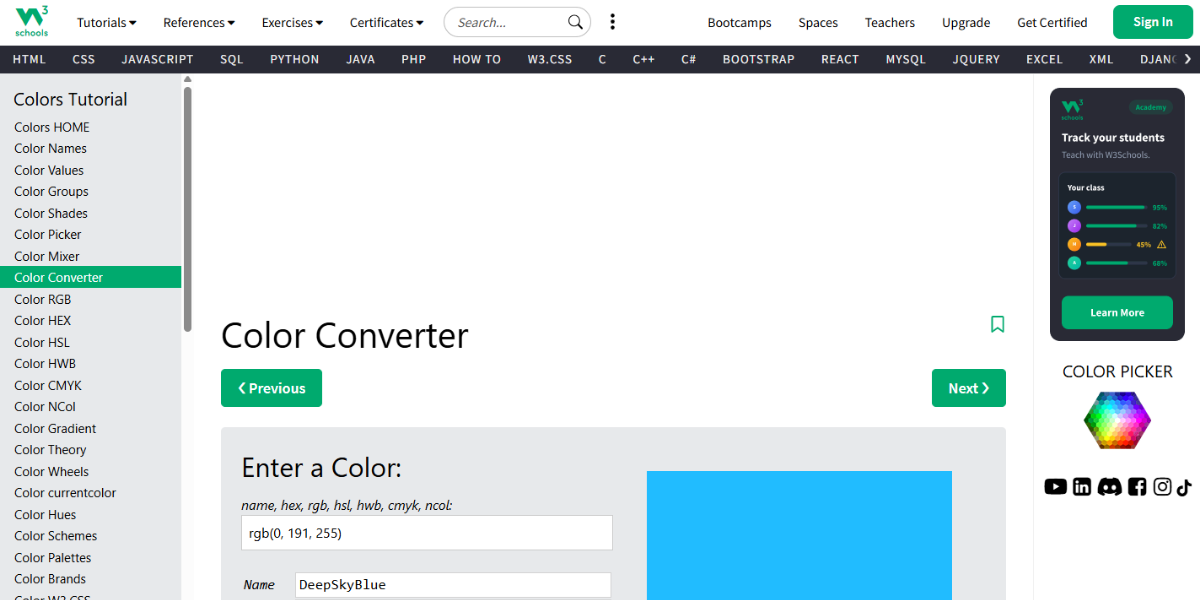
The W3Schools Color Converter is a simple tool that lets you change colors from HEX to RGB, HSL, or HSV. It gives you instant results with a visual preview. This particular feature is great for developers who need quick and accurate conversions while coding or styling.
29. Div Magic – Color Converter
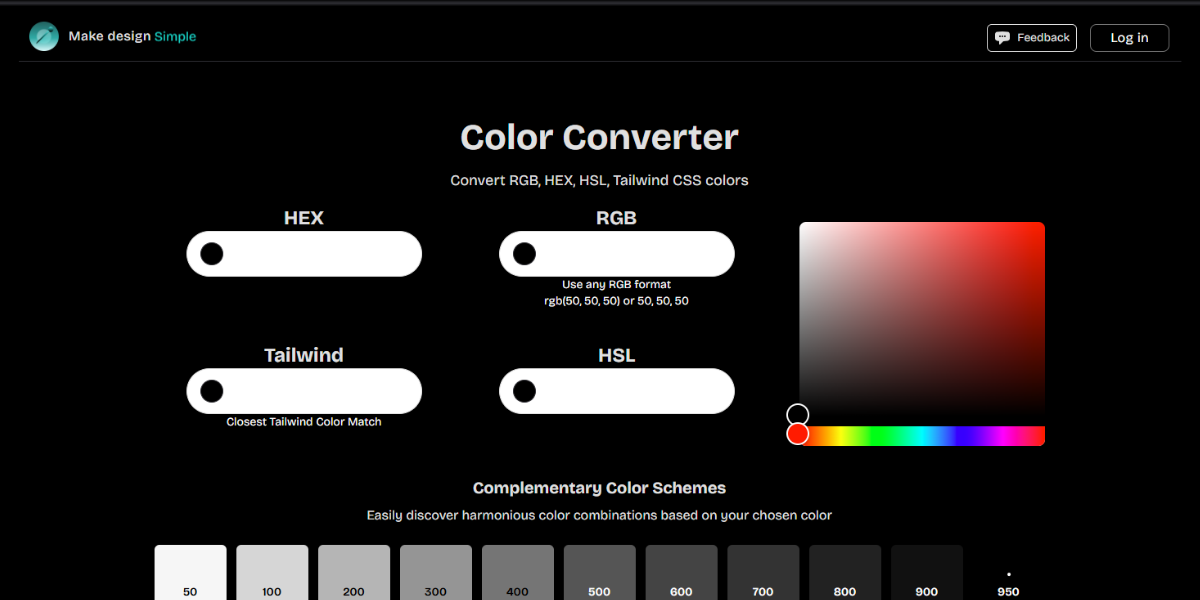
Div Magic’s Color Converter allows users to switch between multiple color formats with a developer-friendly interface. It provides instant conversion and copy-ready values, making it practical for frontend workflows where colors need to be adapted quickly for CSS or design systems.
30. Convert A Color
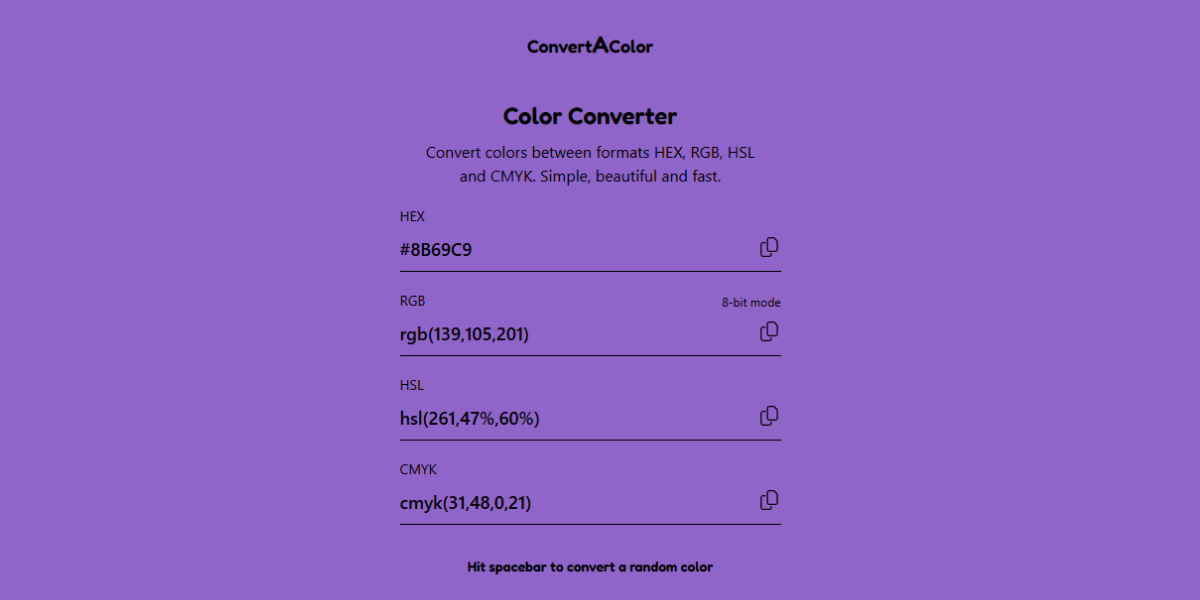
Convert A Color is a detailed conversion tool supporting 10+ color formats, including HEX, RGB, CMYK, and LAB. It also shows gradients, contrasts, and closest web-safe colors, helping designers ensure consistency across both digital and print environments.
31. OKLCH
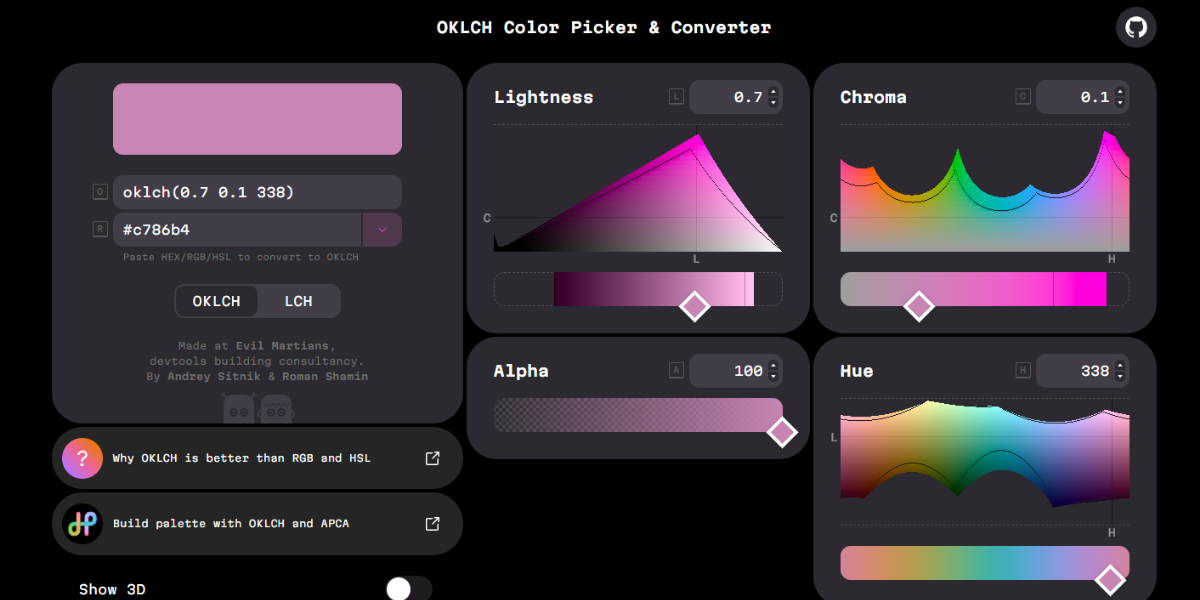
OKLCH is a modern color tool based on the perceptual OKLCH color model, offering precise control over lightness, chroma, and hue. It allows designers to adjust colors more naturally and generate consistent variations, especially useful for advanced UI and accessibility-focused design.
32. Studio Red
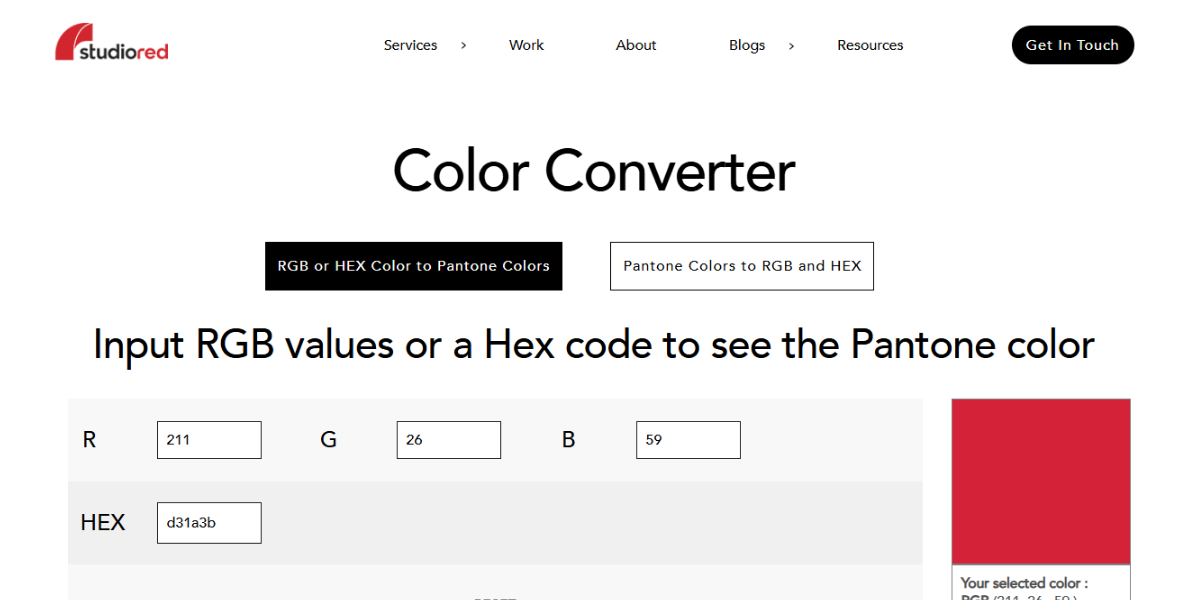
Studio Red’s converter specializes in translating RGB and HEX values into Pantone equivalents. It bridges the gap between digital and print for designers by identifying the closest Pantone matches, making it valuable for branding and production workflows.
33. Hempel
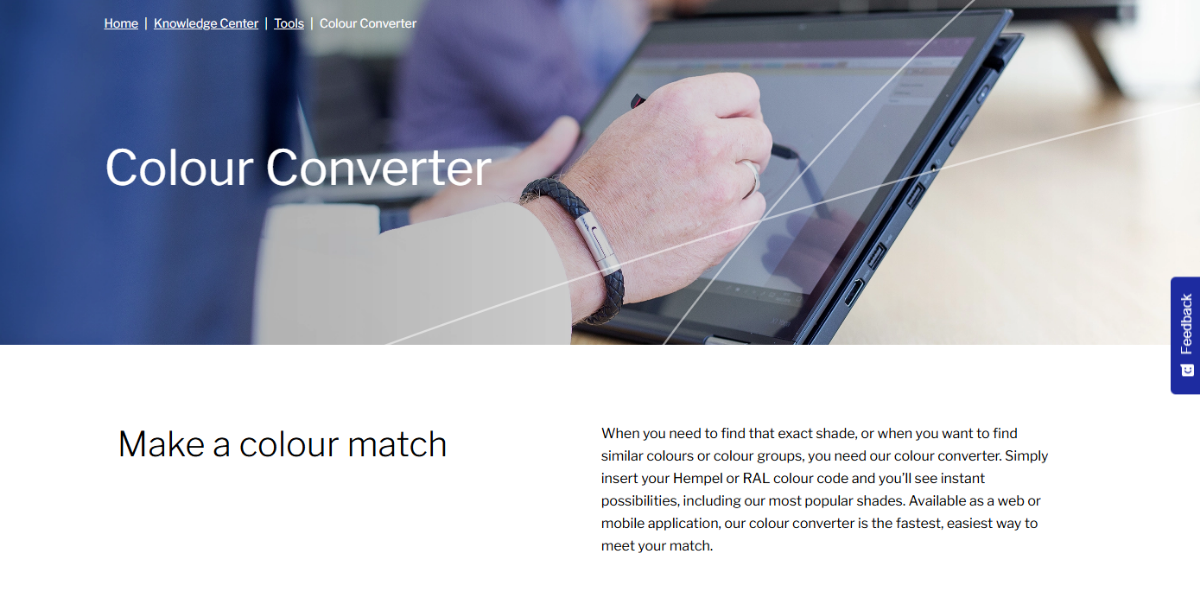
Hempel’s Color Converter is designed for industrial and professional use, converting between multiple standardized color systems. It allows users to match colors accurately across coatings and materials, so it is particularly useful for manufacturing and product design applications.
34. RapidTables
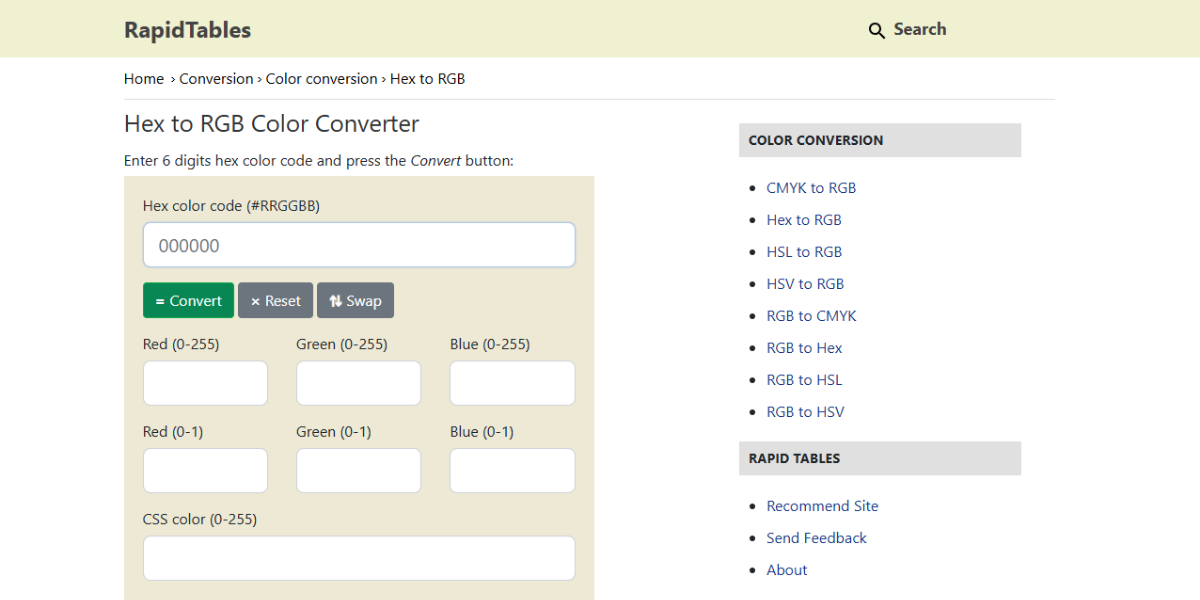
RapidTables Color Converter provides fast conversion between HEX, RGB, HSL, and CMYK formats with simple input fields. It’s designed for quick calculations and immediate results. Thus, it is ideal for developers and designers needing fast, no-friction conversions.
35. Lik.AI Color Converter
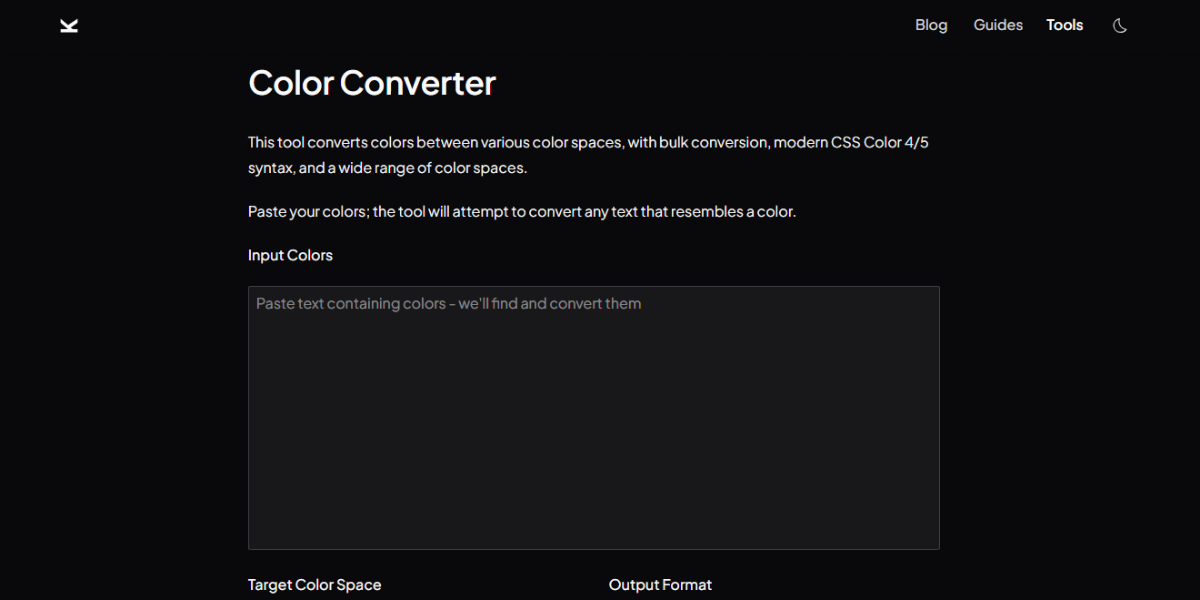
Lik.AI Color Converter has a simple interface and lets you quickly change between common color formats. It lets users enter values and get equivalents right away, enabling them to make quick changes during design or development workflows.
36. Open Replay
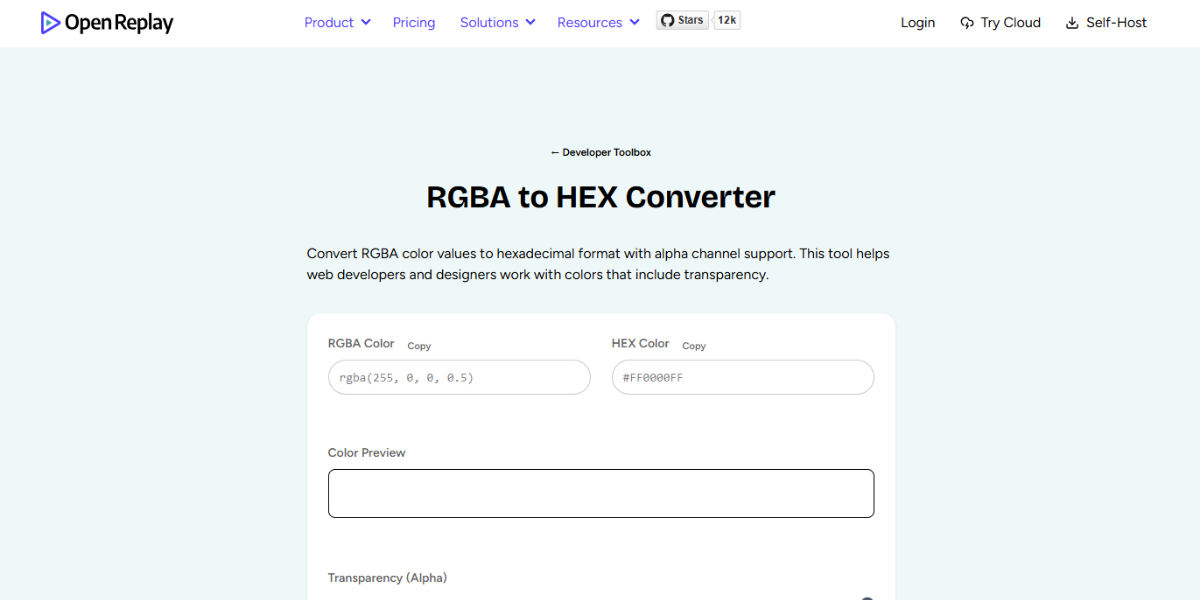
The Open Replay tool is all about changing RGBA values to HEX format, and it can handle alpha transparency as well. It makes it easier to work on the front end when you need to change opacity-based colors into HEX so that stylesheets can use them consistently.
37. MyFixGuide Color Converter
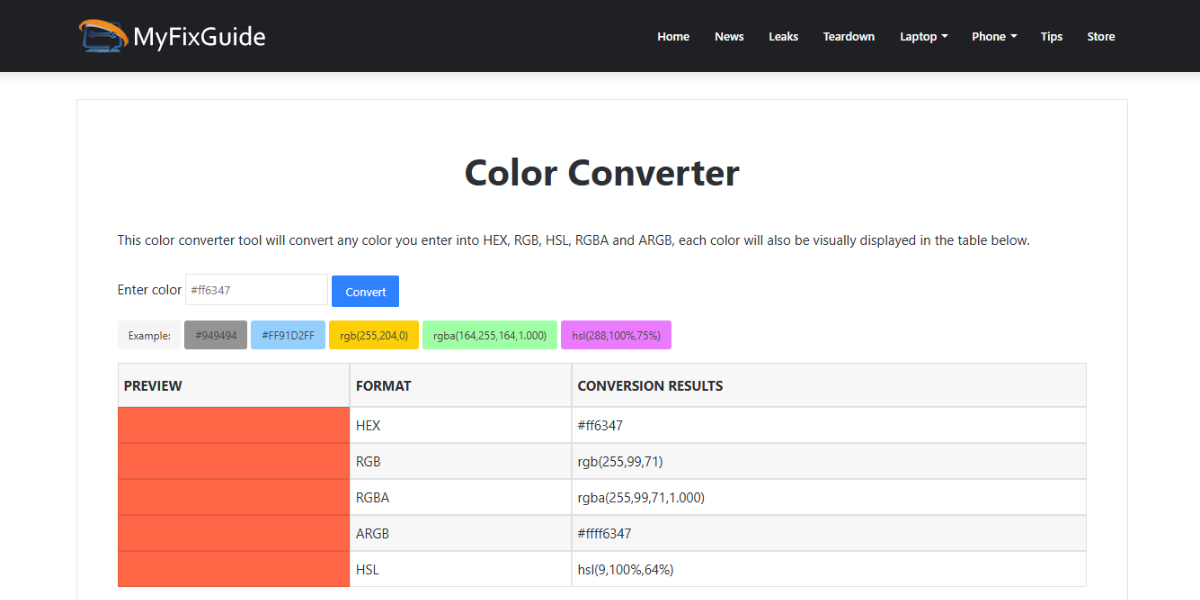
With a simple interface, MyFixGuide Color Converter lets you switch between HEX, RGB, and CMYK formats. It gives quick results and comes quite handy for designers and developers who need to switch between color formats easily without adding extra steps.
38. Code with Muh Color Converter
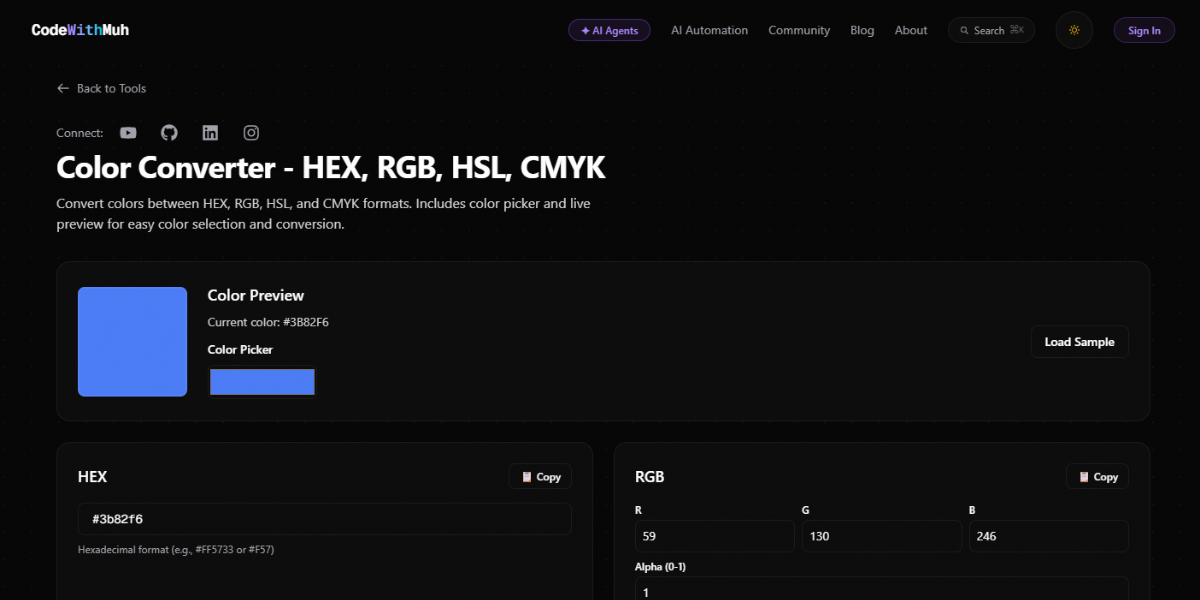
Code with Muh Color Converter can change colors between different formats and give you instant results. It is designed simply so that developers can change color values while coding or styling interfaces.
39. Rgb.to
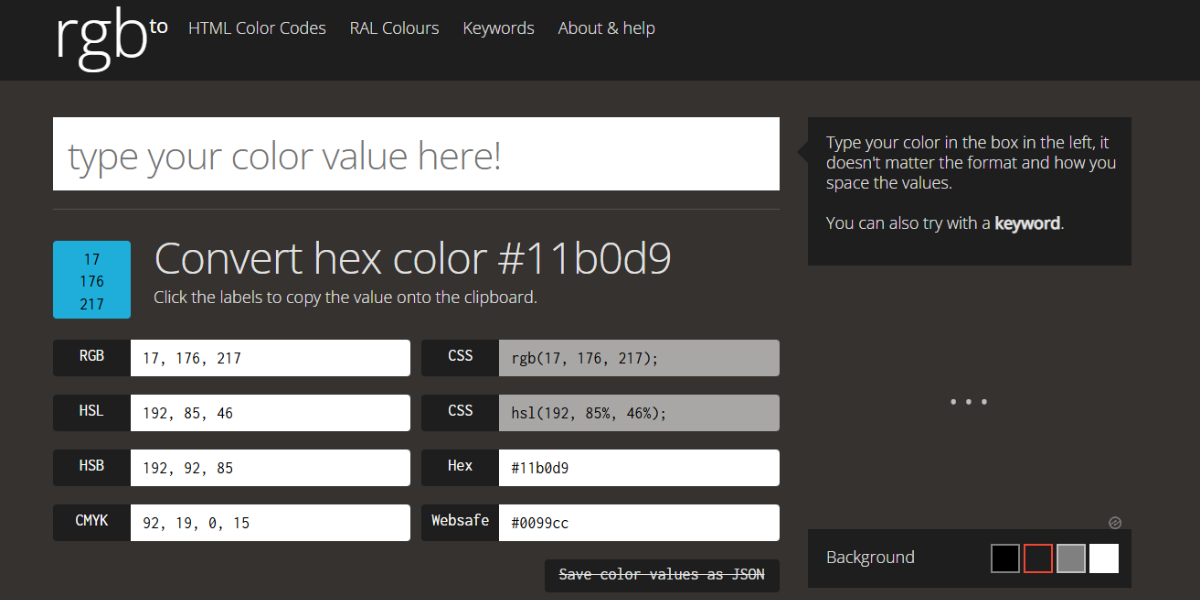
RGB.to is a specialized tool for converting RGB values into multiple related formats, including HEX and HSL. It provides additional color data and variations, which makes it pretty useful for refining colors and exploring related shades during design work.
40. UserBack – Color Converter
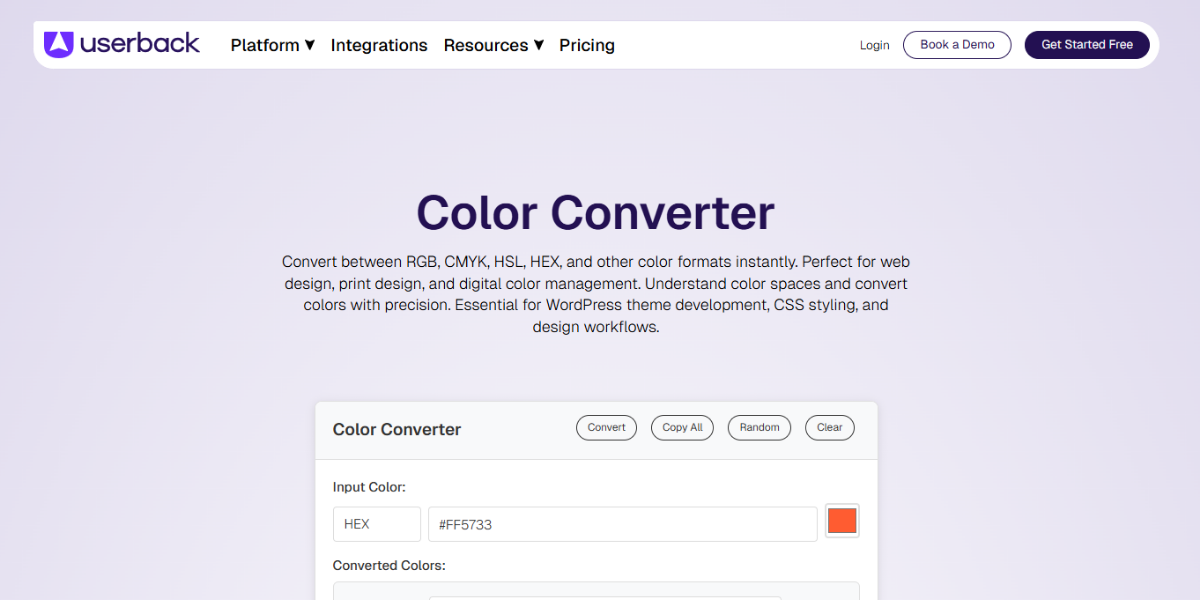
UserBack’s Color Converter allows quick switching between HEX, RGB, and other common formats. It provides instant, copy-ready values, which are preferred by most designers and developers who need to maintain color consistency across tools and platforms.
Color Accessibility & Contrast Checker Tools
When designing, think about how everyone can use it by testing color contrast and readability. These tools allow everyone to use your designs and make sure that they meet accessibility standards.
41. WebAIM Contrast Checker
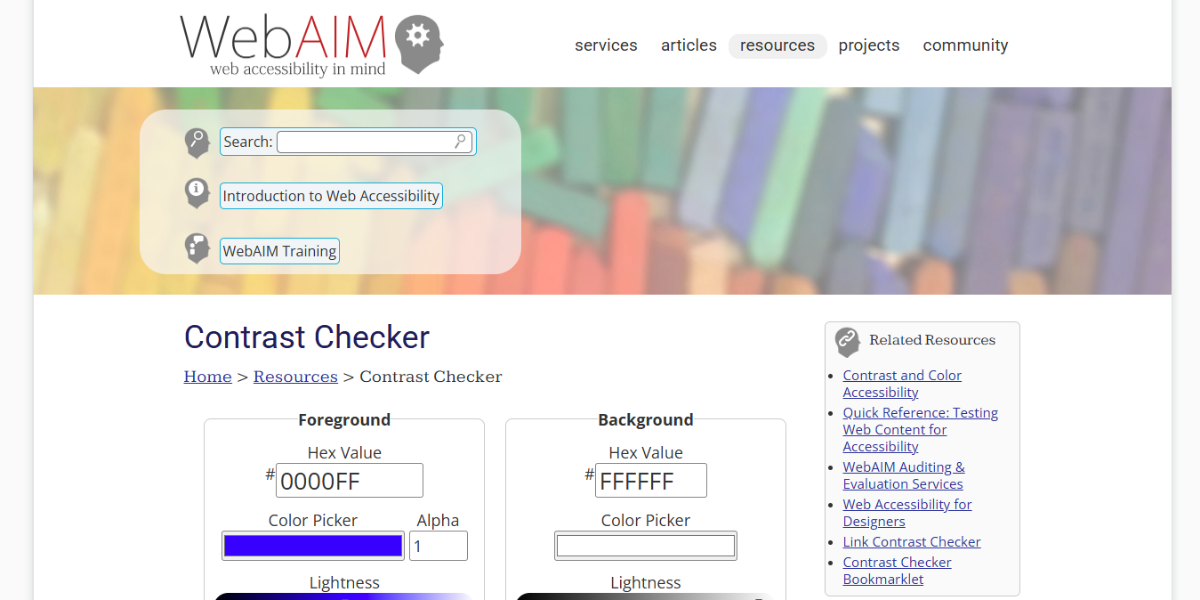
WebAIM Contrast Checker is a widely used accessibility tool that evaluates contrast between foreground and background colors. It calculates contrast ratios (e.g., 4.5:1, 7:1) and checks compliance against WCAG standards, helping designers ensure text readability in websites and UI components.
42. Color Contrast Analyzer
Color Contrast Analyzer is a desktop tool that measures contrast across multiple screen areas in real time. It supports WCAG 2.1 compliance checks and allows designers to test colors directly from live interfaces. It is highly useful for auditing accessibility in existing designs.
43. Tanaguru Contrast Finder
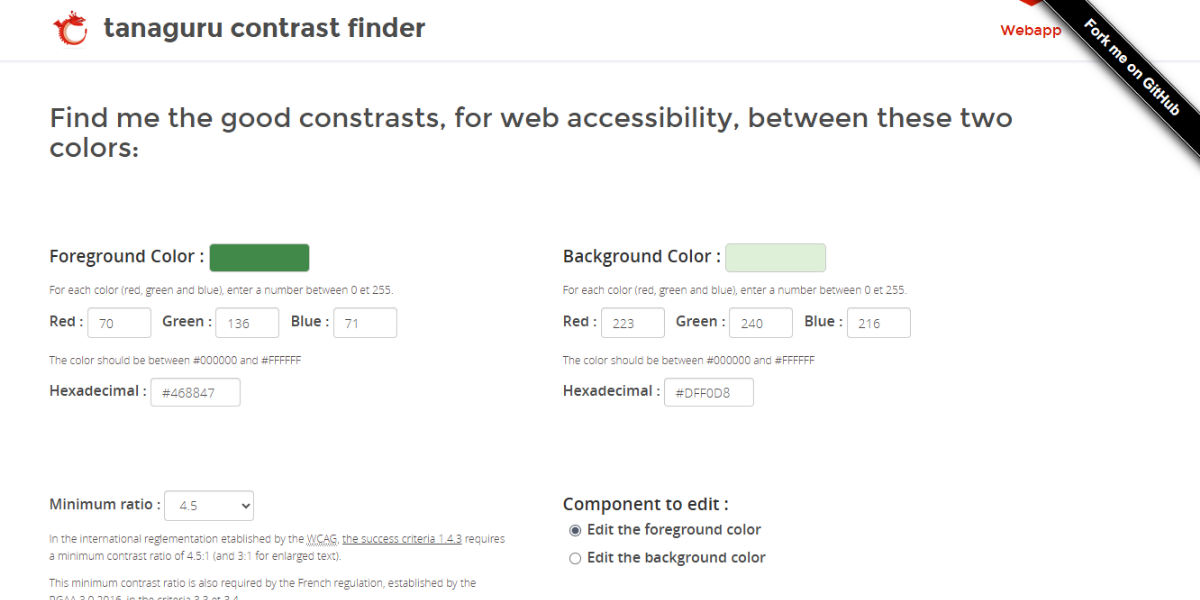
Tanaguru Contrast Finder generates accessible color combinations by adjusting lightness automatically. It suggests multiple compliant color alternatives based on WCAG levels. It allows designers to refine palettes while maintaining readability across texts and backgrounds.
44. WCAG Color Contrast Checker
This WCAG Color Contrast Checker evaluates color pairs for AA and AAA compliance. It provides instant ratio calculations and pass/fail results. This makes it possible to ensure that the site and app design meet accessibility guidelines.
45. Colorable
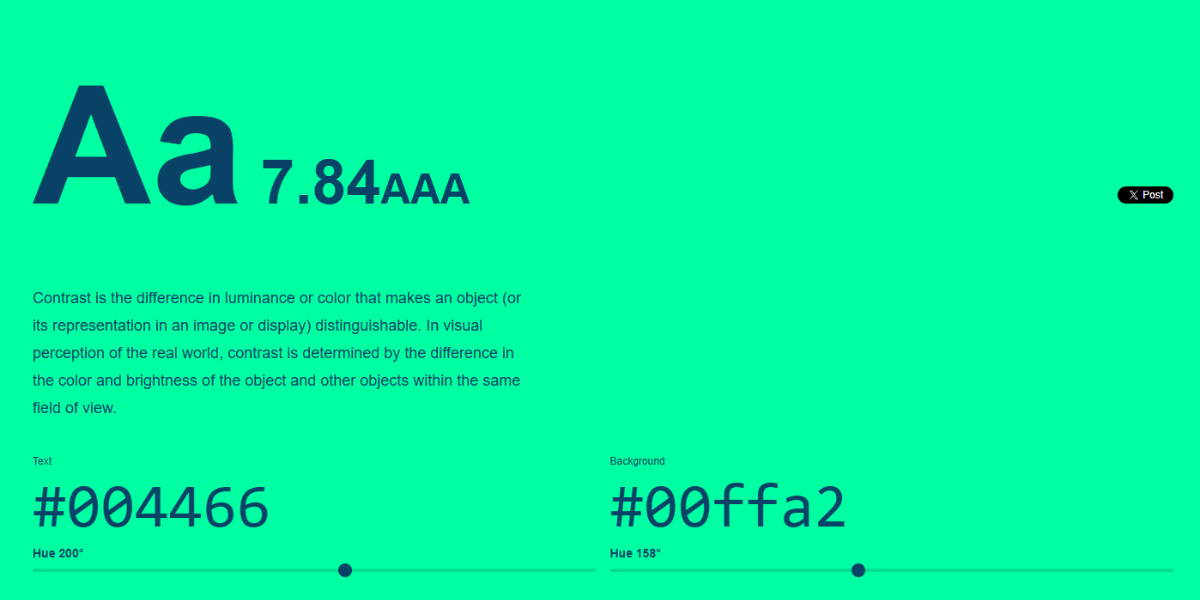
Colorable generates multiple accessible color combinations from a base color. It displays contrast ratios and filters results based on WCAG compliance. It helps designers explore palette options that maintain readability while staying visually consistent.
46. WhoCanUse
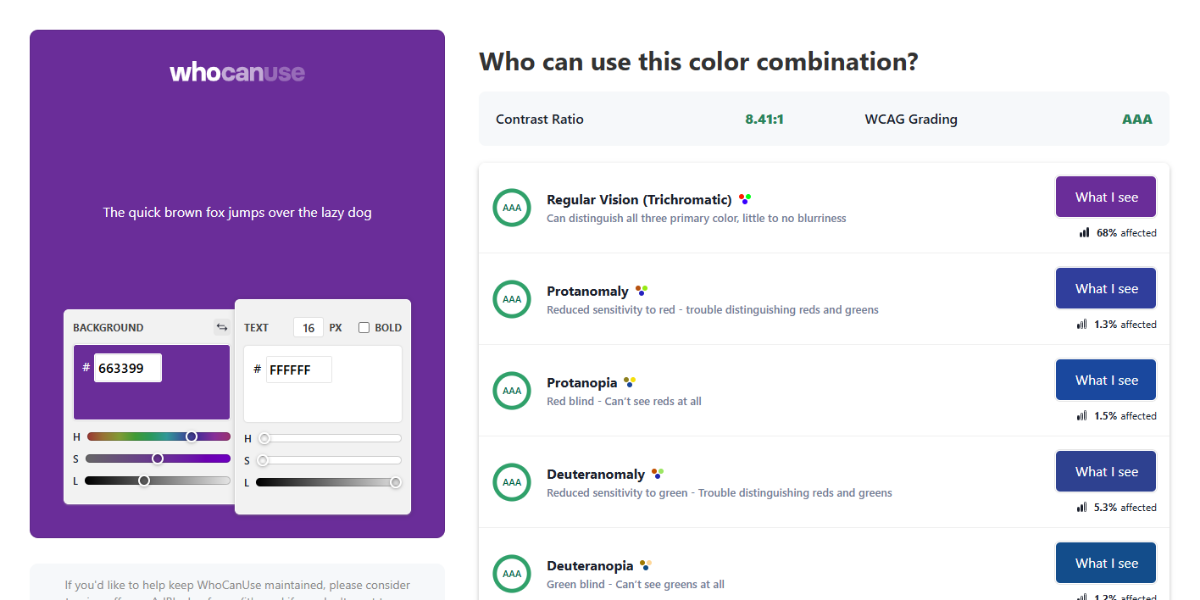
WhoCanUse is a contrast tool that visualizes how color combinations appear to users with different vision conditions. It simulates multiple accessibility scenarios, all the while getting designers to understand real-world usability beyond standard contrast ratios.
47. Color Contrast Checker
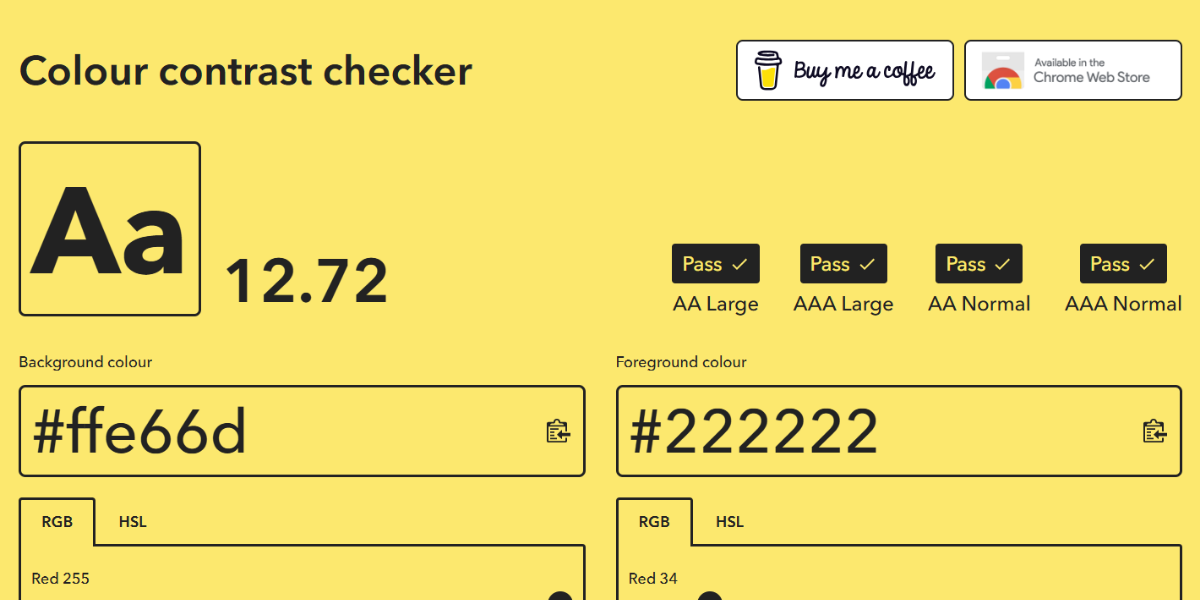
Color Contrast Checker allows quick evaluation of color pairs with instant ratio calculations and WCAG scoring. It provides a simple interface for testing combinations. It is useful for fast validation during design or development workflows.
48. Level Access
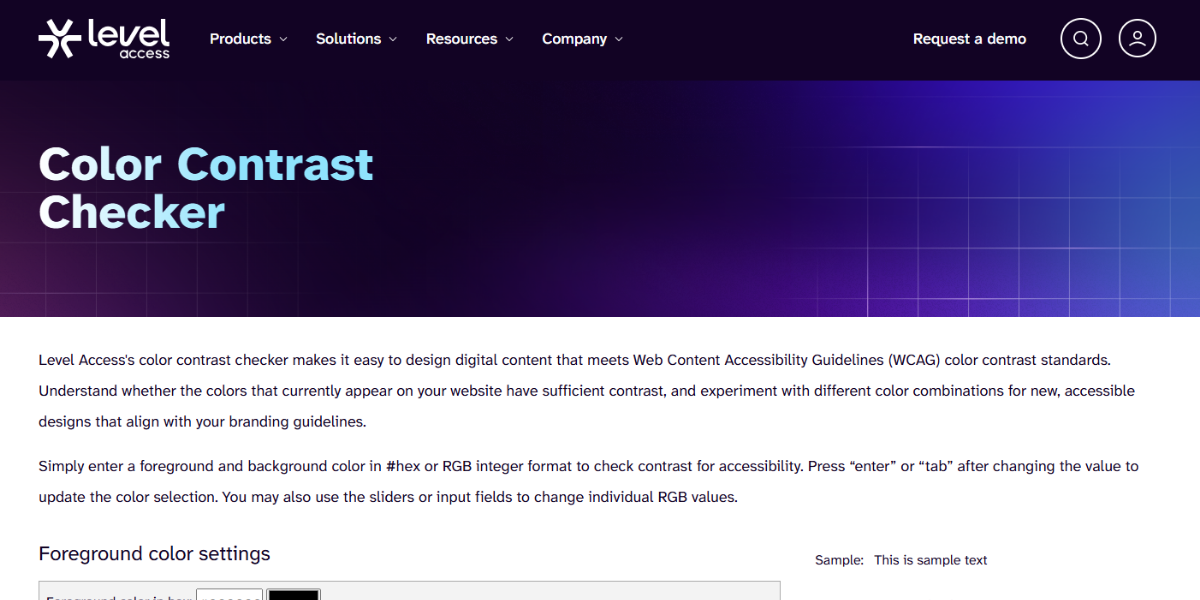
Level Access Contrast Checker tests color combinations against WCAG accessibility thresholds and provides clear pass/fail indicators. It assists designers and compliance teams in ensuring digital products meet accessibility requirements across text and UI elements.
49. Ave Contrast Checker
Ave Contrast Checker evaluates contrast ratios and provides visual previews of text readability. Designers can test how color combinations perform in realistic layouts, making it easier to refine accessible UI designs.
50. Color Safe
Color Safe generates accessible color palettes based on WCAG guidelines. Users can input a base color and receive compliant variations. It is particularly useful for building design systems that maintain both accessibility and visual consistency.
51. SilkTide Contrast Checker
The SilkTide Contrast Checker checks color combinations and gives you feedback on how well they meet WCAG standards in real time. It gives ratio scores and readability tips so that the designers can quickly check that the websites and digital interfaces are easy to use for everyone.
52. MediaScribe Contrast Checker
The MediaScribe Contrast Checker checks for compliance with accessibility standards and measures contrast ratios. It gives clear numbers and pass/fail indicators, which makes it useful for checking color choices when designing and creating content.
53. Deque Color Contrast Analyzer
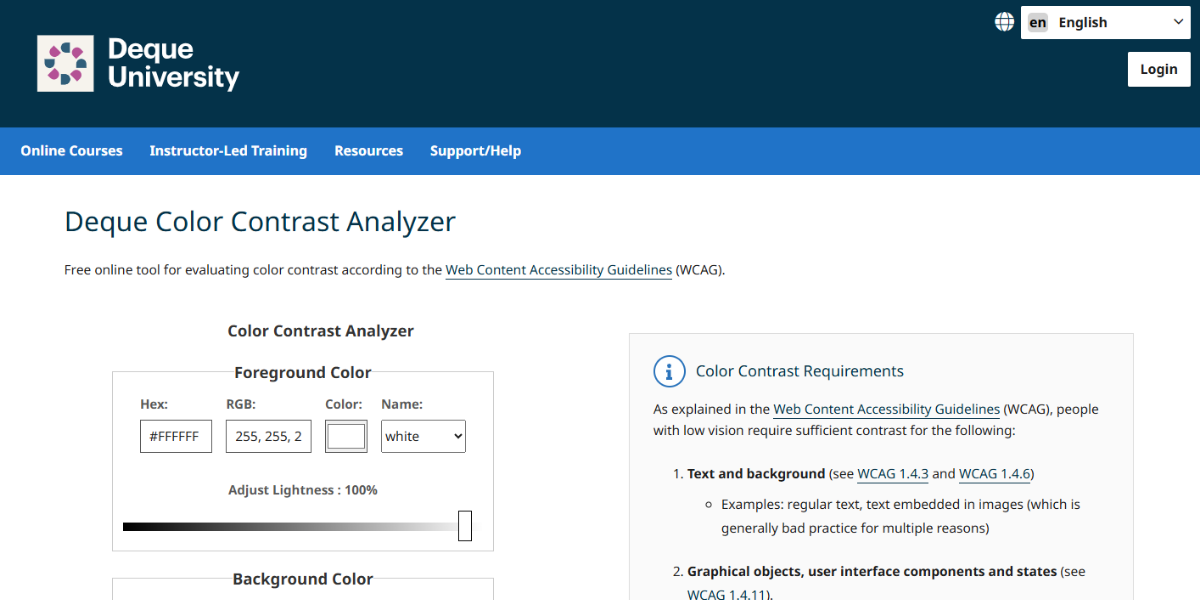
Deque’s Color Contrast Analyzer is a professional tool that checks many color pairs and UI elements to see if they meet WCAG standards. It can do detailed accessibility audits, which makes it good for design and development workflows at the enterprise level.
54. Leonardo
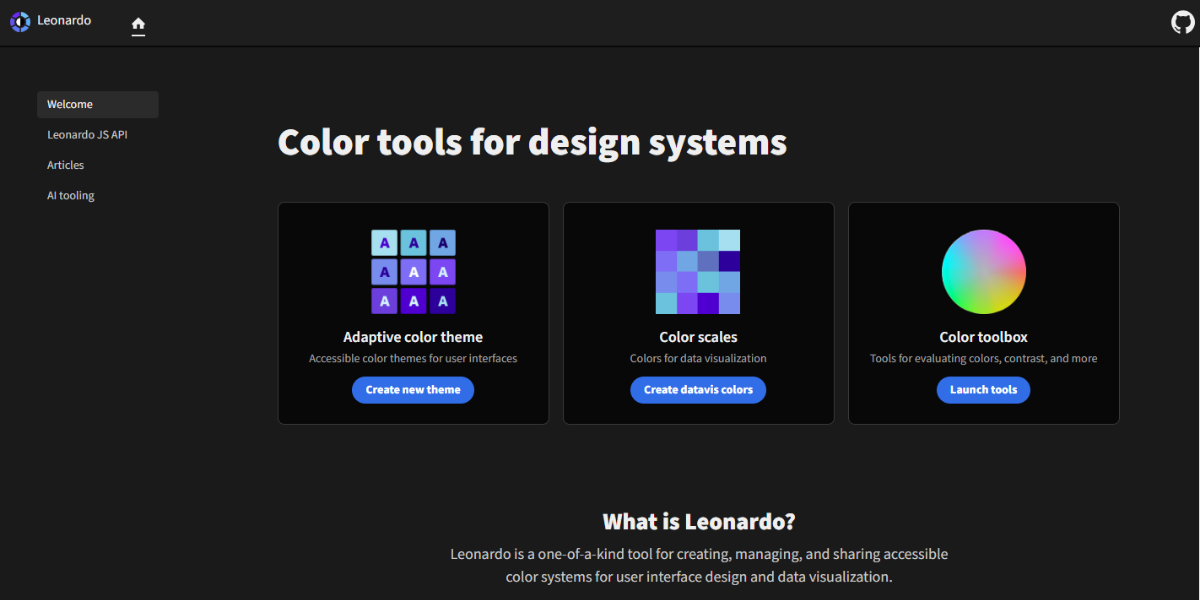
Leonardo is an advanced color system tool that generates accessible color scales with multiple steps. It allows designers to create palettes that maintain consistent contrast across UI elements, making it ideal for design systems and scalable interfaces.
55. Button Buddy
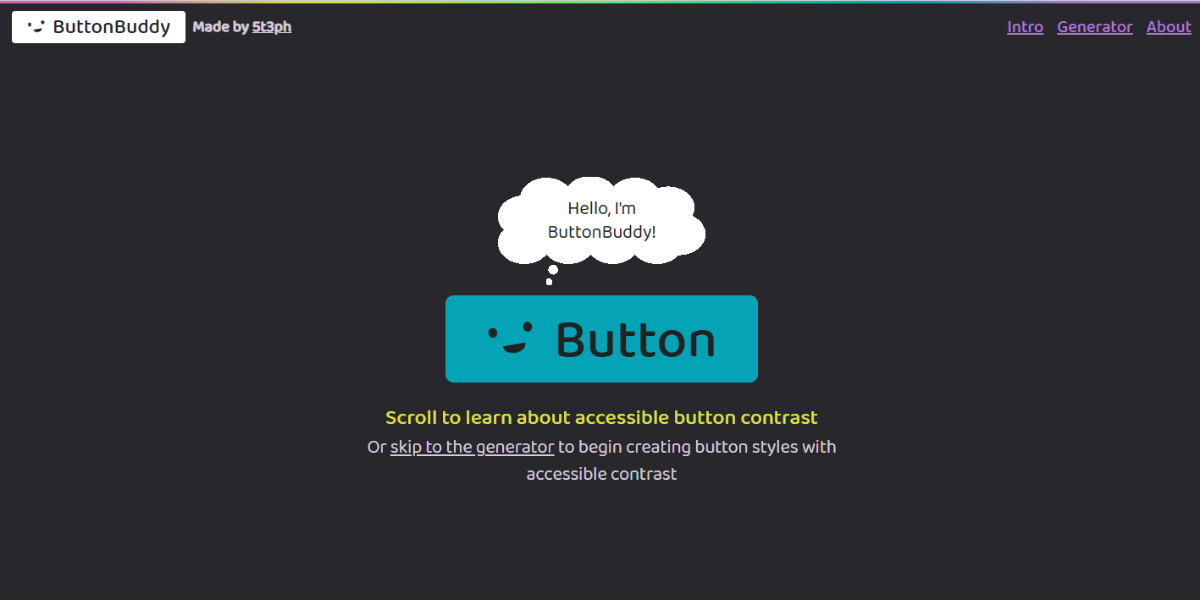
Through Button Buddy, designers can create accessible button color combinations by generating compliant foreground and background pairs. It focuses specifically on UI components, ensuring buttons remain readable and visually distinct across different states.
56. Randoma11y
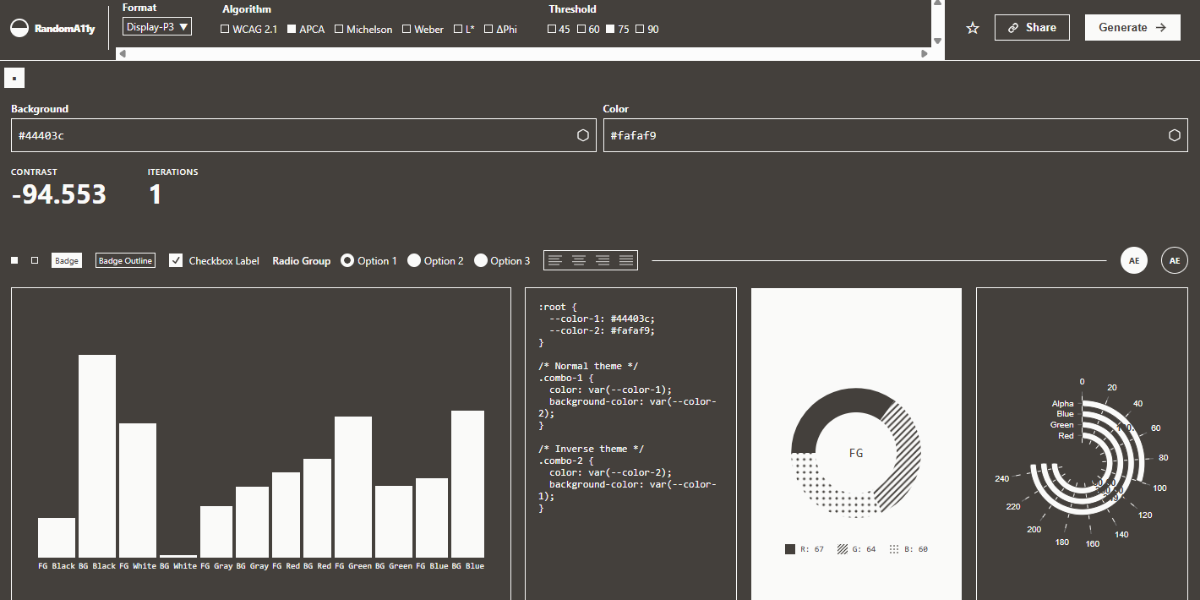
Randoma11y generates random accessible color combinations that meet WCAG standards. Designers can quickly discover compliant palettes, making it useful for inspiration while ensuring accessibility requirements are met.
57. Accessible Brand Colors
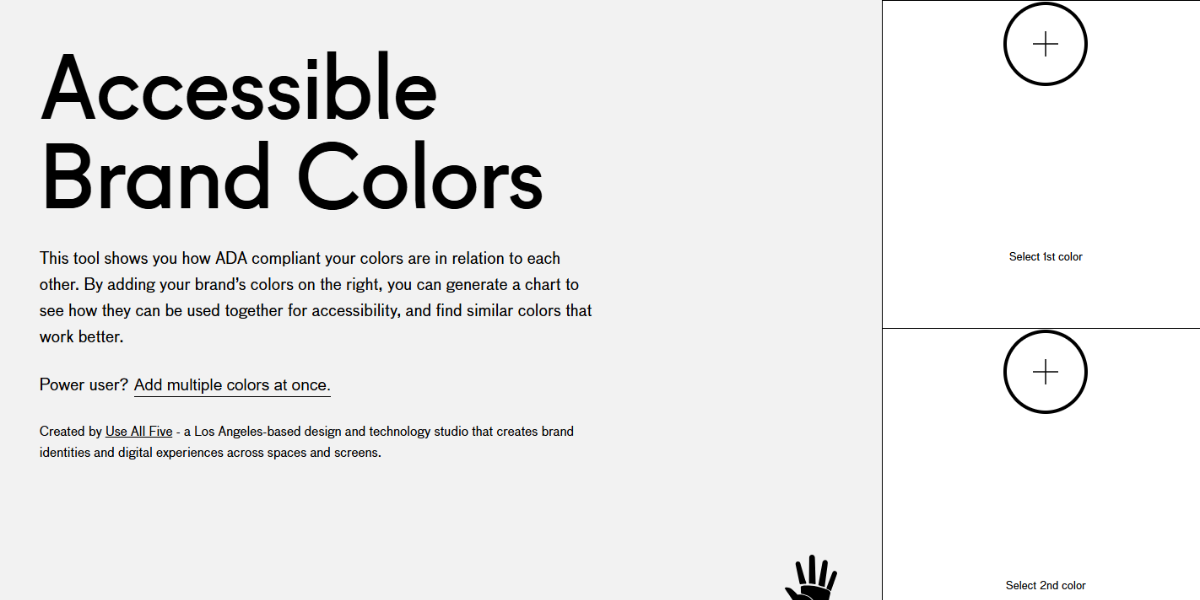
Accessible Brand Colors provides a database of brand-specific color combinations tested for accessibility. Designers can explore how popular brand colors perform in contrast scenarios and apply similar principles to their own branding.
58. Accessible Color Matrix
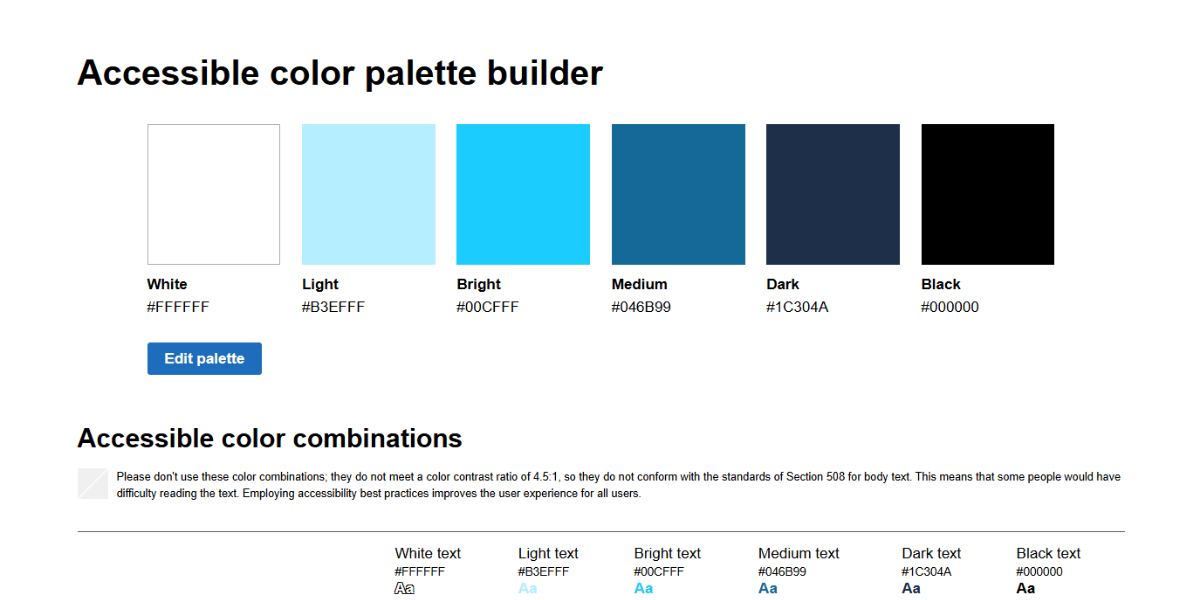
The Accessible Color Matrix shows a grid of different color combinations and highlights the ones that meet WCAG standards. It lets designers scan and compare accessibility across the entire palette all at once.
59. Hex Naw
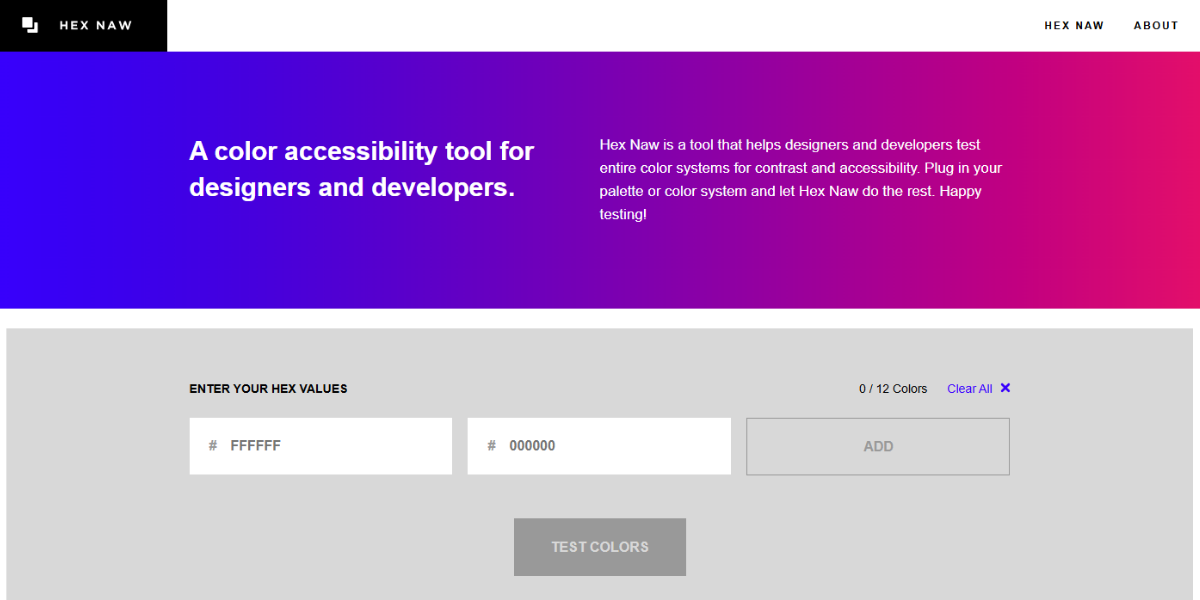
Hex Naw checks whether color combinations meet accessibility standards and provides instant pass/fail feedback. It offers a quick way to validate HEX color pairs during design or development.
60. Siege Media Contrast Ratio
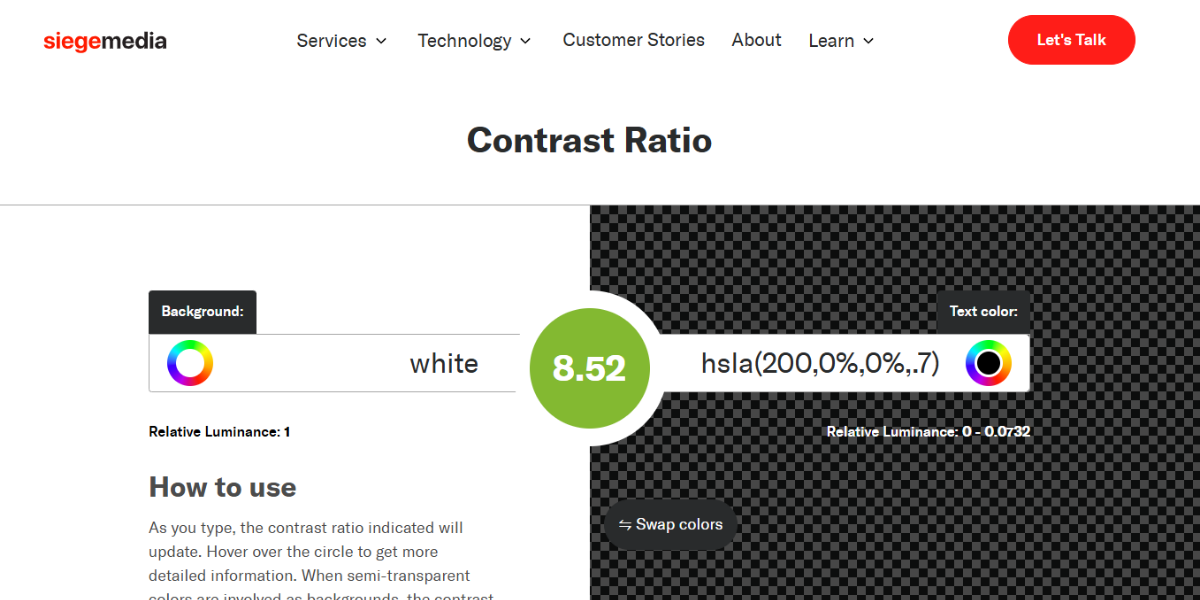
The Siege Media Contrast Ratio figures out the contrast ratio between two colors and checks to see if they meet accessibility standards. It provides simple, immediate results, making it useful for quick checks during content and UI design.
61. A11y Project
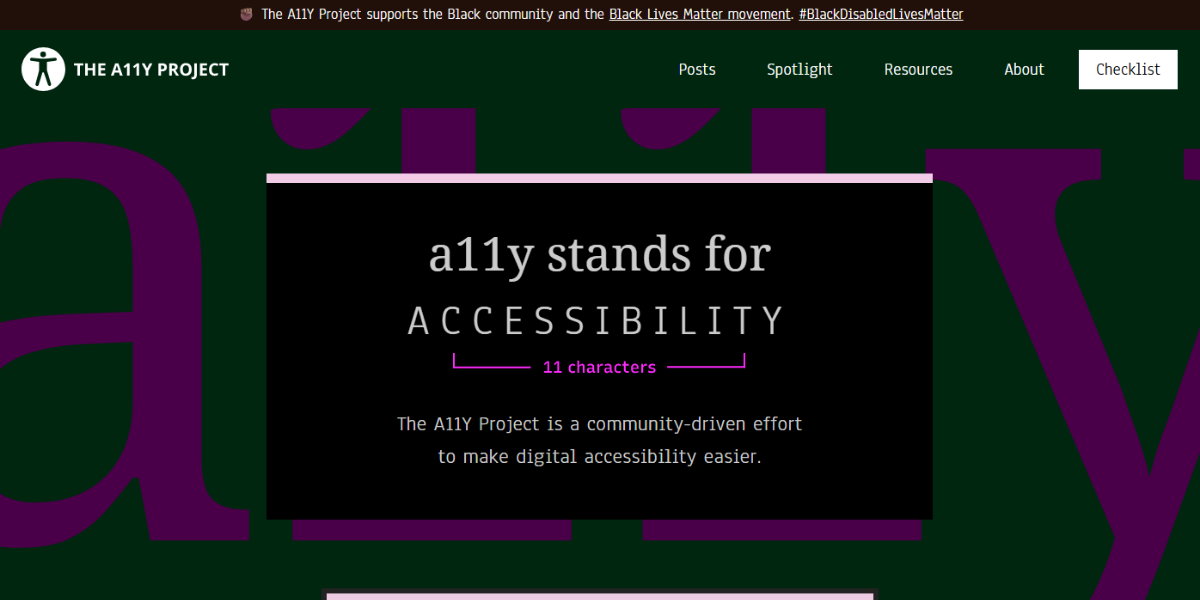
The A11y Project offers resources and tools for testing color contrast and accessibility. It provides guidelines, examples, and contrast evaluation support, helping designers implement inclusive design practices across digital products.
Gradient Generators for Backgrounds & UI Design
Always use smooth, customizable gradients to add depth and interest to your visuals. These tools help make backgrounds and interface elements look better by adding everything from subtle blends to bold transitions.
62. CSS Gradient
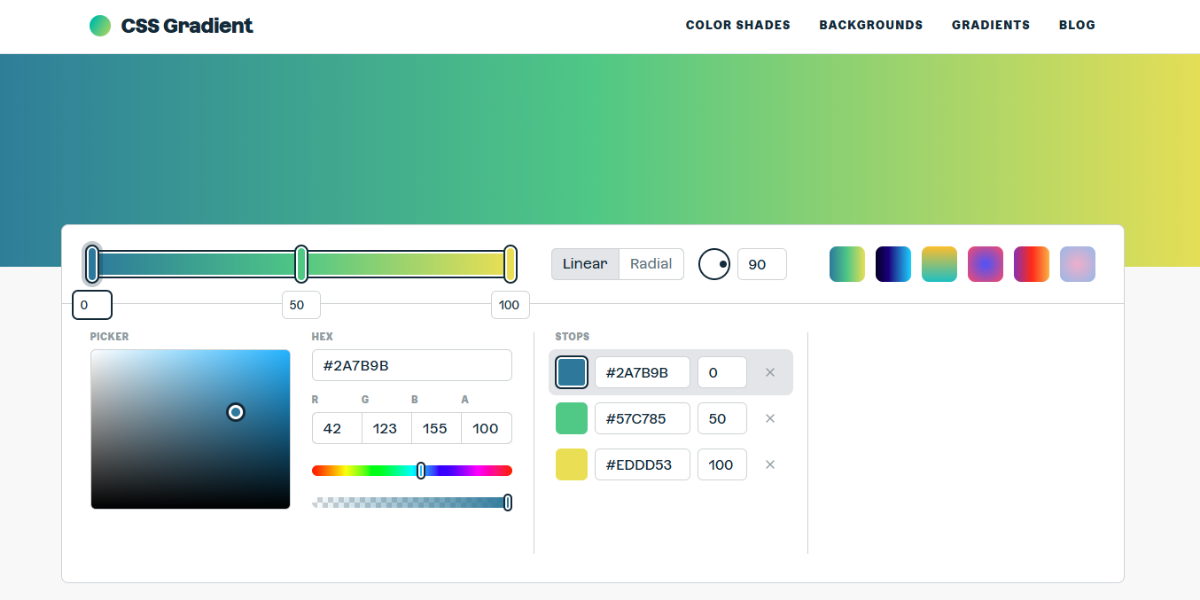
CSS Gradient is a generator that creates linear and radial gradients for web design. It allows you to customize multiple color stops, angles, and directions, and then outputs ready-to-use CSS code. Designers use it quickly to build and apply gradients to backgrounds and UI elements.
63. Color Space
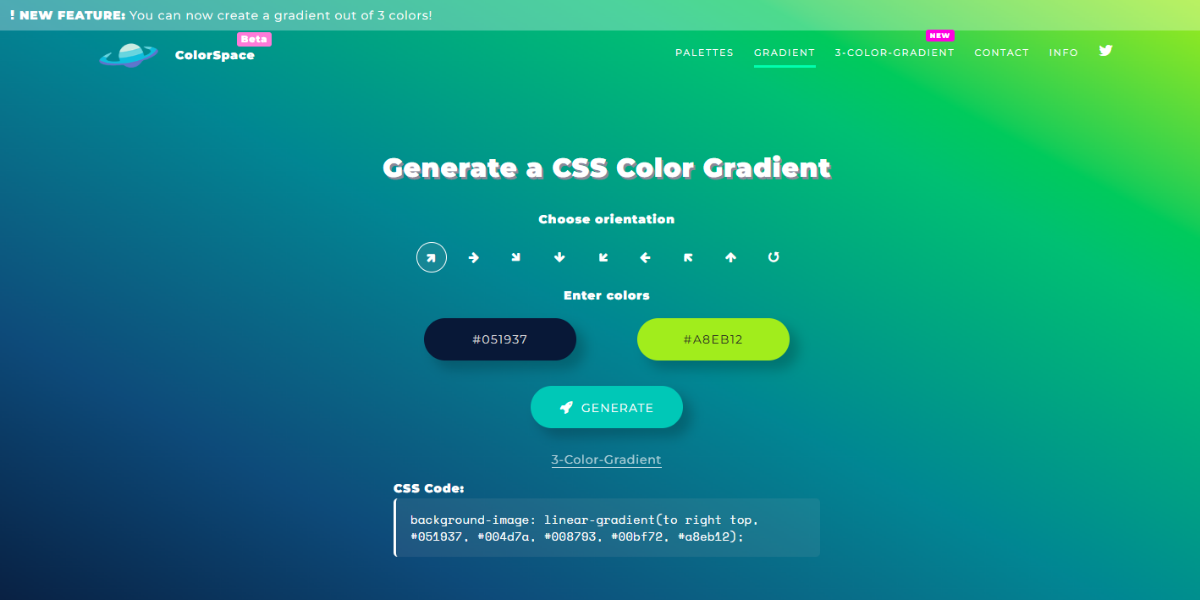
Color Space Gradient generates smooth gradients from a single base color. It creates multiple gradient variations instantly, allowing designers to explore different tonal transitions. This is useful for generating cohesive background styles or experimenting with subtle color blends.
64. Grabient
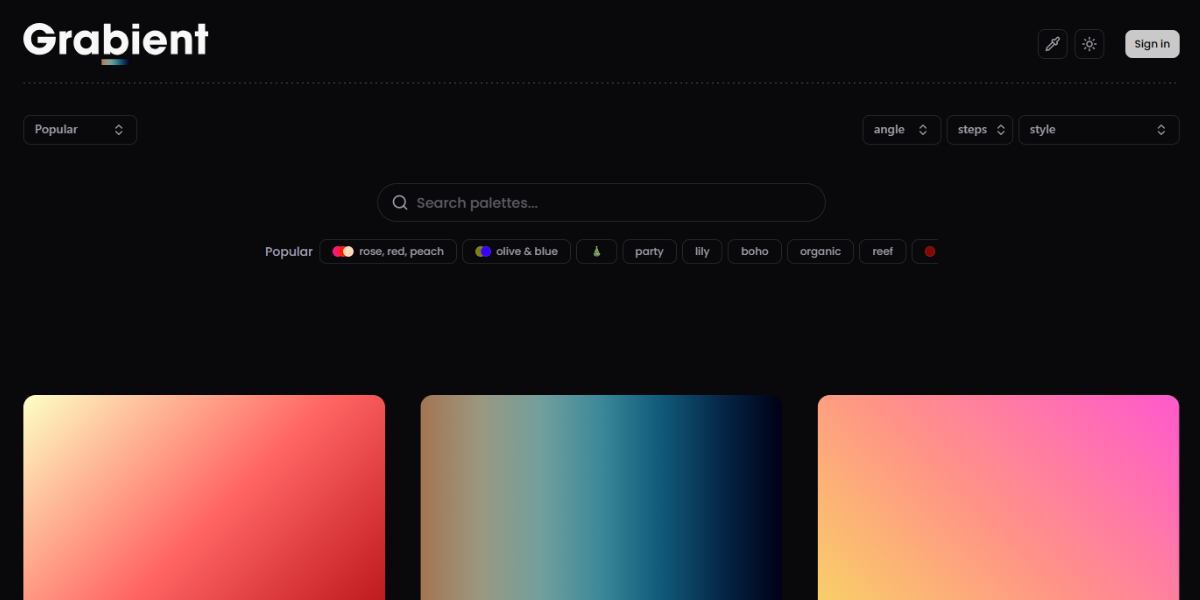
Grabient is a carefully chosen set of gradient combinations with ready-to-use CSS code. Designers can quickly browse, copy, and use gradients, which makes it easy to add backgrounds that look good without having to customize them manually.
65. Gradient Hunt
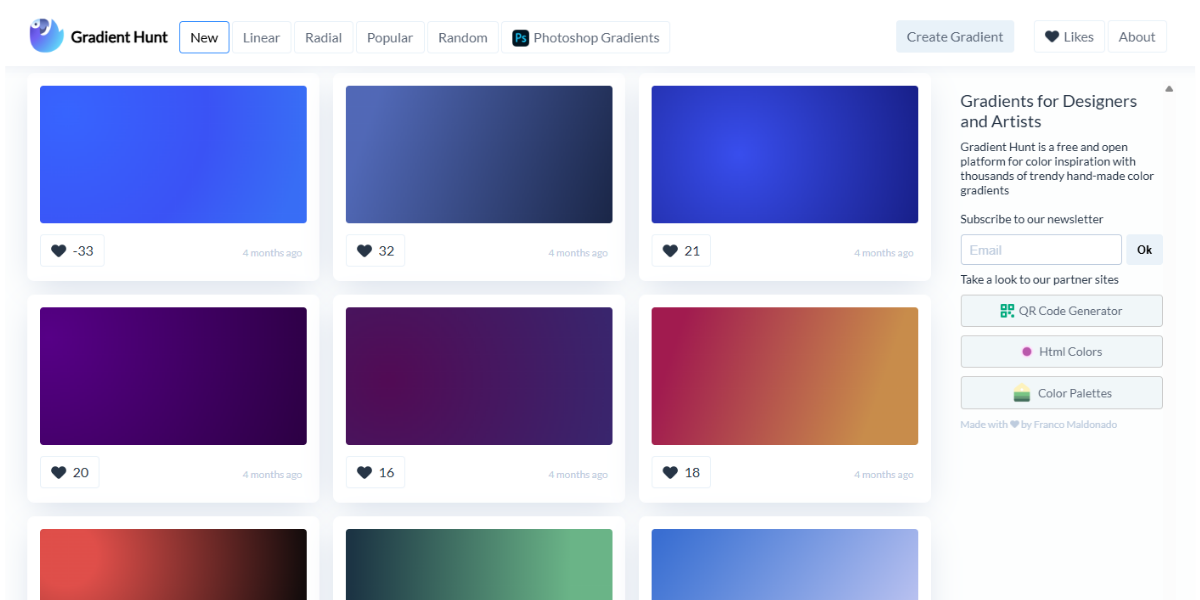
Gradient Hunt has a collection of over 100 handpicked gradients that designers can browse and copy. The CSS code that comes with each gradient makes it easy to use in web projects. It’s especially helpful for finding and quickly using new gradient styles.
66. uiGradients
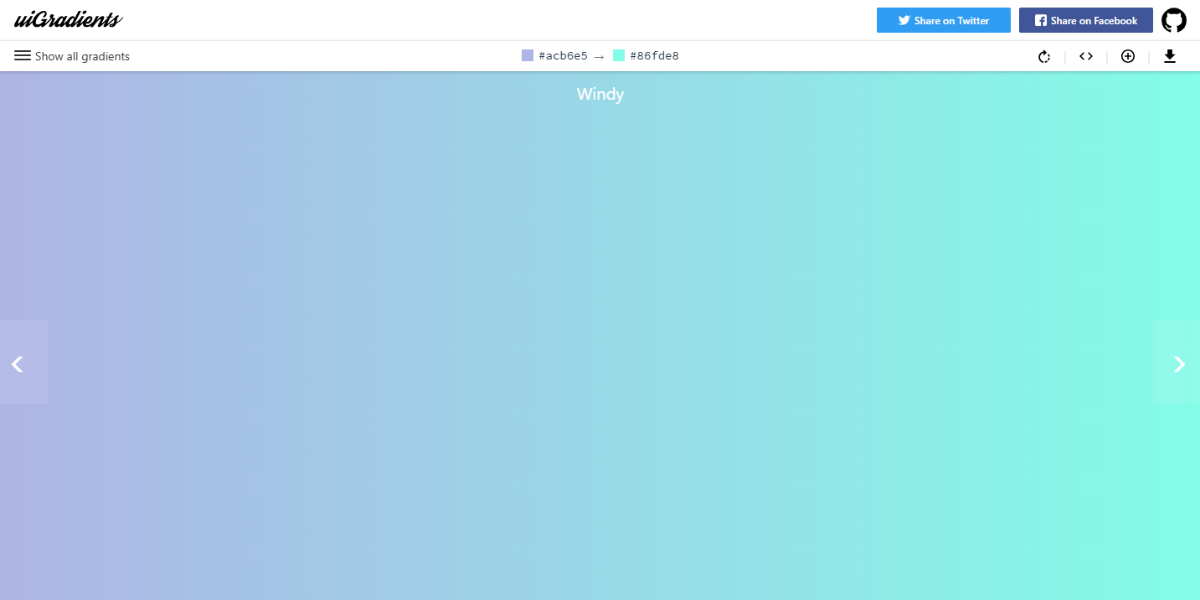
uiGradients is a popular gradient library that has hundreds of pre-made gradient combinations. Designers can check out how the gradients will look, copy the CSS code, and apply them instantly to projects. Thus, it is a go-to resource for UI and background styling.
67. Magic Pattern Mesh Gradient
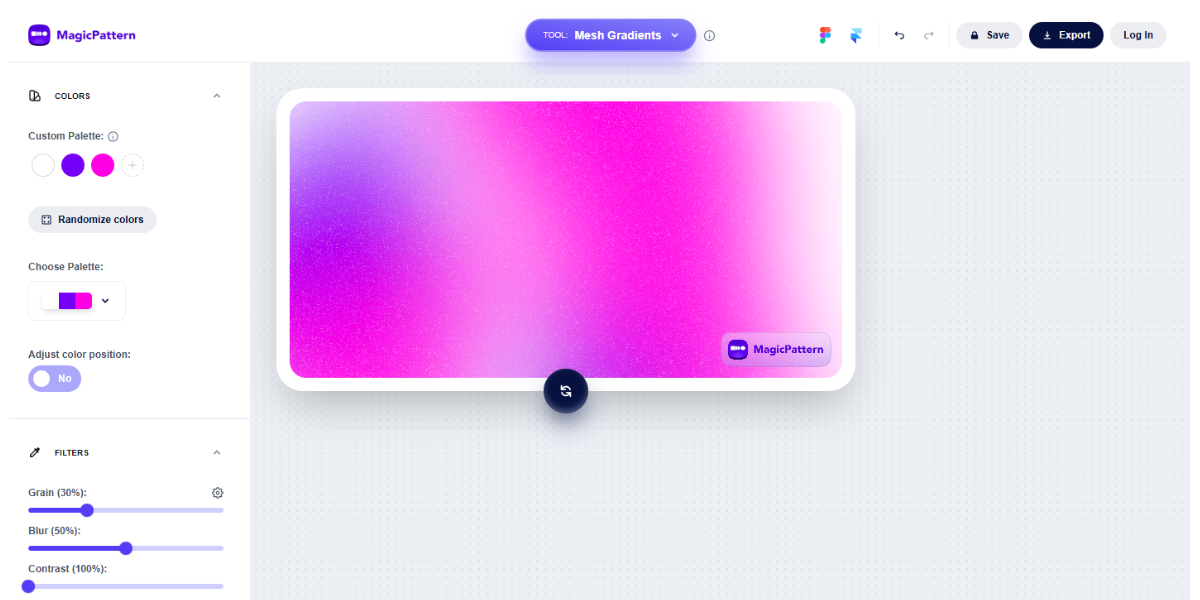
The Magic Pattern Mesh Gradient makes complex, multi-point gradients using multiple color nodes. Designers can adjust positions and colors interactively, generating modern mesh-style backgrounds ideal for websites, hero sections, and digital artwork.
68. Cool Hue
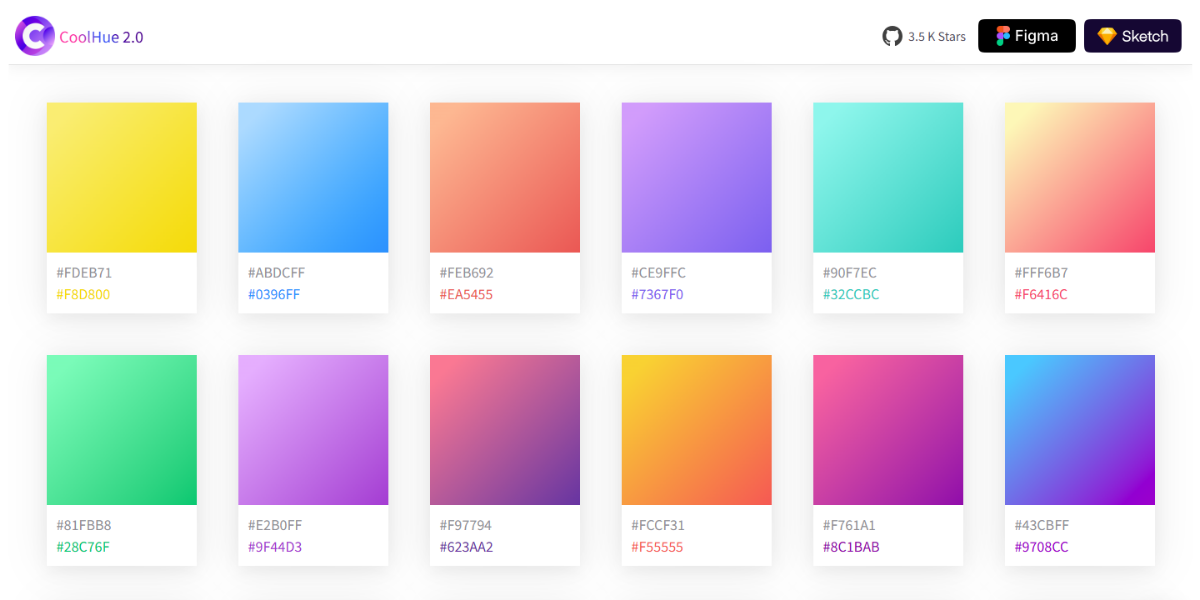
Cool Hue has more than 60 gradient presets that are perfect for modern UI apps. Each gradient is ready to copy as CSS, helping designers quickly apply smooth, visually appealing transitions to buttons, backgrounds, and interface elements.
69. Colin Keany’s Blend
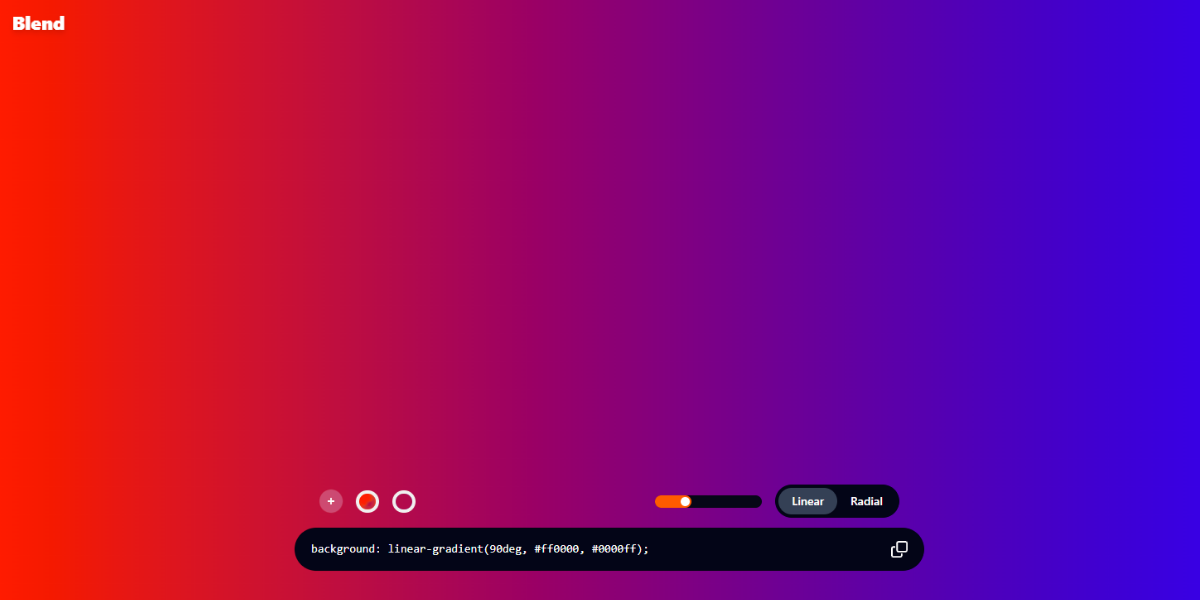
Blend is a tool that makes smooth transitions between two chosen colors. It visualizes intermediate steps and usable outputs. It helps with understanding color blending and creating subtle gradient effects.
70. Egg Gradients
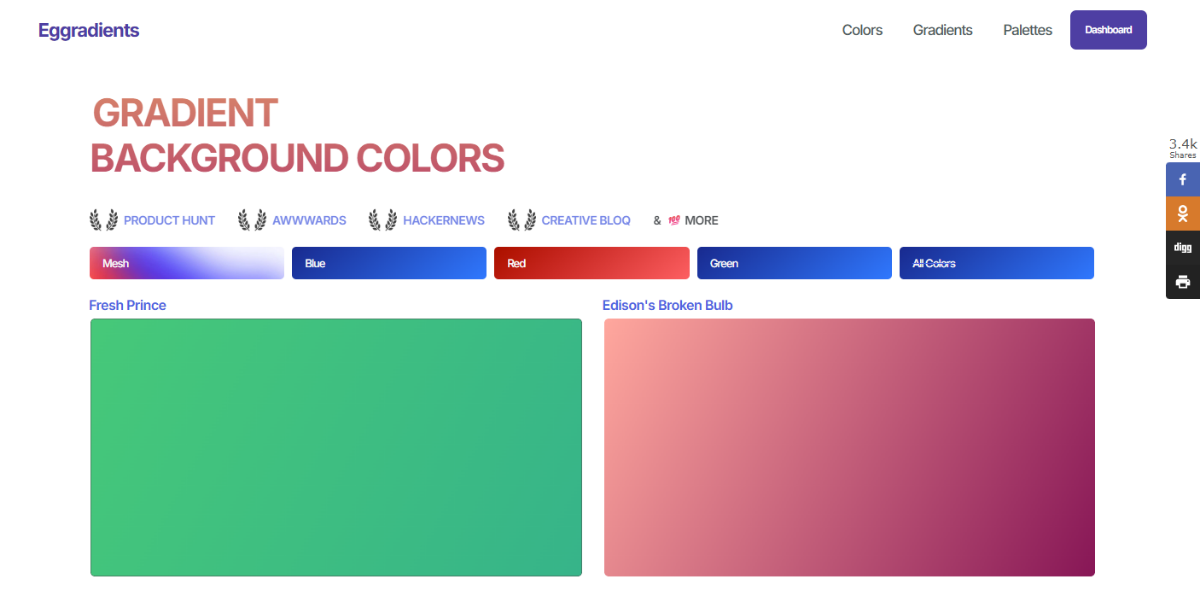
Egg Gradients is a curated collection of one-of-a-kind, high-contrast gradient styles. Designers can browse and copy gradients for immediate use. It is ideal for adding bold and eye-catching visuals to digital designs and creative projects.
71. Gradientos
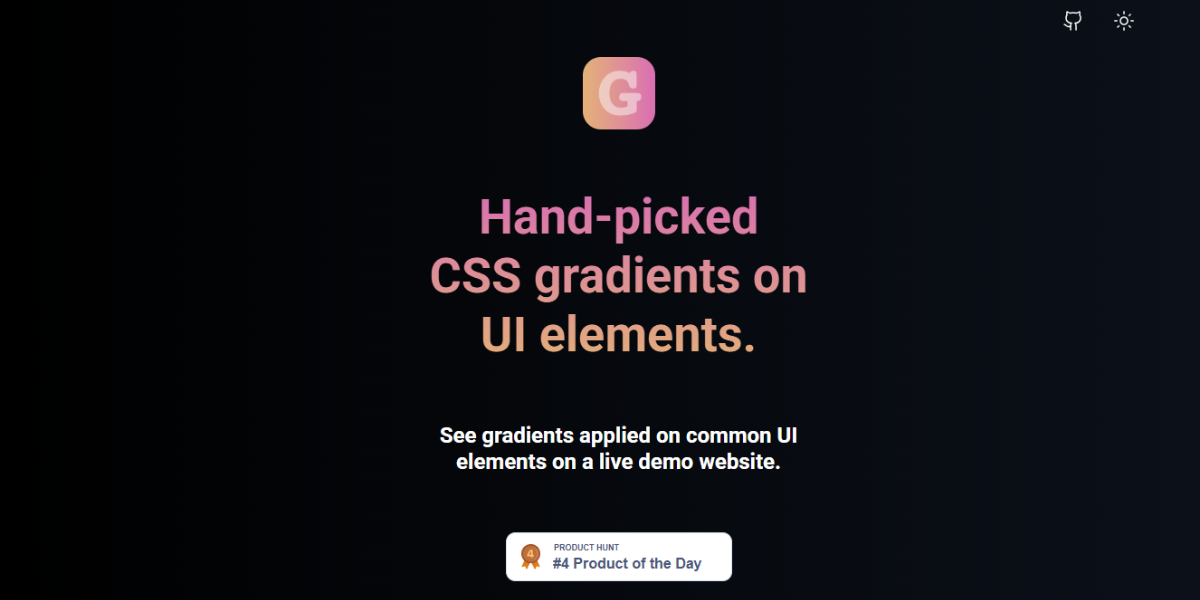
Gradientos is a curated gradient library with many ready-made gradient combinations you can use right away. Designers can easily browse, copy, and apply CSS code, which makes it great for speeding up background design and giving UI elements a modern look.
72. Easing Gradients
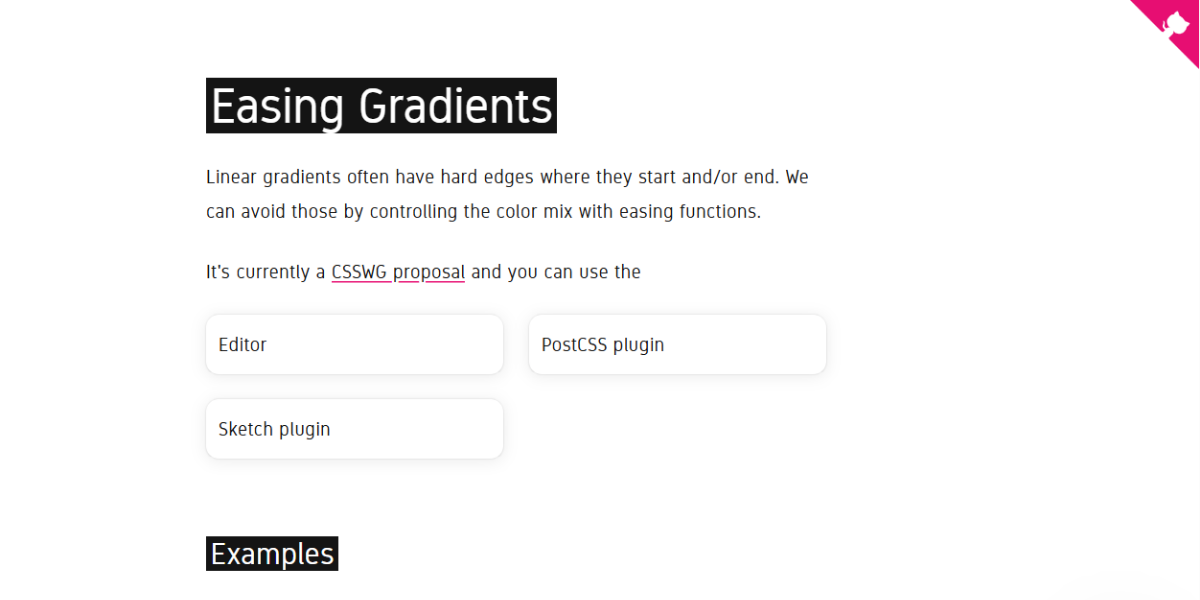
Easing Gradients is a special tool that makes gradient transitions better by using non-linear easing functions. It makes color changes that are smoother and more natural instead of flat blends. Designers use it to make smooth gradients for backgrounds, illustrations, and more advanced user interface work.
73. Web Gradients
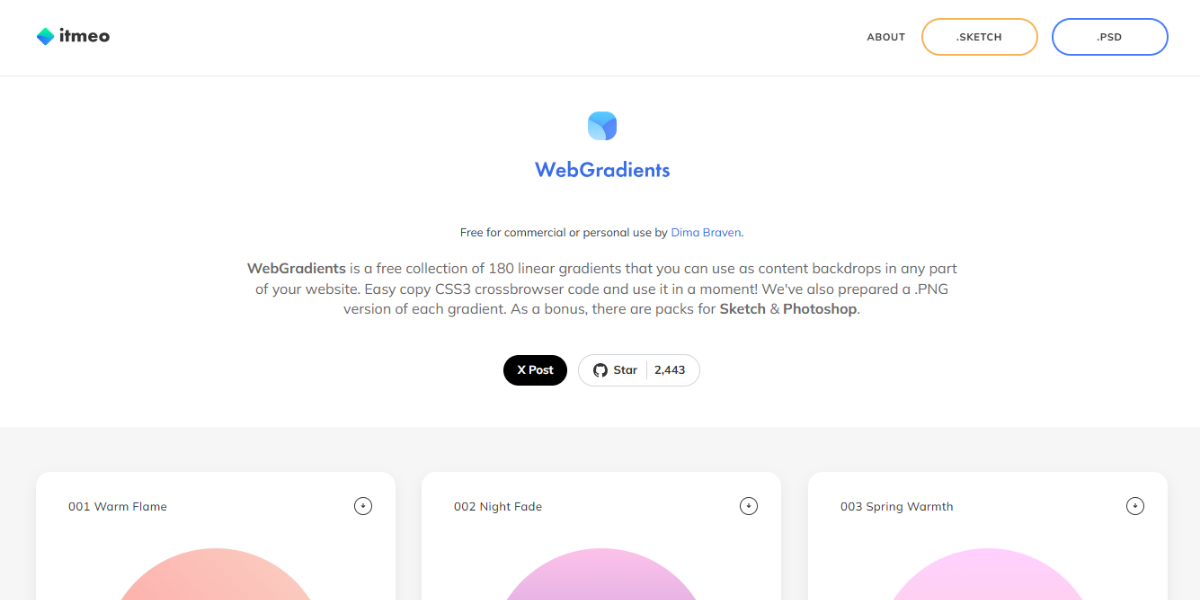
Web Gradients has more than 180 pre-designed gradient presets for you to choose from. Each gradient comes with CSS code that is ready to use, so designers can quickly add polished backgrounds and visual elements without having to set them up by hand.
74. Gradient Magic
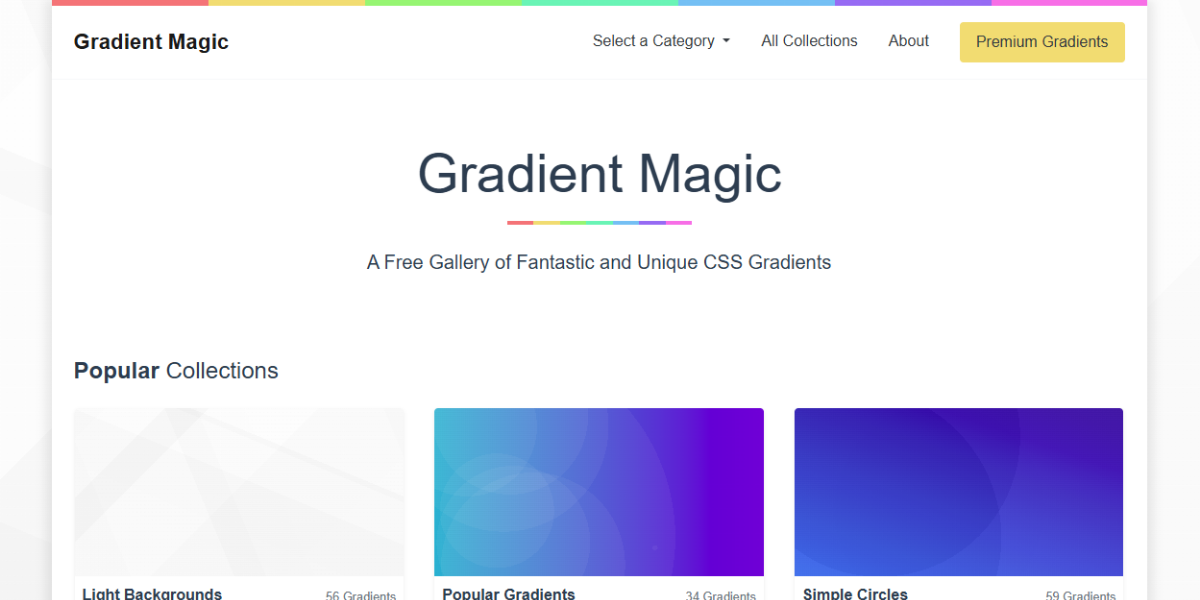
Gradient Magic is a pattern-based generator that makes complicated gradient textures with settings that can be changed. Designers can change colors, shapes, and patterns to make one-of-a-kind backgrounds. This makes it great for digital art, branding, and creative web design.
75. Gradient Art
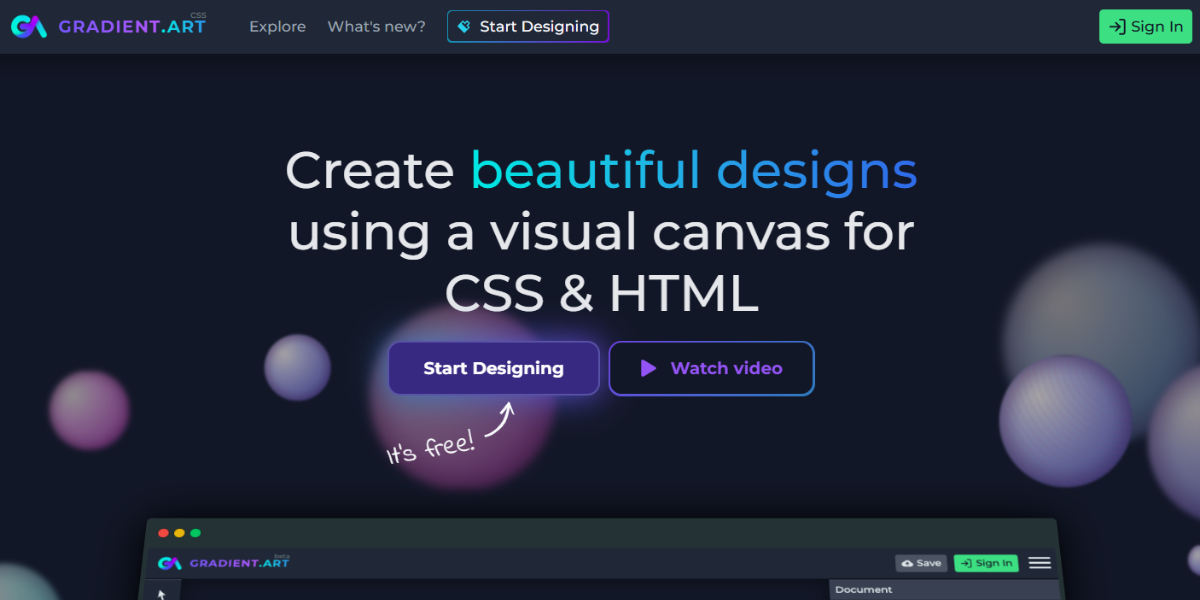
Gradient Art is a collection of hundreds of artistic gradient styles that you can see. It focuses on creative inspiration, letting designers try out bold and new combinations that can be used in UI designs, posters, or branding visuals.
76. Gradients by ShapeFactory
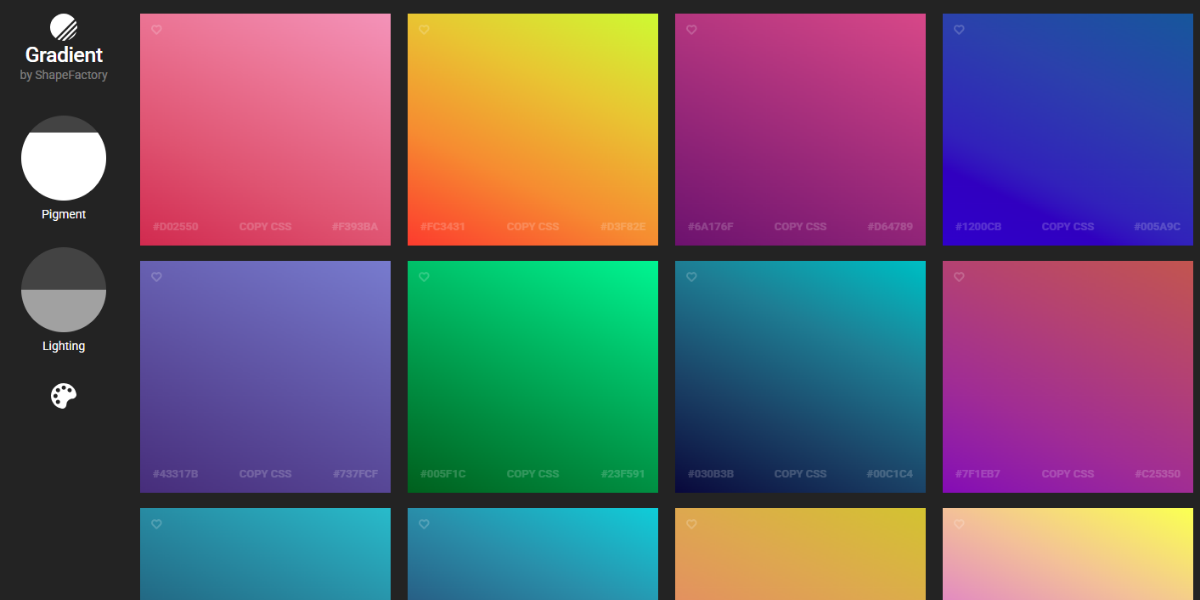
Gradients by ShapeFactory give you a set of carefully chosen gradient combinations that look modern. Designers can quickly look through and copy styles, which makes it easy to add clean, modern gradients to websites, apps, and digital interfaces.
Background & UI Color Tools for Better Visual Design
Pick background colors that go well with your palette and enhance readability. These tools can help make the designs look clean and consistent, and feel intentional.
77. Hue Tools
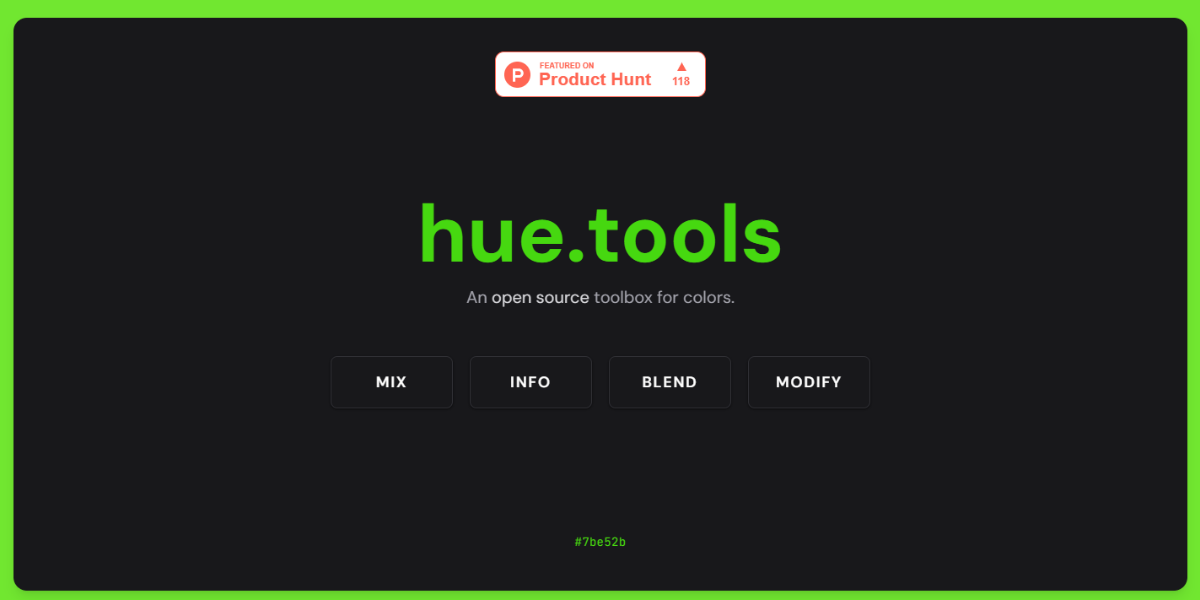
Hue Tools is an interactive color platform that helps designers explore and adjust multiple color variations and harmonies in real time. It allows you to tweak hues, saturation, and brightness while previewing combinations, making it useful for refining palettes and selecting balanced background colors.
78. Pigment by ShapeFactory
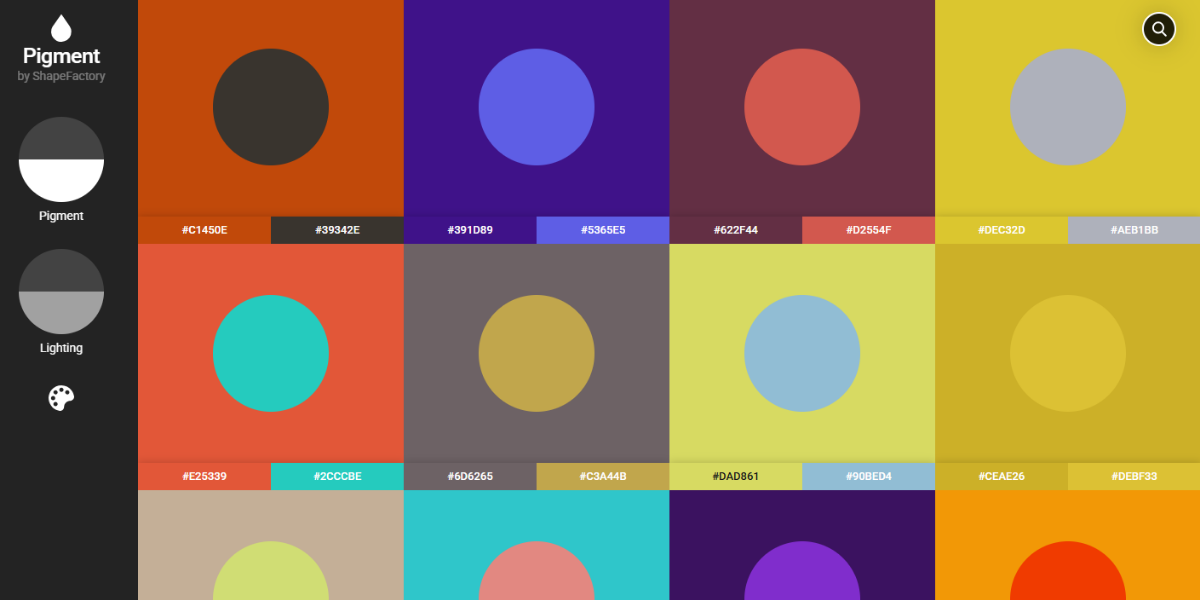
Pigment is a color exploration tool that generates multiple palette variations from a single base color. It allows designers to adjust tone and intensity while previewing results instantly, making it ideal for building cohesive backgrounds and UI color systems.
79. Photoroom
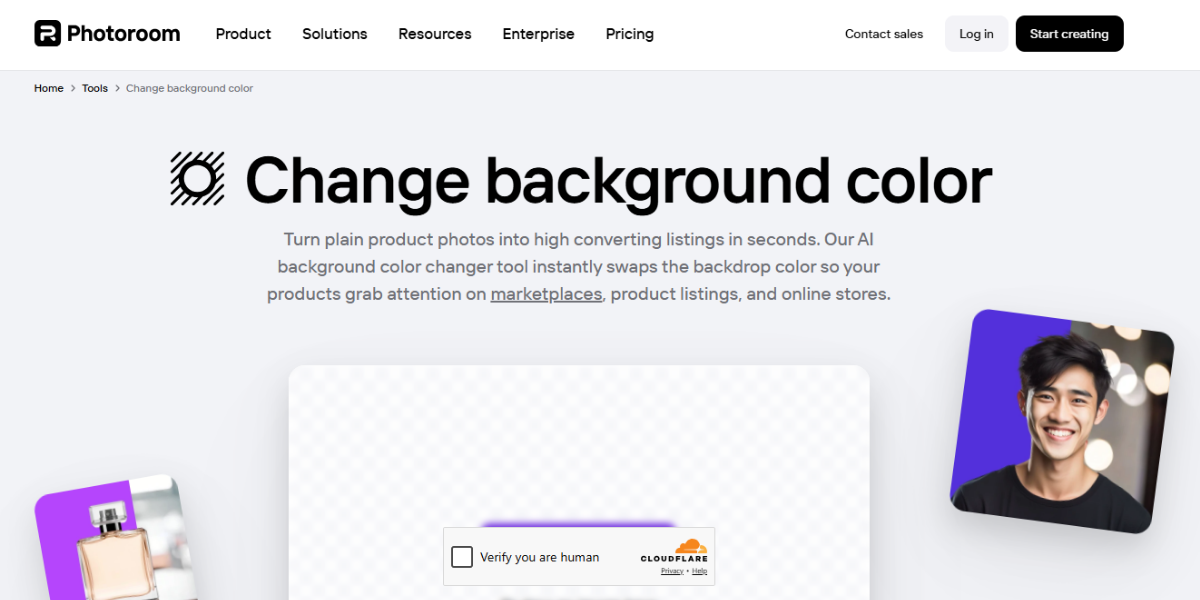
Photoroom’s background color tool lets users replace image backgrounds with solid colors or custom selections in seconds. It automatically detects subjects and applies new backgrounds, making it especially useful for product photos, social media visuals, and branding assets.
80. Remove BG color
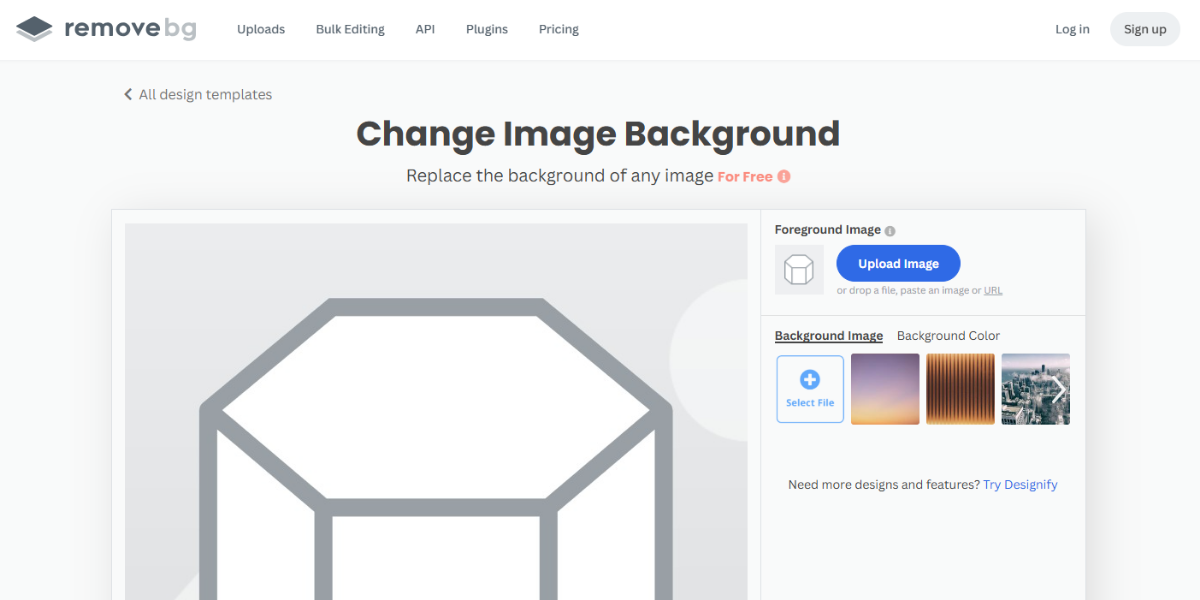
Remove BG color is an AI-powered tool that removes image backgrounds and replaces them with custom or preset colors instantly. It processes images automatically and allows quick background adjustments, making it ideal for e-commerce, marketing creatives, and clean visual presentations.
Refer to curated palettes and color combinations that are popular right now for inspiration. These tools are great for when you need ideas or want to keep up with the latest design trends.
81. Scheme Color
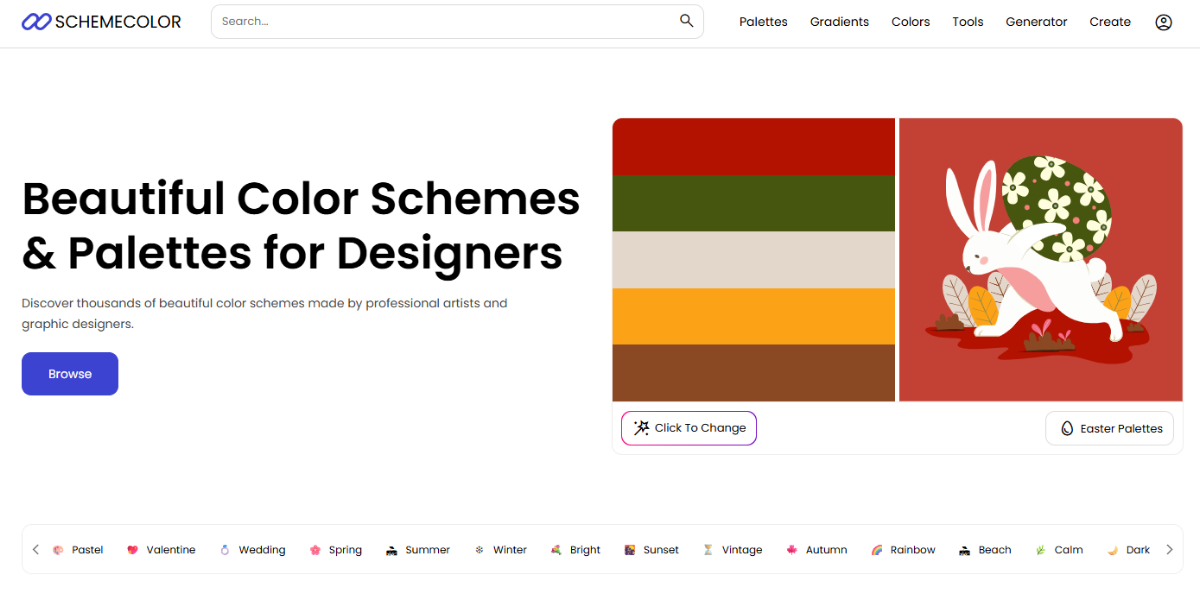
Scheme Color is a large library of thousands of color schemes that are categorized theme-wise: nature, branding, and UI. Designers can find the right combinations by searching for keywords or looking through curated collections. It’s especially helpful for quickly finding color palettes that are perfect for certain moods or industries without having to start from scratch.
82. Pantone Color Finder
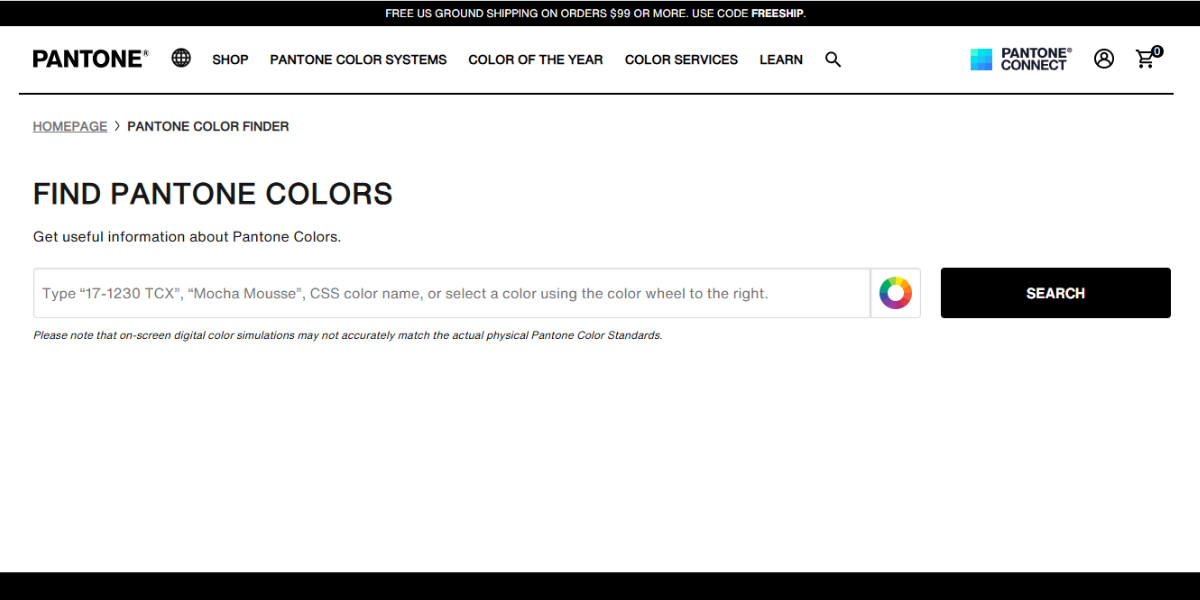
Pantone Color Finder provides access to thousands of standardized Pantone shades used in professional design and printing. It allows designers to search, compare, and identify precise colors, ensuring consistency across digital and physical outputs. This is particularly valuable for branding, packaging, and projects requiring accurate color reproduction.
83. Dopley
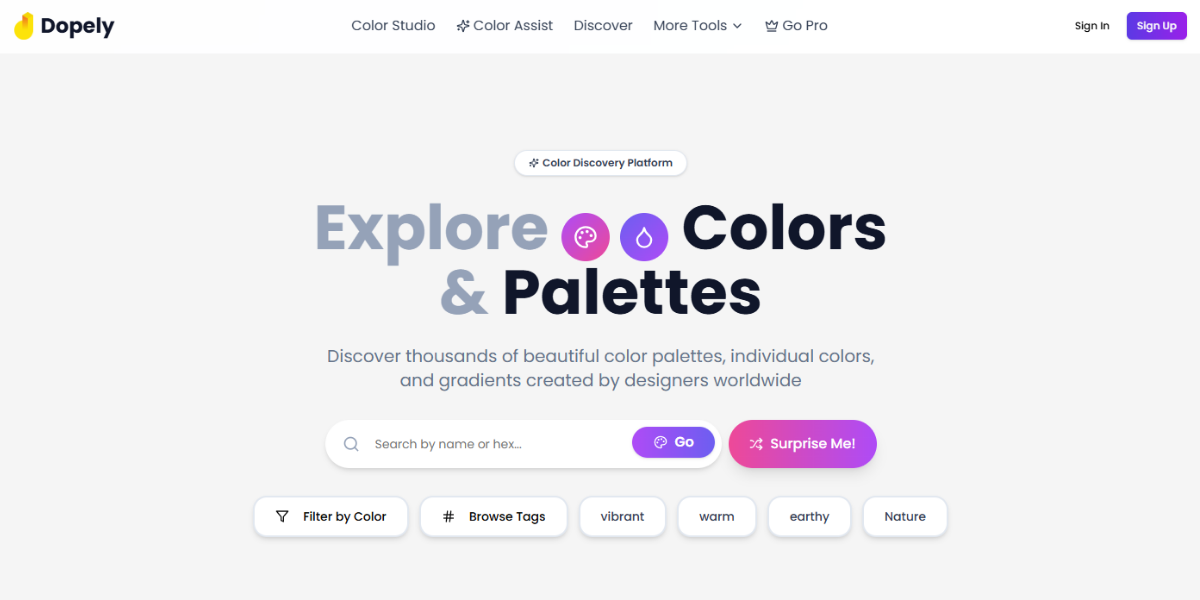
Dopely is an all-in-one design toolkit that includes multiple color generators, converters, and palette tools. It allows users to create, adjust, and organize color schemes within a single interface. Designers can experiment with combinations, refine tones, and maintain consistency across projects. It is ideal for both UI and branding workflows.
84. Color Dot
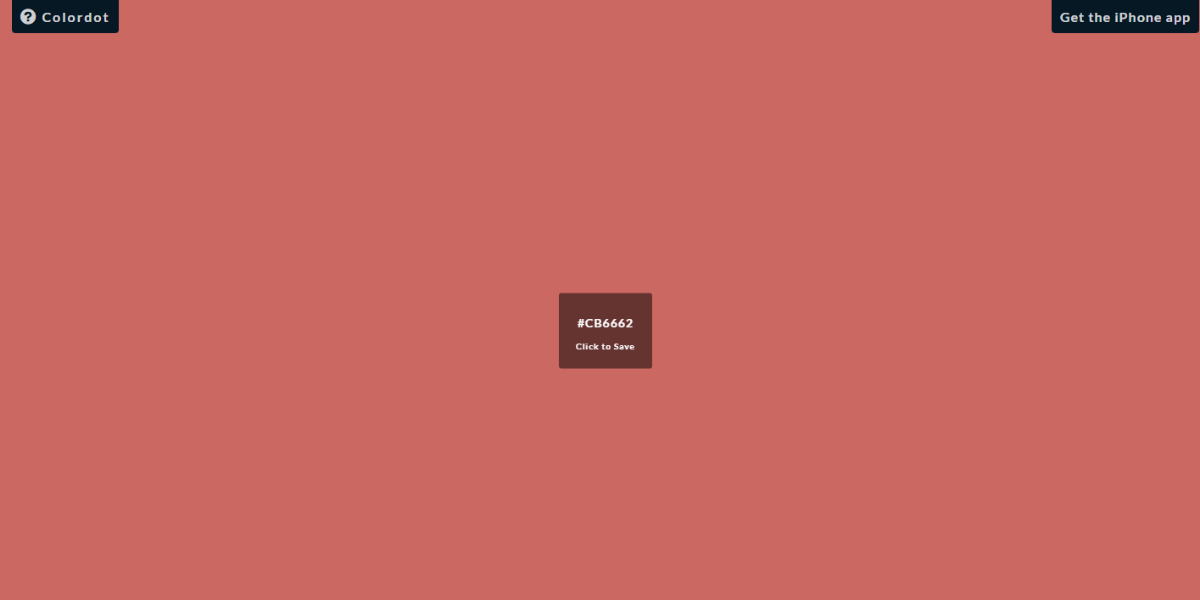
Color Dot is an interactive color exploration tool that generates endless color variations in real time based on cursor movement. Instead of predefined palettes, it allows intuitive discovery of unique shades. Designers can quickly find inspiration or pinpoint specific tones by visually navigating through a dynamic color space.
85. Hue Snap
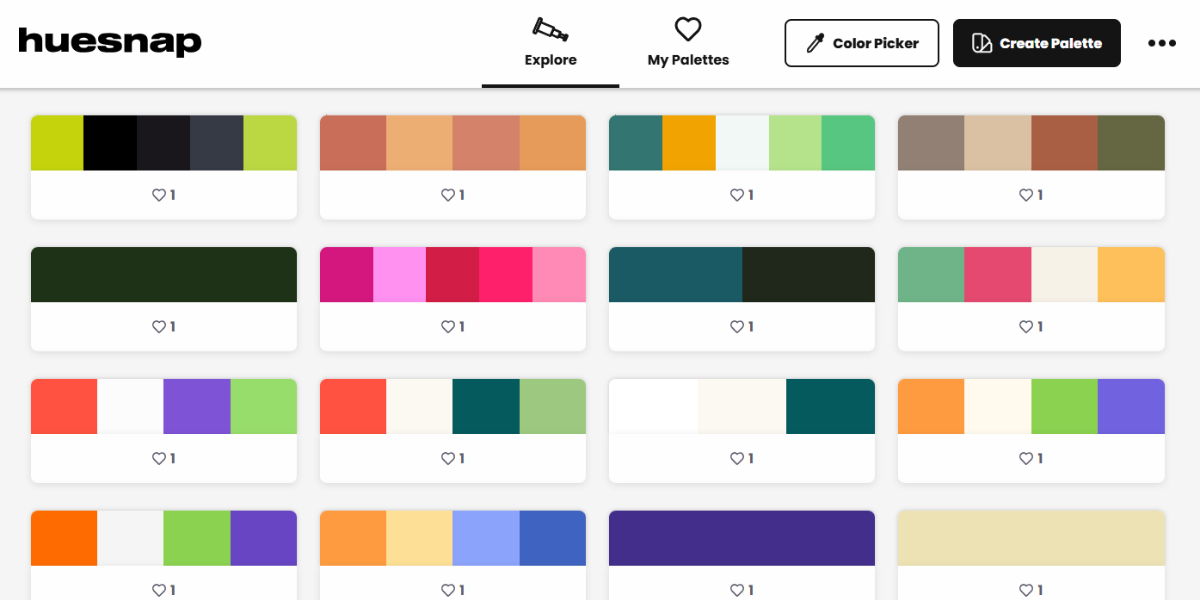
HueSnap is a community-driven platform featuring thousands of user-generated color palettes. Designers can explore trending combinations, save favorites, and organize palettes into collections. It’s particularly useful for ongoing inspiration and for building a personalized library of color schemes for different projects.
86. Open Color
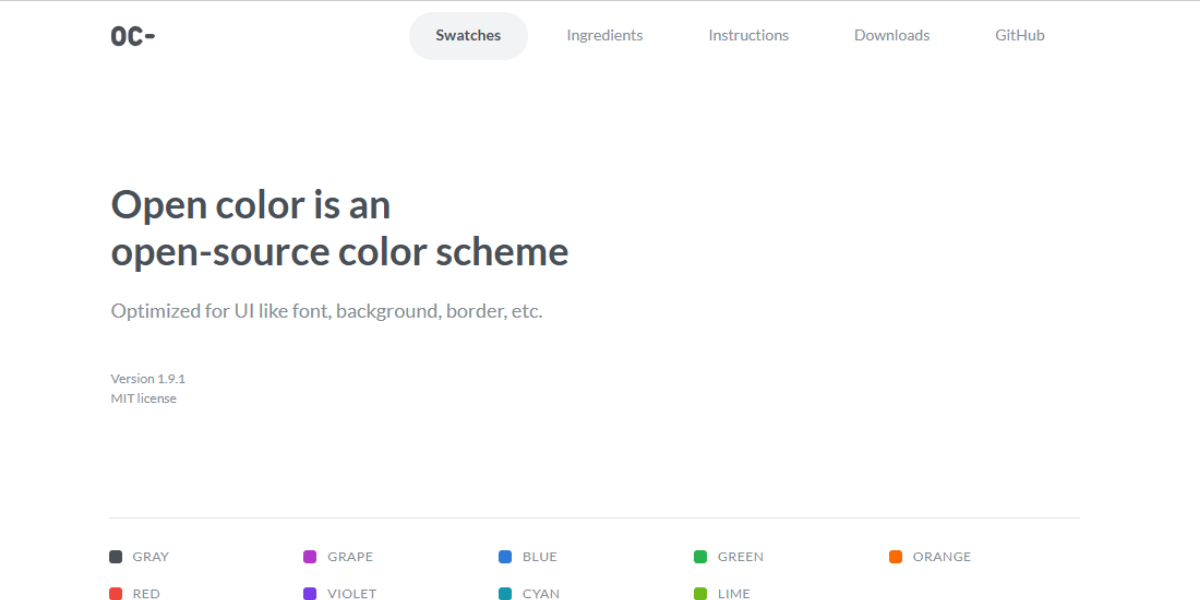
Open Color is a structured color system designed for digital interfaces, offering 10 shades across multiple color groups. Each color is optimized for readability and consistency, making it ideal for building scalable UI systems. Designers and developers can use it to maintain uniform color usage across components.
87. Picular
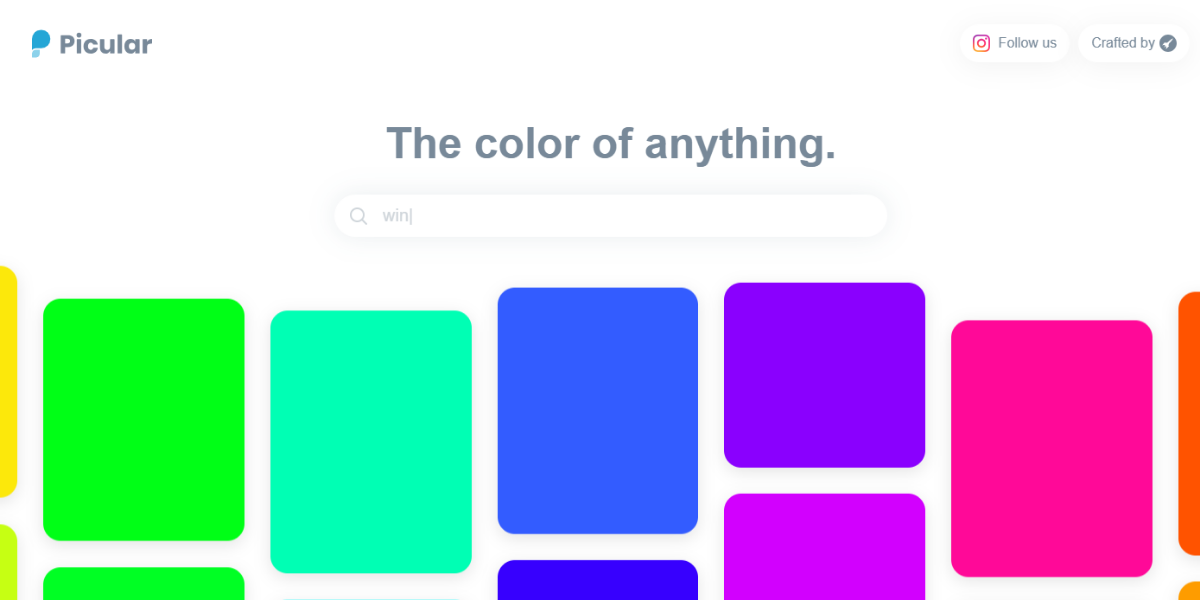
Picular is a visual color search engine that generates palettes based on keywords. Each search returns multiple color variations linked to the term, helping designers translate concepts like “sunset” or “minimal” into usable color schemes. It’s especially useful for concept-driven design and mood-based exploration.
88. ColorKit
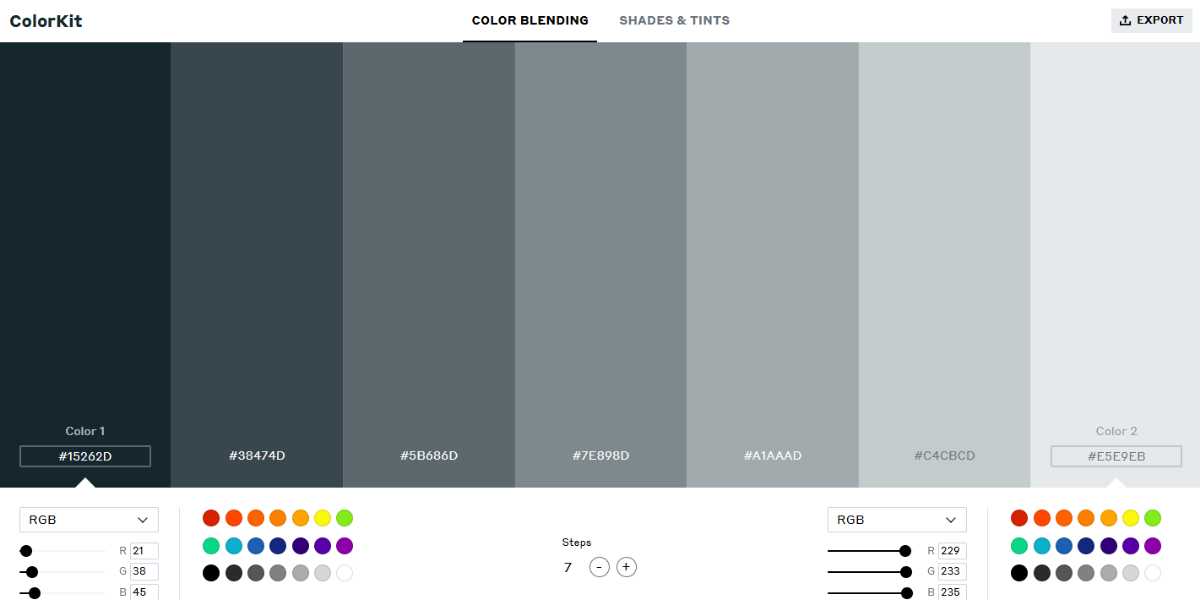
ColorKit combines palette exploration with generation tools, offering multiple ready-made palettes and customization options. Designers can browse existing combinations or create new ones by adjusting tones and shades. It’s useful for both inspiration and refining palettes for branding, UI, or creative projects.
89. Khroma
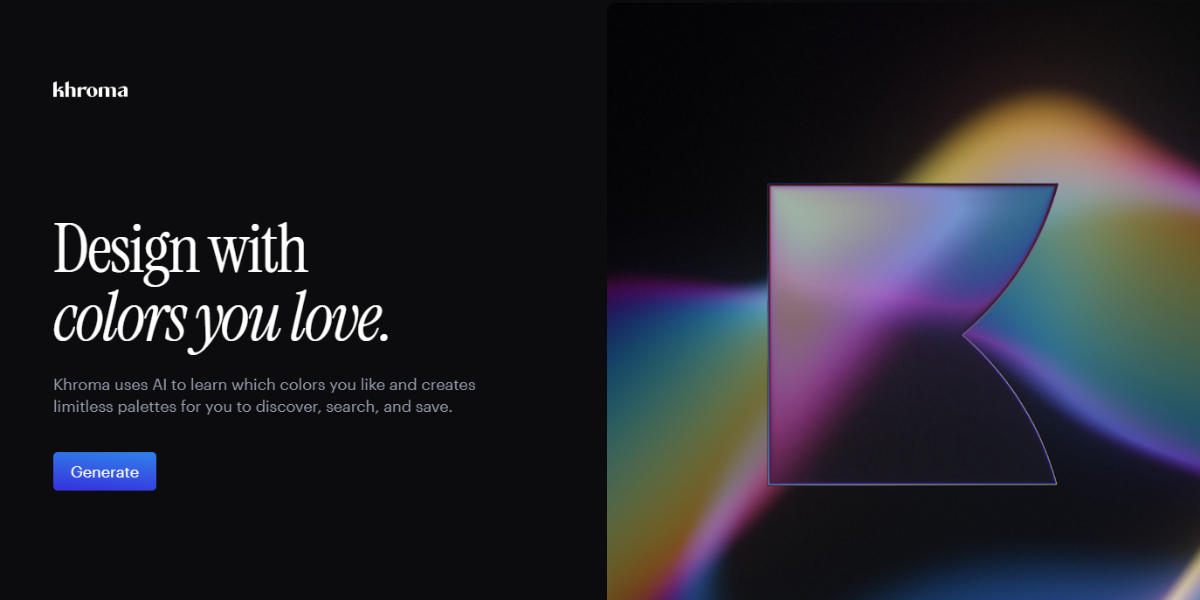
Khroma is an AI-powered color tool that learns your preferences and generates personalized palette combinations. After selecting a set of colors, it produces multiple variations tailored to your taste. Designers use it to discover unique combinations that align with their style while maintaining visual harmony.
90. Colorpalettes.com
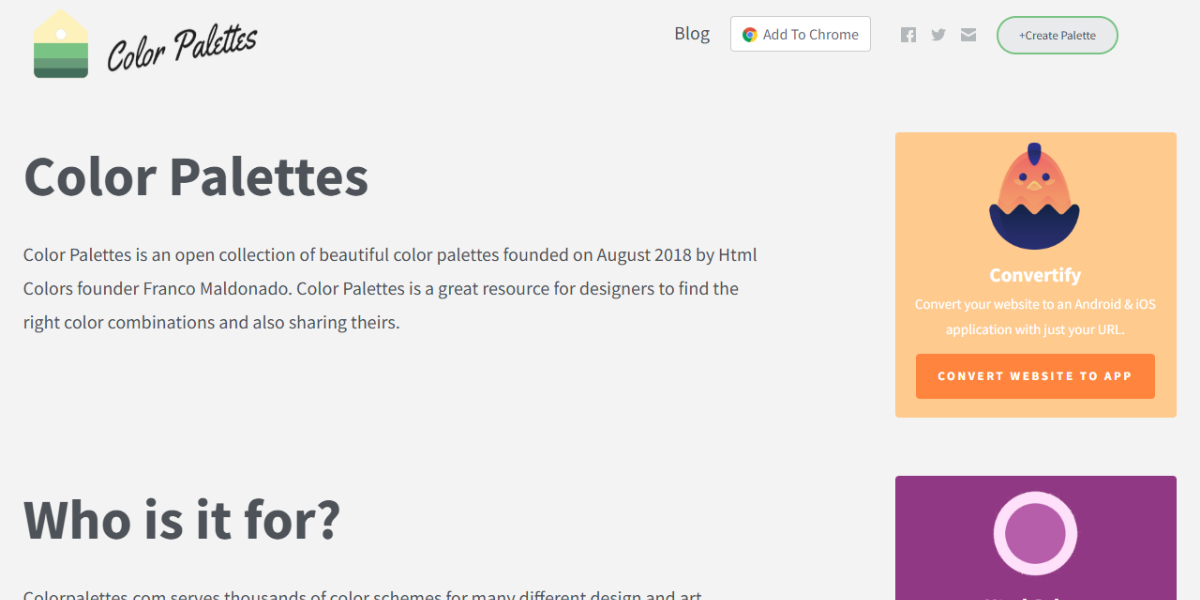
Colorpalettes.com is a visual library featuring hundreds of curated color schemes across different styles and themes. Each palette includes multiple coordinated colors, making it easy to browse and apply combinations directly to design projects such as branding, UI, or illustrations.
91. Pixel Fika
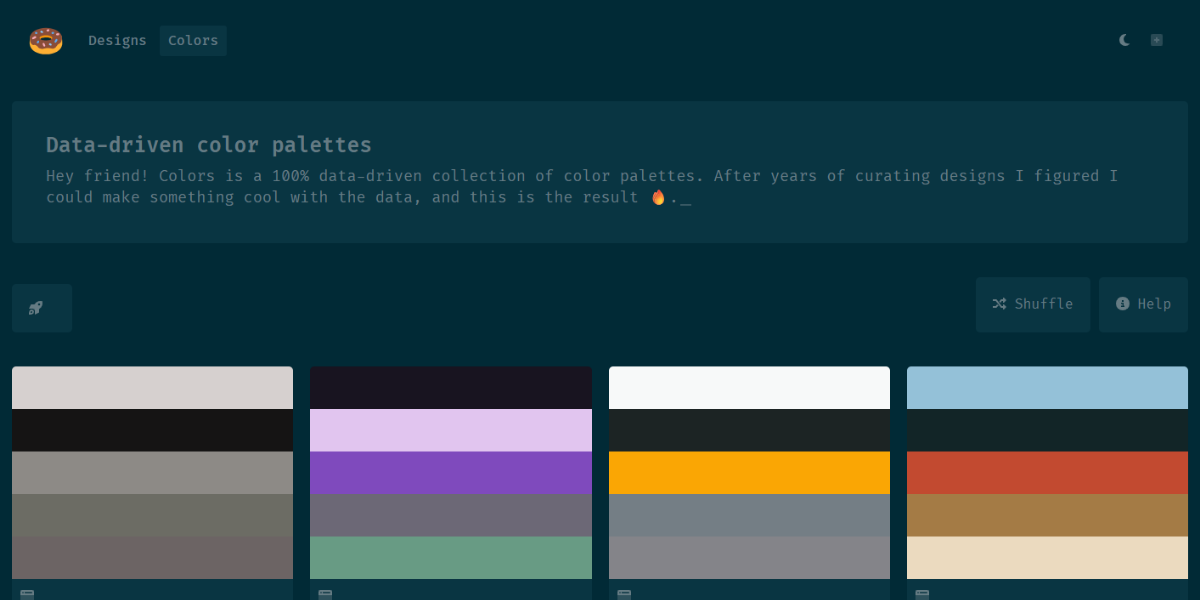
Pixel Fika offers a curated collection of modern color palettes and gradients designed for digital products. It focuses on clean, contemporary aesthetics, helping designers find combinations suitable for UI design, landing pages, and creative projects that require a polished, modern look.
92. Pattern Pad
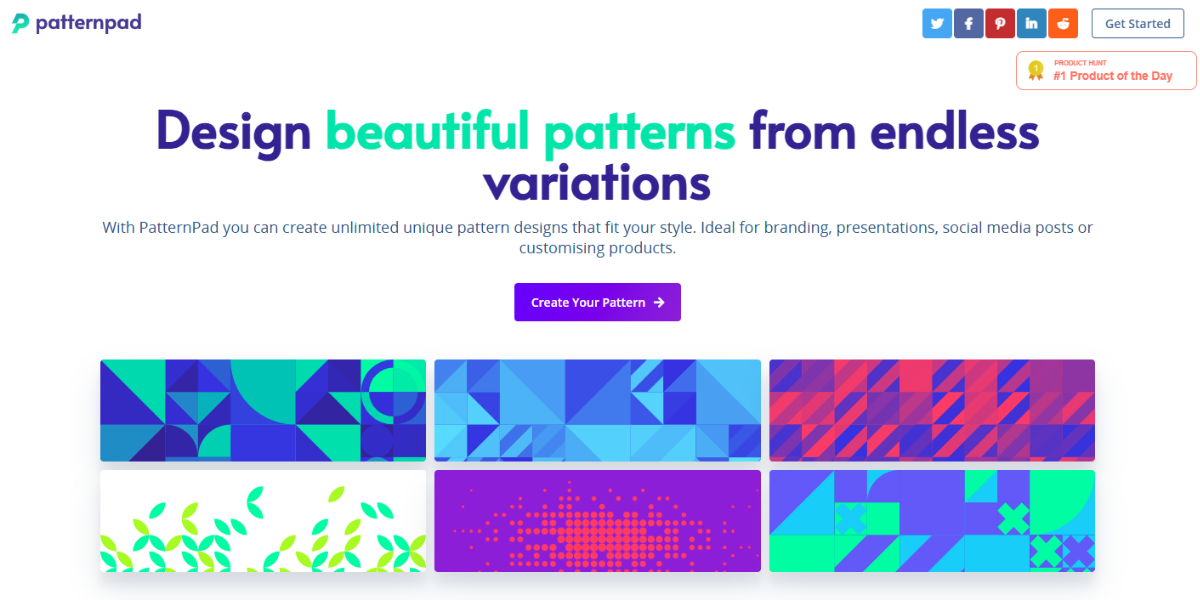
Pattern Pad is a design tool that generates customizable SVG patterns using selected color palettes. Designers can adjust shapes, density, and colors to create unique backgrounds and textures. It’s particularly useful for adding visual depth to websites, branding materials, and digital interfaces.
93. Colours in Culture
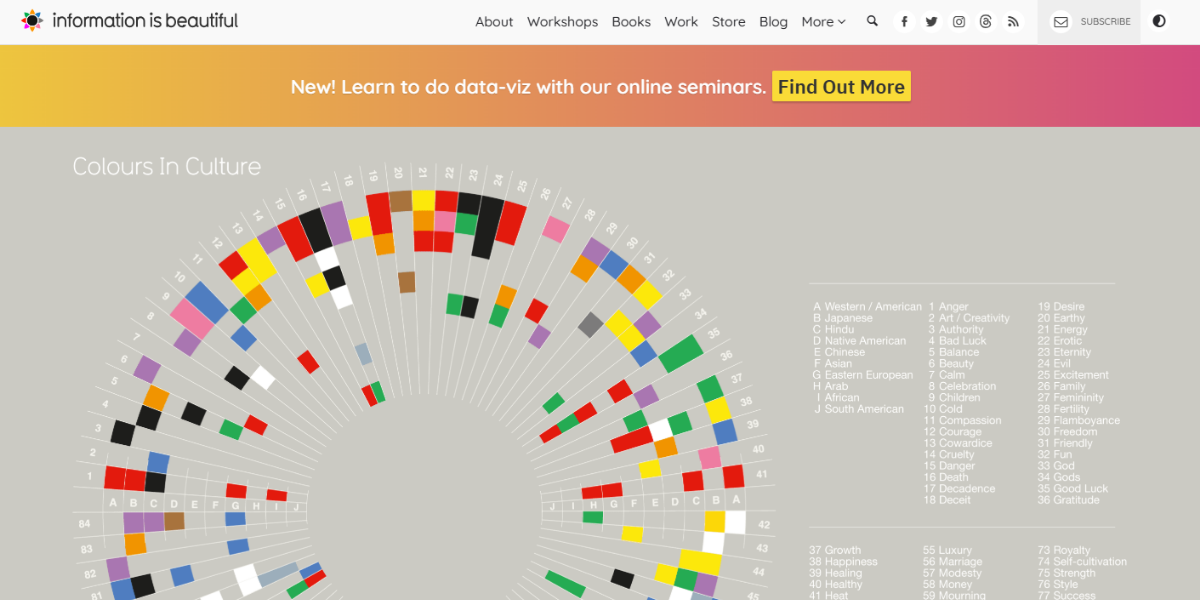
Colours in Culture is a data visualization tool that explores how colors are perceived globally. It presents multiple cultural meanings for each color, helping designers make informed decisions when working on international or culturally sensitive branding and communication projects.
94. CC Colors
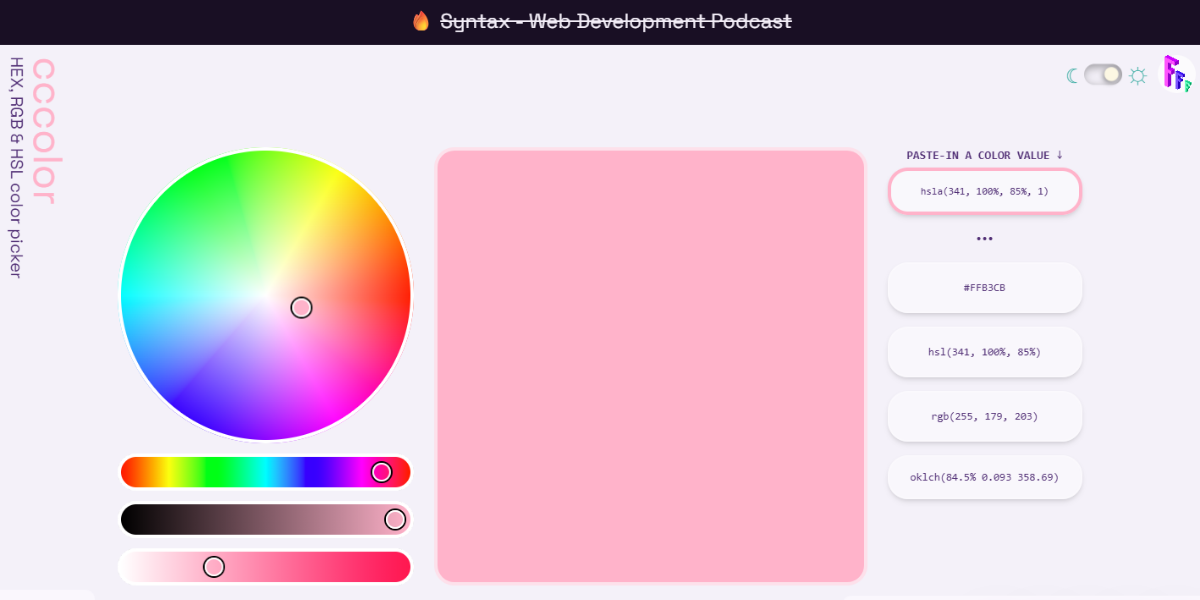
CC Colors is a palette generator that creates cohesive color combinations instantly with adjustable tones. Designers can experiment with different variations and export palettes for use in UI or branding. It comes in handy for quickly building modern, visually balanced color systems.
95. Design Seed
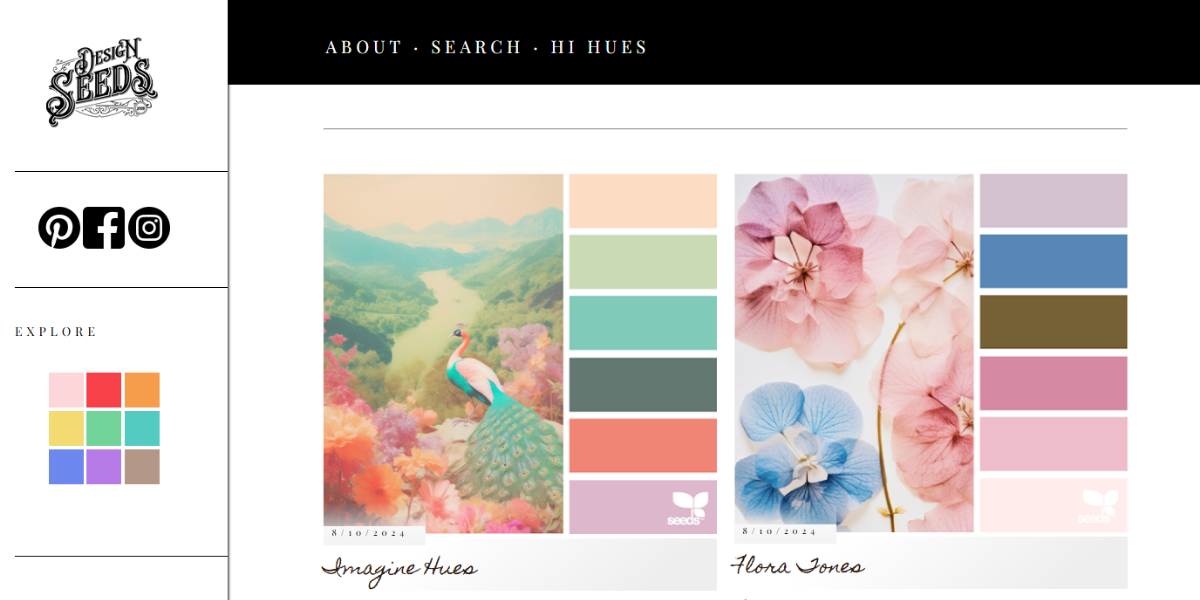
Design Seeds is an inspiration platform that creates palettes derived from photography, featuring thousands of image-based color combinations. Each palette reflects natural color harmony, making it ideal for designers seeking organic, visually balanced schemes for branding, illustration, or digital design.
96. ColorInspo
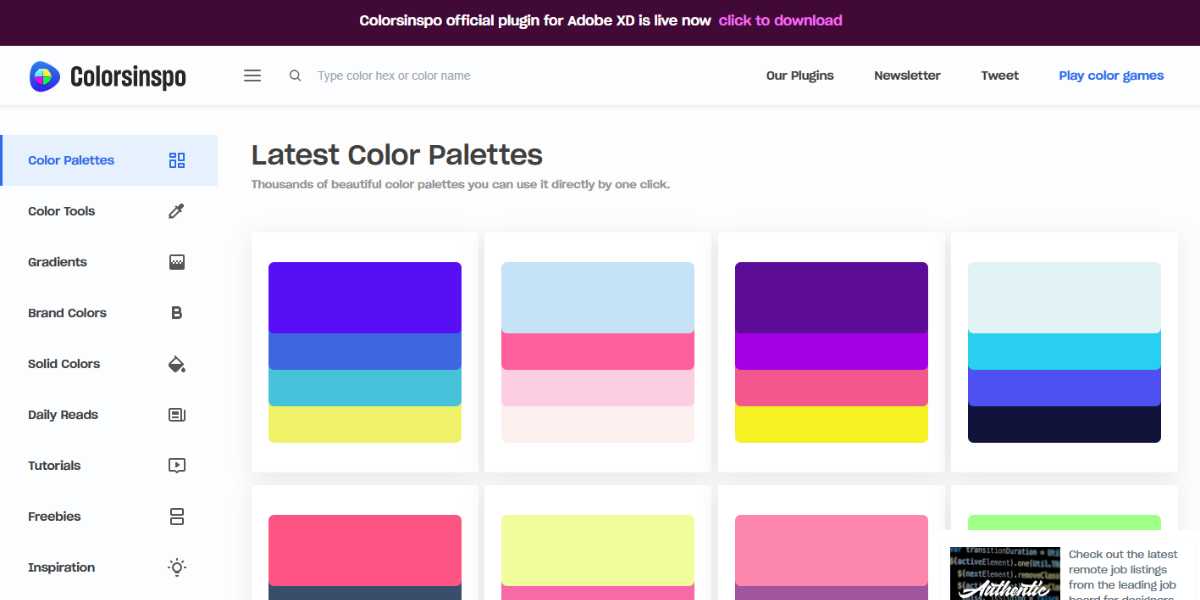
ColorsInspo is a curated platform offering hundreds of color palettes, gradients, and UI examples. It combines inspiration with practical references, helping designers not only discover color schemes but also see how they are applied in real design contexts.
Image-Based Color Tools to Extract & Analyze Palettes
Upload any picture and get a color palette that goes with it right away. These tools are ideal for making designs based on photos, logos, or scenes from the real world.
97. Shutterstock Palette Generator
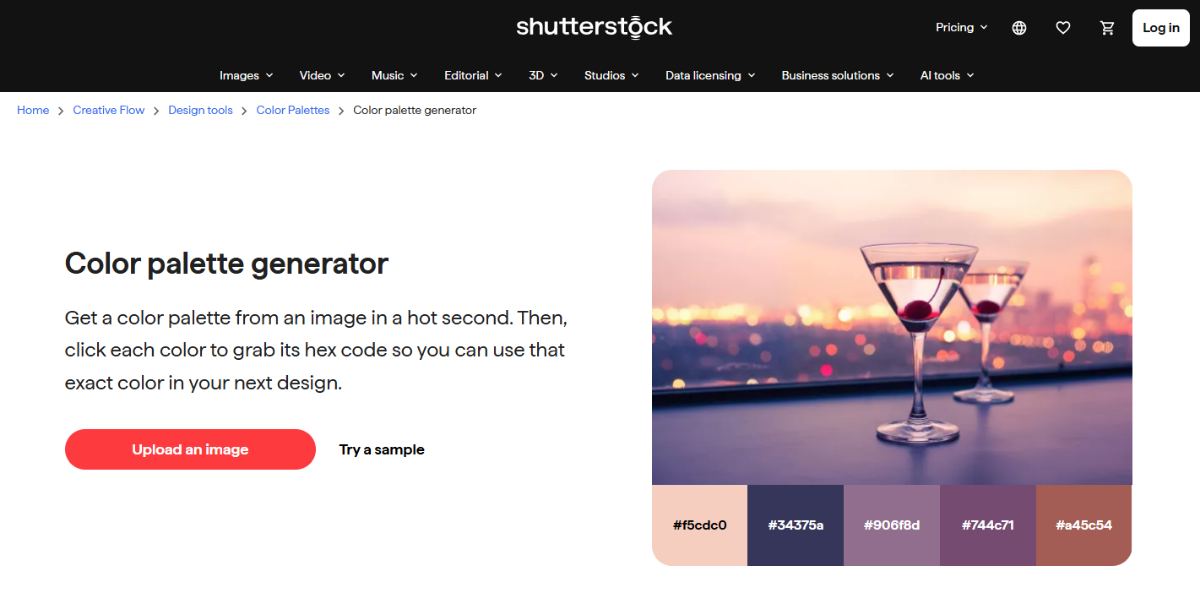
Shutterstock Palette Generator extracts multiple dominant colors from uploaded images to create cohesive palettes. It analyzes visuals and provides HEX codes for each shade, making it useful for designers who want to build color schemes directly from photos, illustrations, or brand imagery while maintaining visual consistency.
98. Moodboard AI
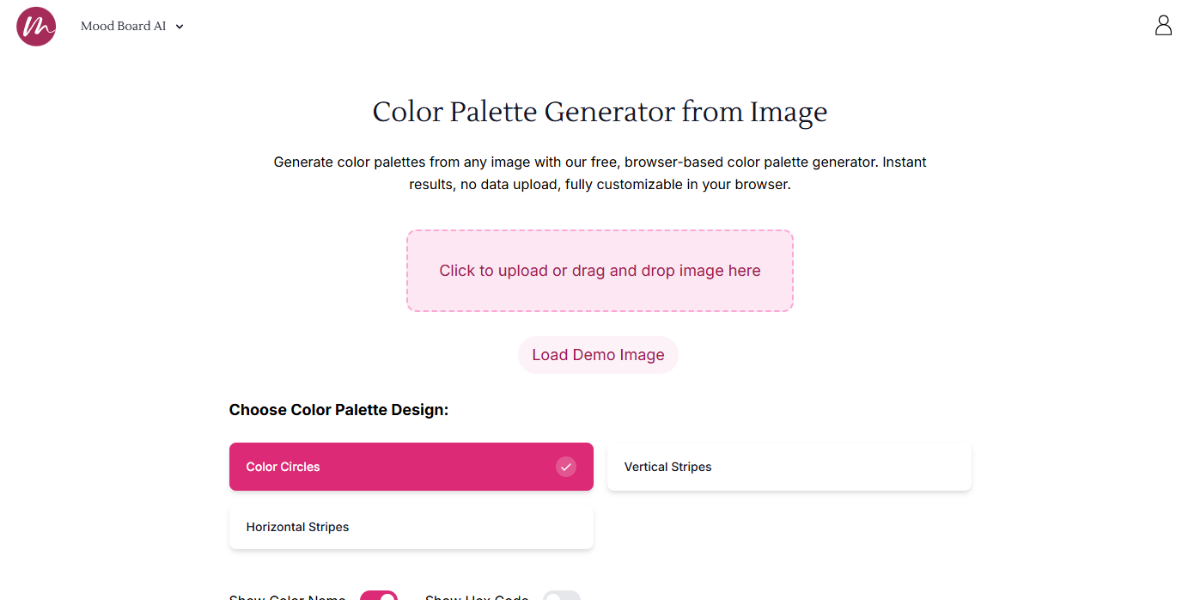
Moodboard AI is an AI-powered tool that generates color palettes and visual moodboards from prompts or images. It produces multiple variations that combine colors with stylistic direction, helping designers quickly explore branding concepts and align color choices with a specific theme or aesthetic.
99. Image Color Picker
Image Color Picker is a simple online tool that allows users to extract exact pixel colors from uploaded images. It provides HEX and RGB values instantly, making it useful for identifying specific shades and replicating colors accurately in branding or development projects.
100. Color Leap
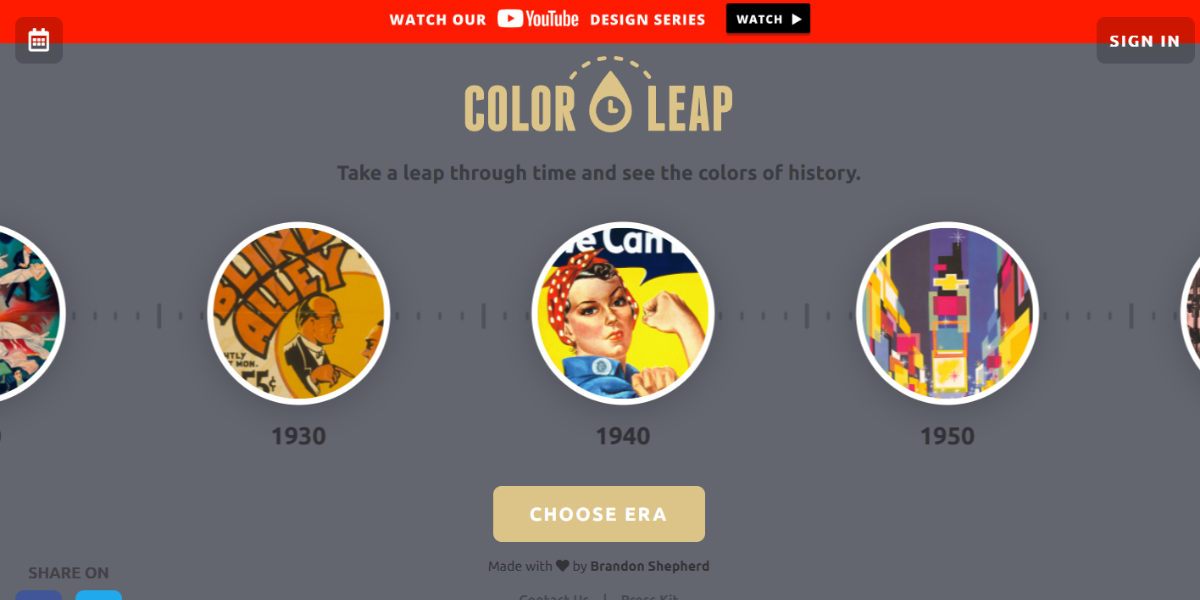
Color Leap is a color inspiration platform that showcases historical color palettes across different eras. Each palette includes multiple coordinated colors inspired by specific time periods, helping designers explore unique, context-driven combinations for branding, storytelling, or creative design work.
101. Palettr
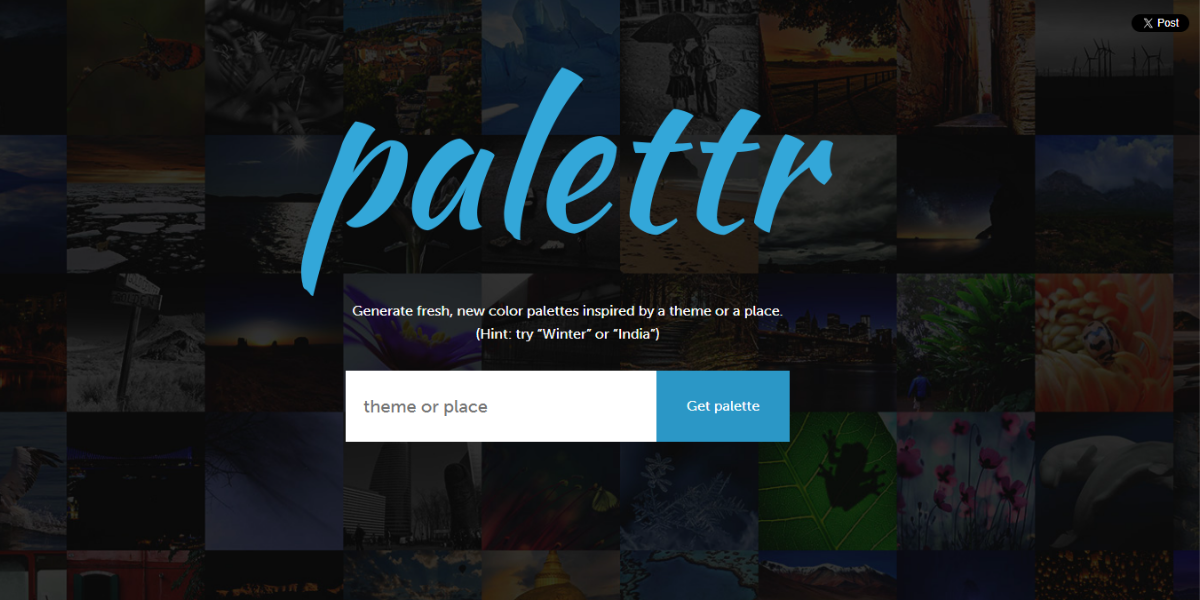
Palettr is a palette generator that creates color schemes based on location or keyword input. It produces multiple color combinations inspired by places or themes. It also allows designers to translate concepts like cities or moods into visually cohesive palettes for branding and UI design.
Know which emotional colors can bring out and pick names that match your brand. These tools can help you plan your designs and send the right message.
102. Happy Hues
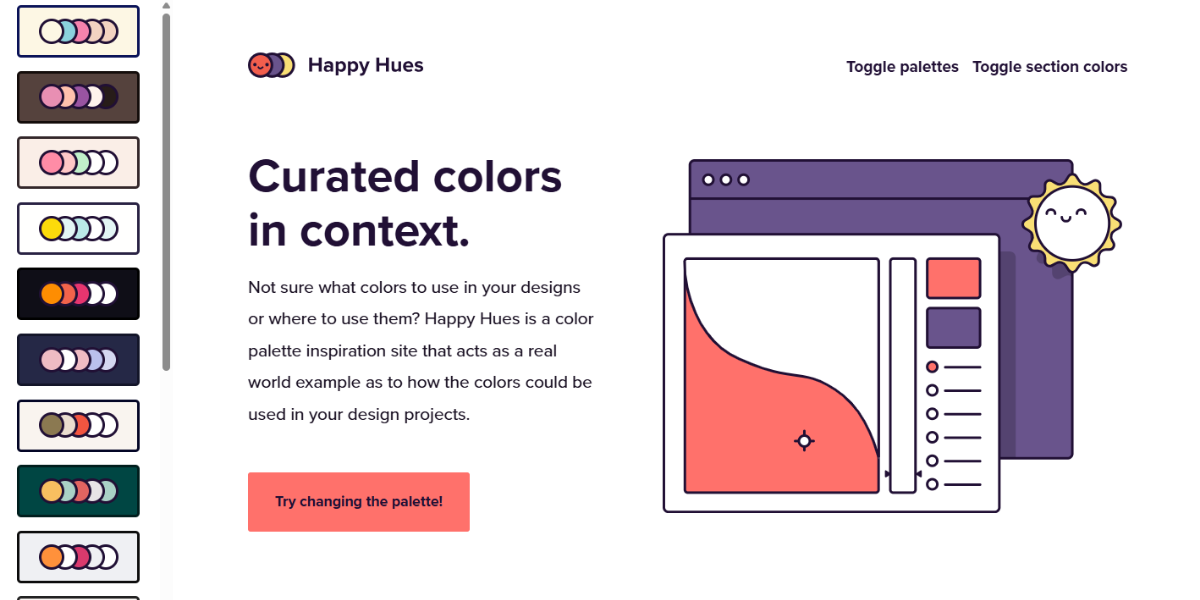
Happy Hues is a color inspiration tool that showcases multiple curated palettes applied to real website layouts. Instead of standalone swatches, it demonstrates how colors work in context, helping designers understand usability and hierarchy when building visually cohesive UI and web designs.
103. Color Name
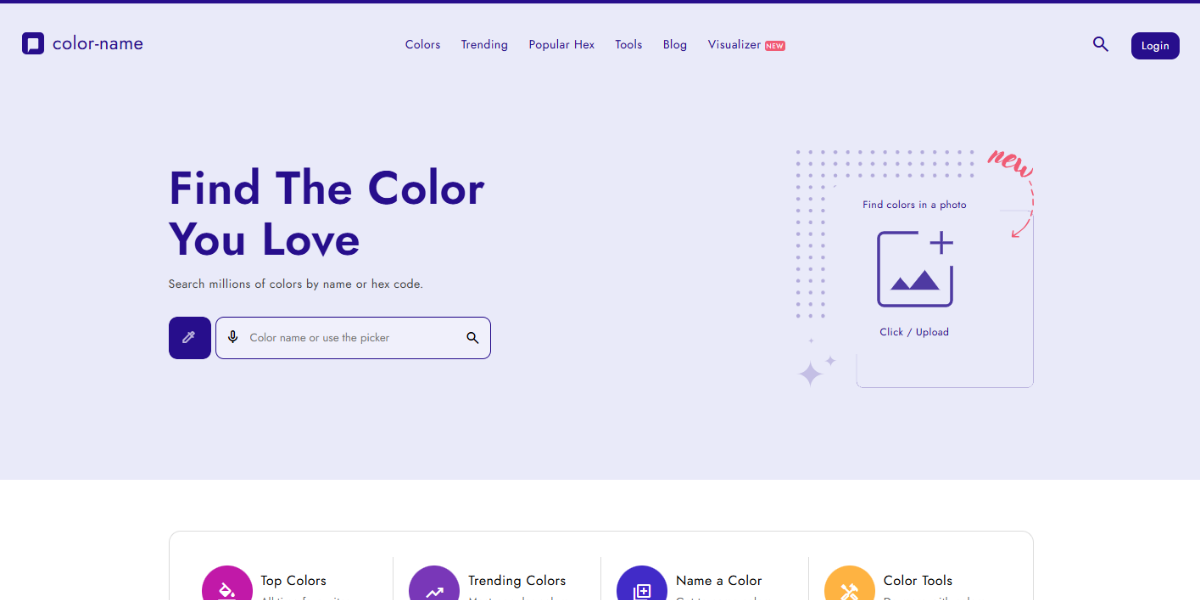
Color Name is a tool that identifies and assigns names to specific colors based on HEX input. It matches colors to the closest named equivalents and provides variations. It works well for designers who want to standardize naming in branding or communicate colors clearly with teams and clients.
104. Robert Cooper’s Color Name Finder
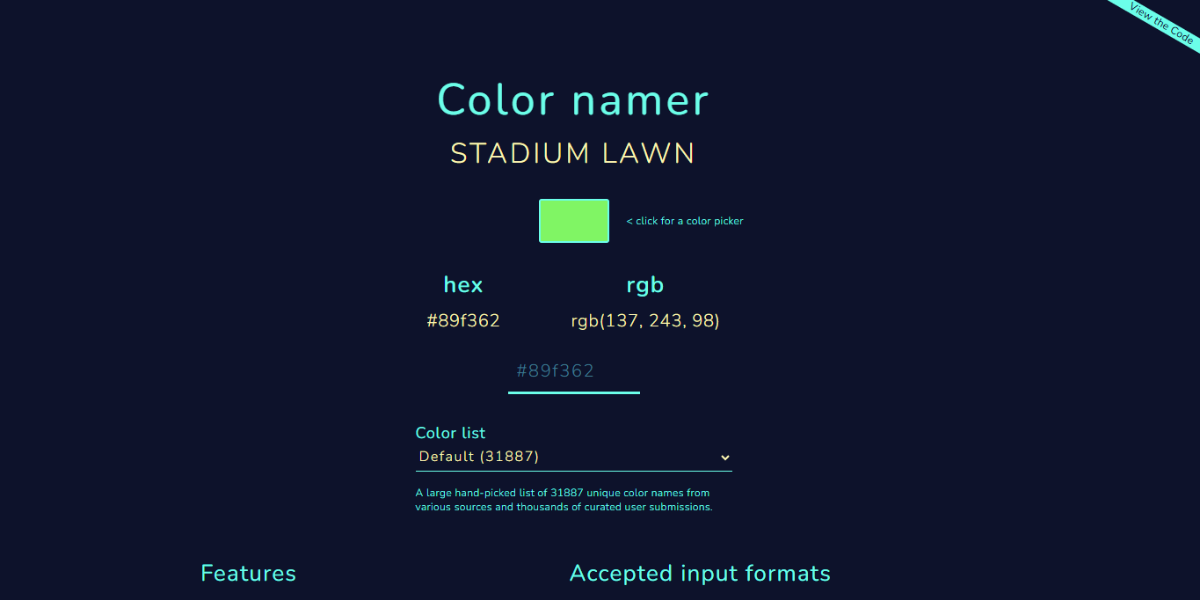
This Color Name Finder allows users to input a color and receive the closest matching descriptive names. It simplifies color identification and helps designers label palettes more intuitively, especially when organizing assets or presenting color systems in branding projects.
105. Arty Click Color Name Finder
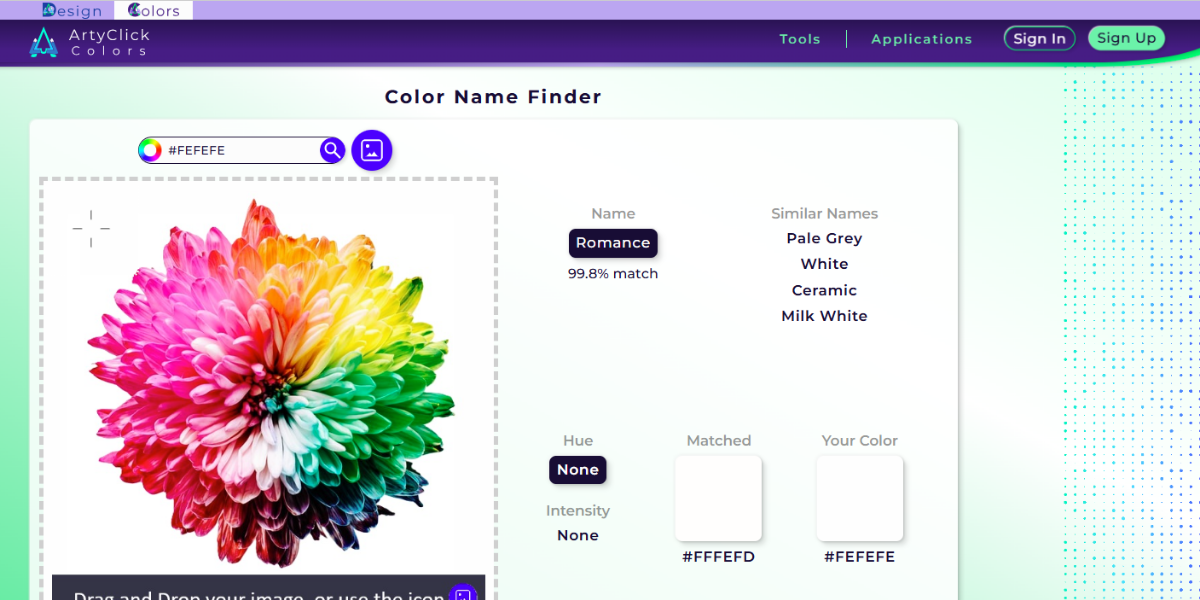
ArtyClick’s Color Name Finder tool identifies colors and maps them to predefined color name databases. It provides accurate naming along with visual previews, making it useful for designers who need consistent labeling when documenting palettes or creating style guides.
106. Name That Color
Name That Color converts HEX values into recognized color names from an extensive database. It quickly identifies the closest match, helping designers translate technical color codes into human-readable names for easier communication and documentation.
107. Color Name Finder by Atmos Style
Atmos Style’s Color Name Finder assigns names to colors by analyzing HEX values and matching them to the closest descriptive labels. It helps designers categorize and present color palettes in a more understandable way, especially for branding and client-facing work.
108. Icon Packs Color Name
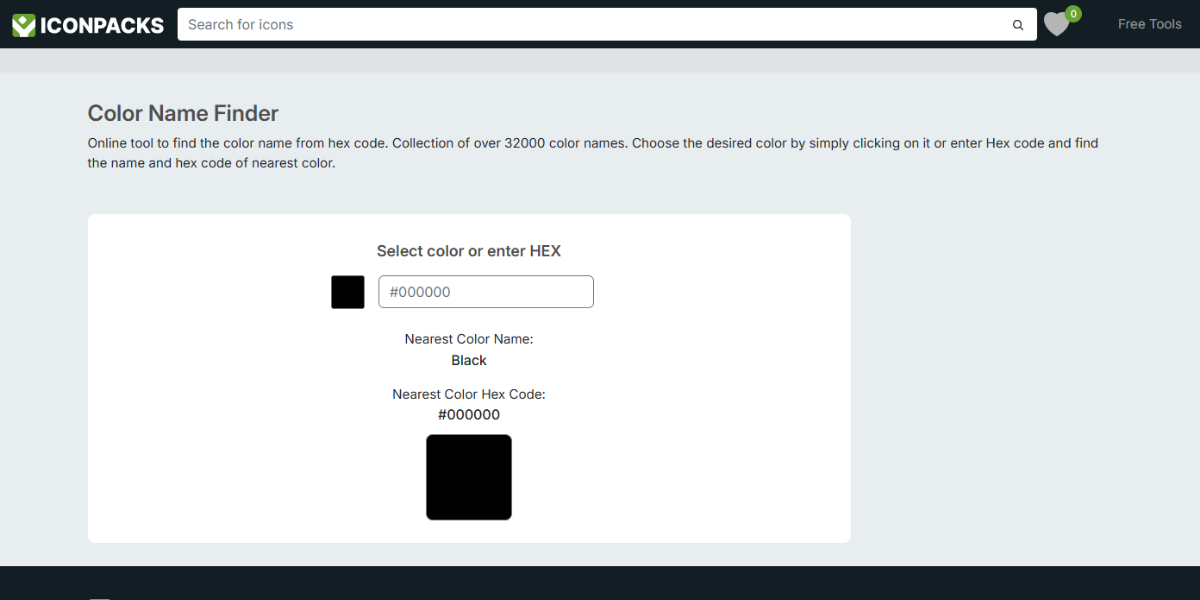
This Icon Packs Color Name Finder tool identifies color names based on HEX input and provides the closest matching labels with visual previews. It’s useful for designers who need quick naming references while organizing icons, UI elements, or design systems.
109. Color Names
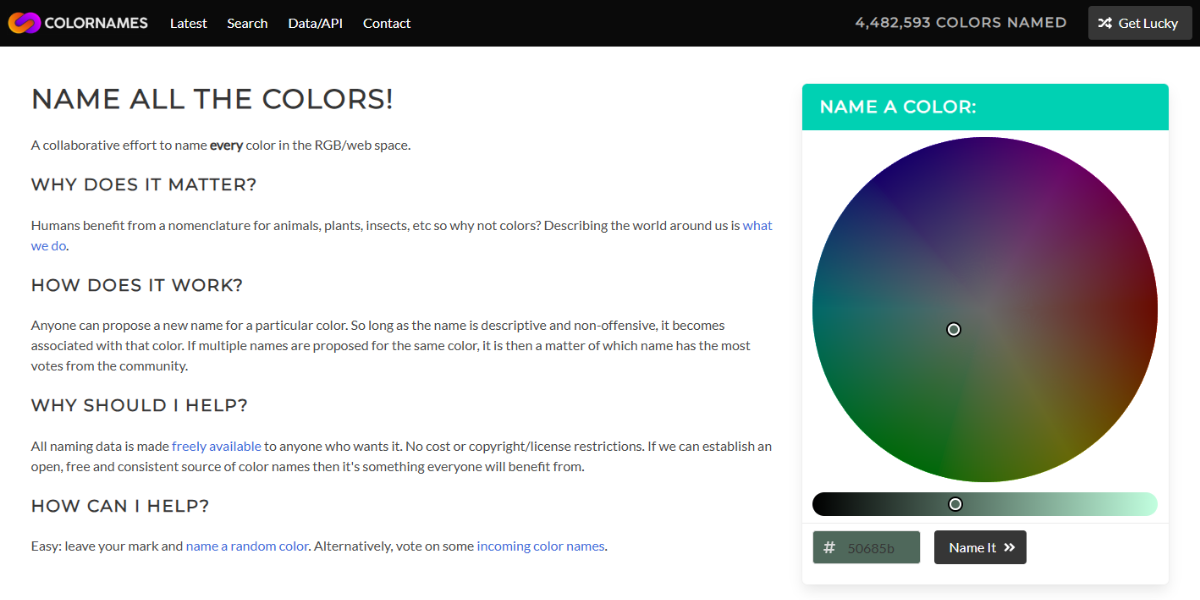
Colornames.org is a community-driven platform featuring thousands of user-submitted and named colors. Designers can explore, search, and contribute color names, making it useful for discovering unique naming ideas and building more expressive color palettes.
110. Colblindor – Color Name Hue
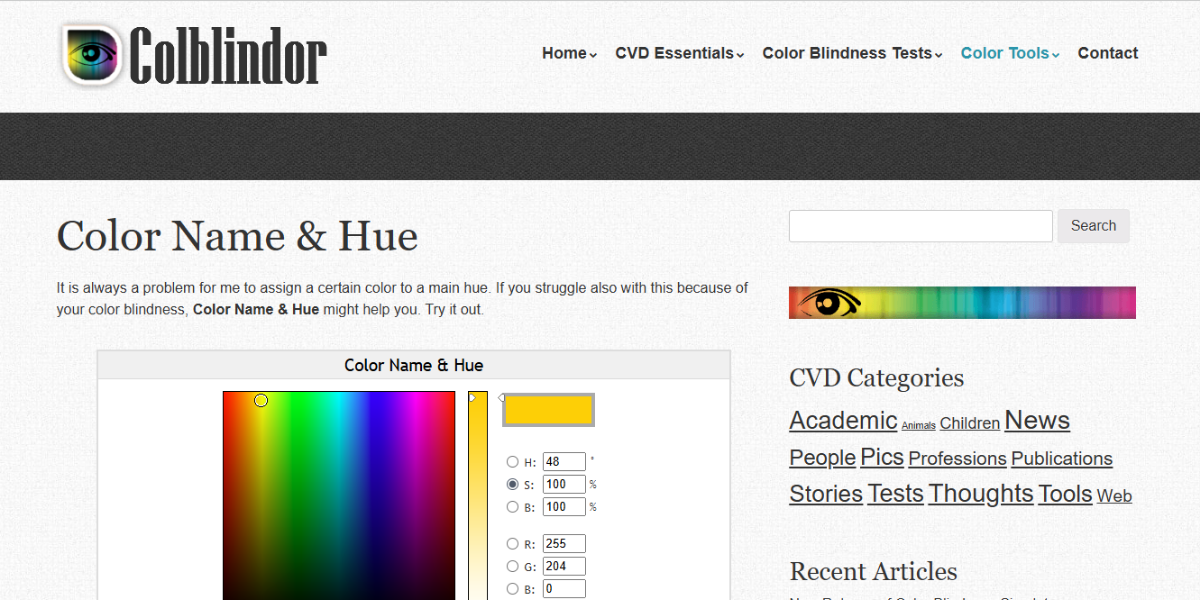
Color Name Hue identifies and categorizes colors based on hue and assigns the closest matching names with tonal variations. It helps designers understand color positioning and naming consistency, especially when working with nuanced shades.
111. Colorwise.Me
Colorwise.Me is a color accessibility and simulation tool that demonstrates how palettes appear under different visual conditions, including color blindness. It helps designers refine color choices to ensure inclusivity while maintaining aesthetic balance.
112. ColorStudio.online
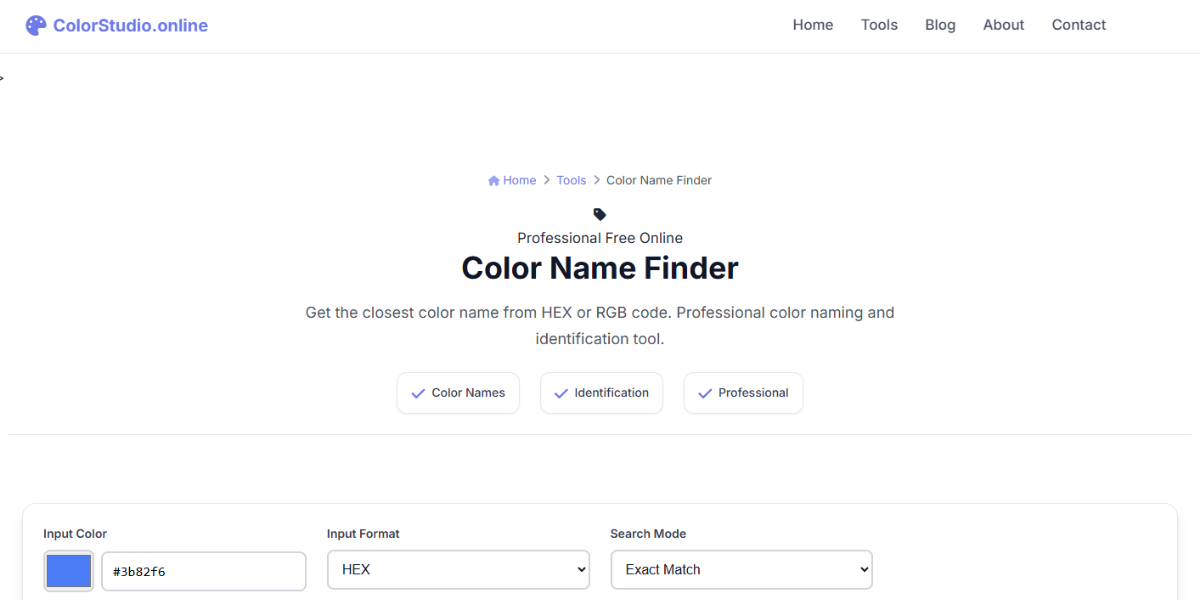
Color Studio’s naming tool converts color values into descriptive names and variations. It provides multiple naming outputs, making it useful for organizing palettes, building brand guidelines, and improving communication between design and development teams.
113. DesignxStream Color Name Finder
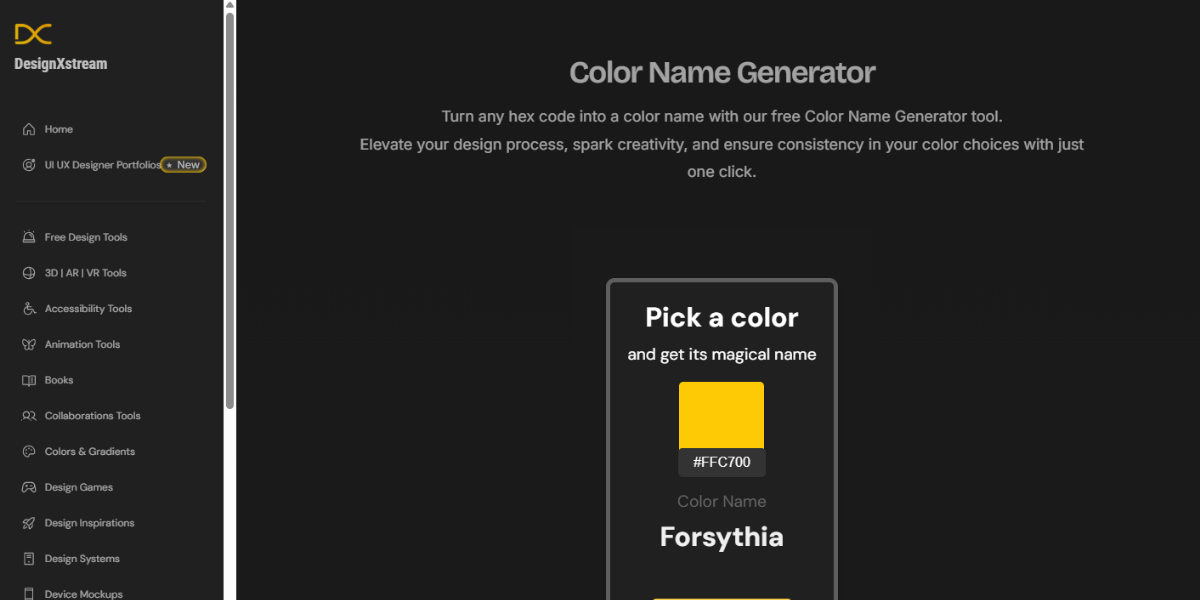
DesignxStream’s tool identifies color names by matching HEX values to the closest predefined names. It offers quick results with visual previews, helping designers label colors efficiently when creating style guides or presenting branding concepts.
Check out how your colors look on different screens, devices, and print formats. Through these tools, you can avoid surprises and make sure that things work the same way in the real world.
114. CodePen Random Hex Color Generator
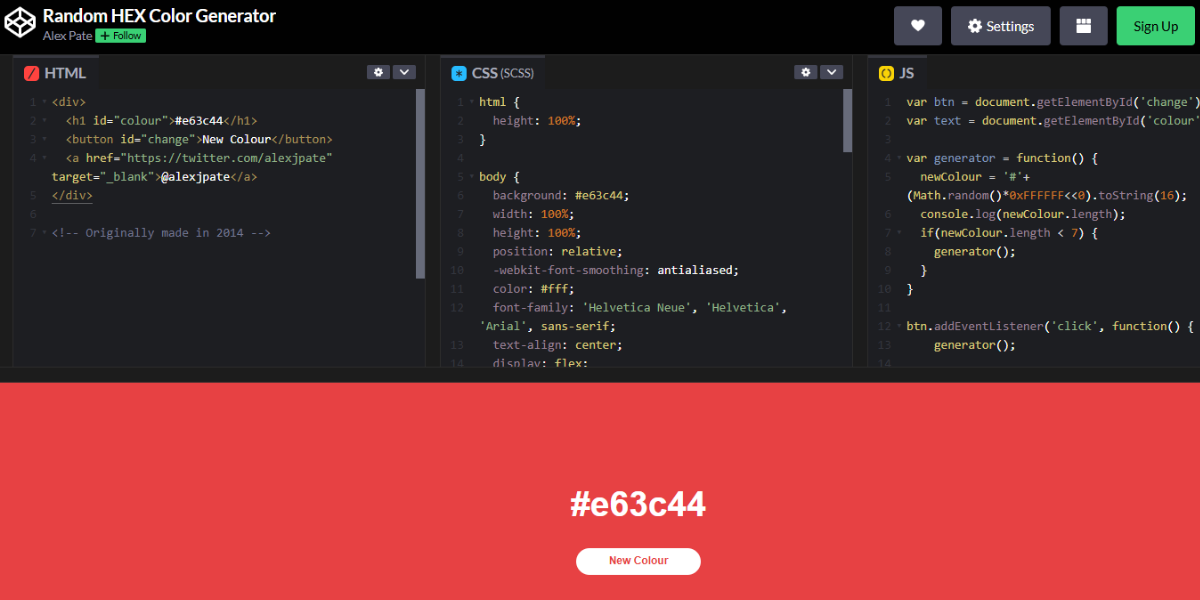
This CodePen tool generates random HEX color codes instantly with a single interaction. It’s useful for quick inspiration or testing unexpected combinations during early design stages. Designers can rapidly cycle through colors and pick interesting shades for backgrounds, accents, or experimental concepts.
115. Color Lisa
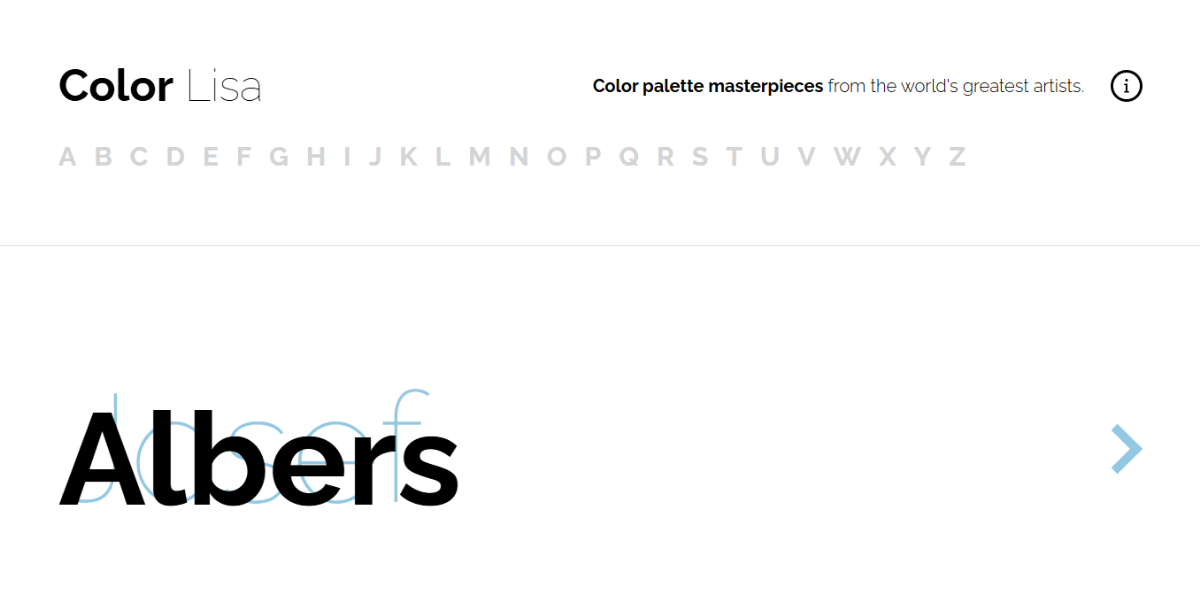
Color Lisa is a curated palette library inspired by famous artworks, featuring multiple color schemes derived from classic paintings. Designers can explore historically influenced palettes and apply them to branding or UI projects, adding artistic depth and unique visual storytelling.
116. BairesDev
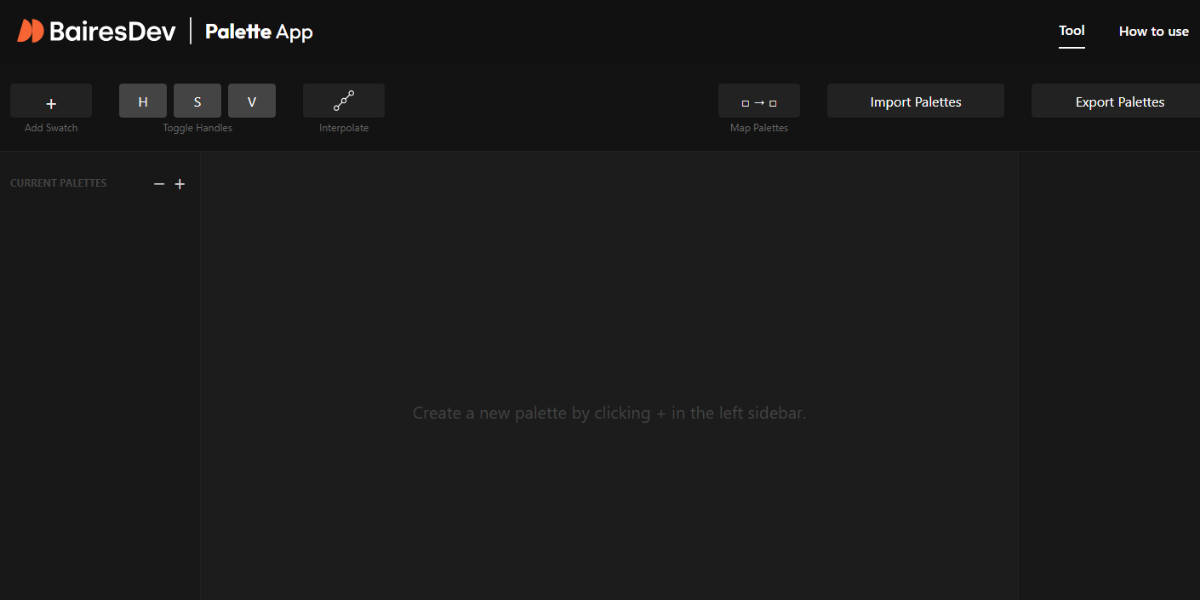
BairesDev’s palette editor allows users to create and customize multiple color combinations within an interactive interface. Designers can adjust hues, tones, and relationships in real time, making it useful for building structured palettes for websites, apps, and branding systems.
117. ThreeBu Random Material Palette
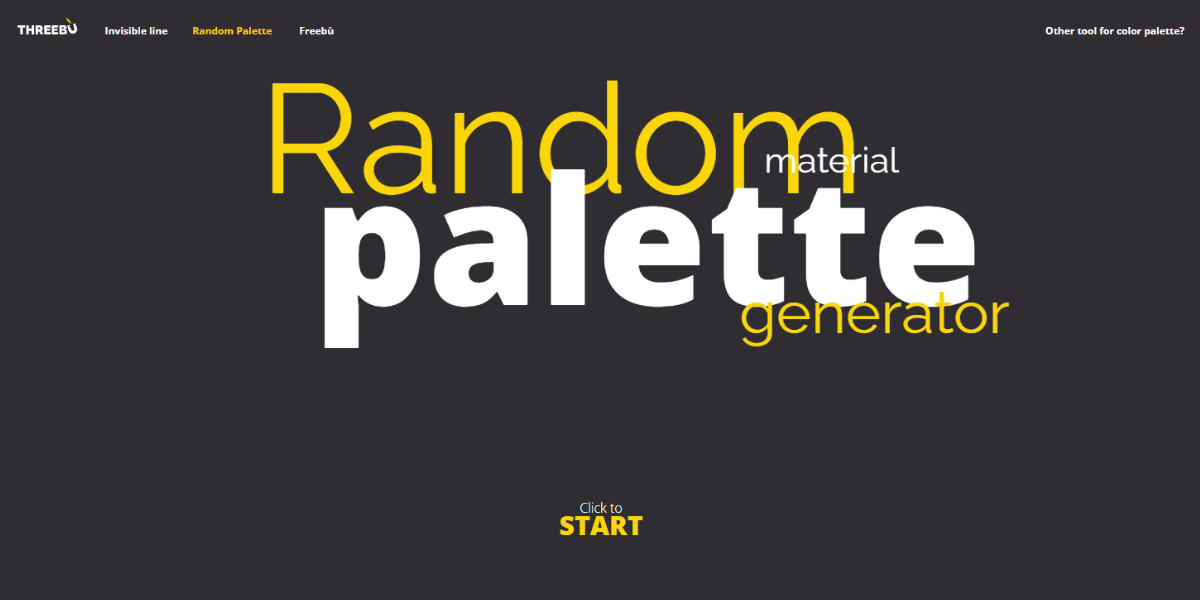
ThreeBu generates random Material Design color palettes based on Google’s design system. Each palette includes multiple coordinated colors, helping designers quickly apply Material-style schemes to UI projects while maintaining consistency with established design guidelines.
118. ColorBox by Kevyn
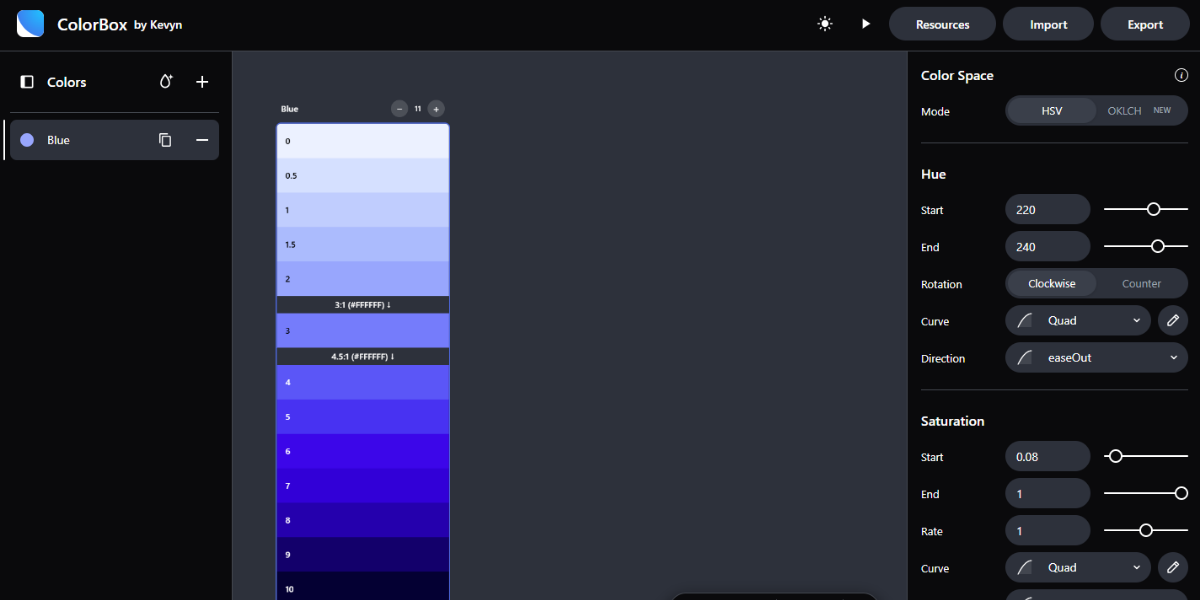
ColorBox is a tool for generating accessible color systems with multiple steps and variations. It allows designers to create scalable palettes with consistent contrast levels, making it ideal for building design systems and ensuring usability across UI components.
119. ICCView
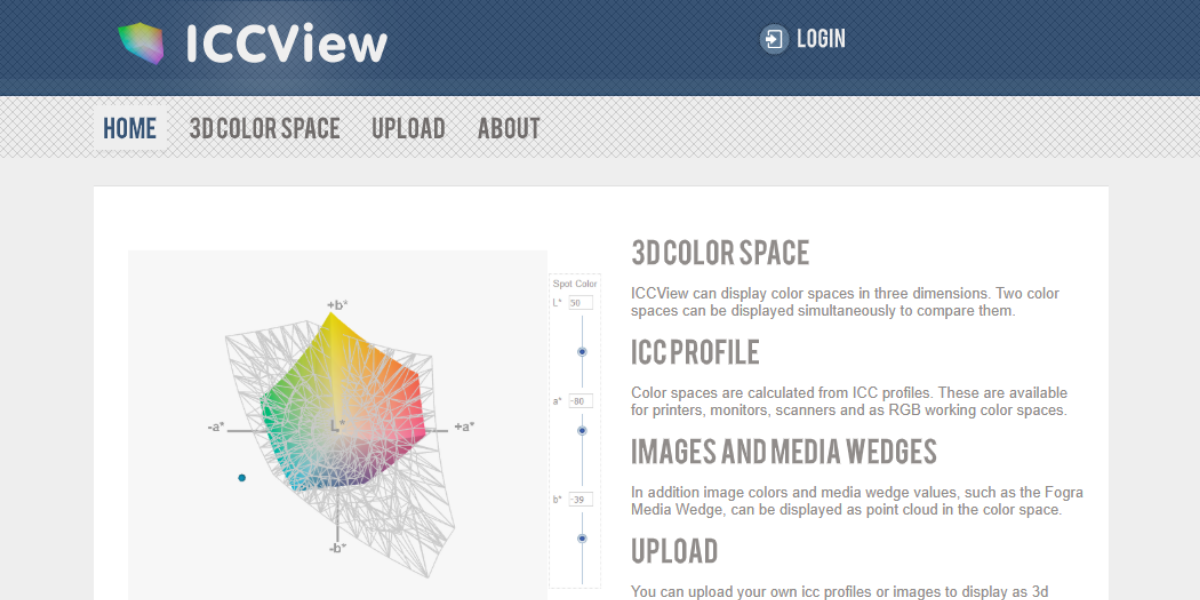
ICCView is a color simulation tool that displays how colors appear under different ICC color profiles. It helps designers preview variations across devices and print environments, ensuring accurate color reproduction in professional and production workflows.
120. Scale
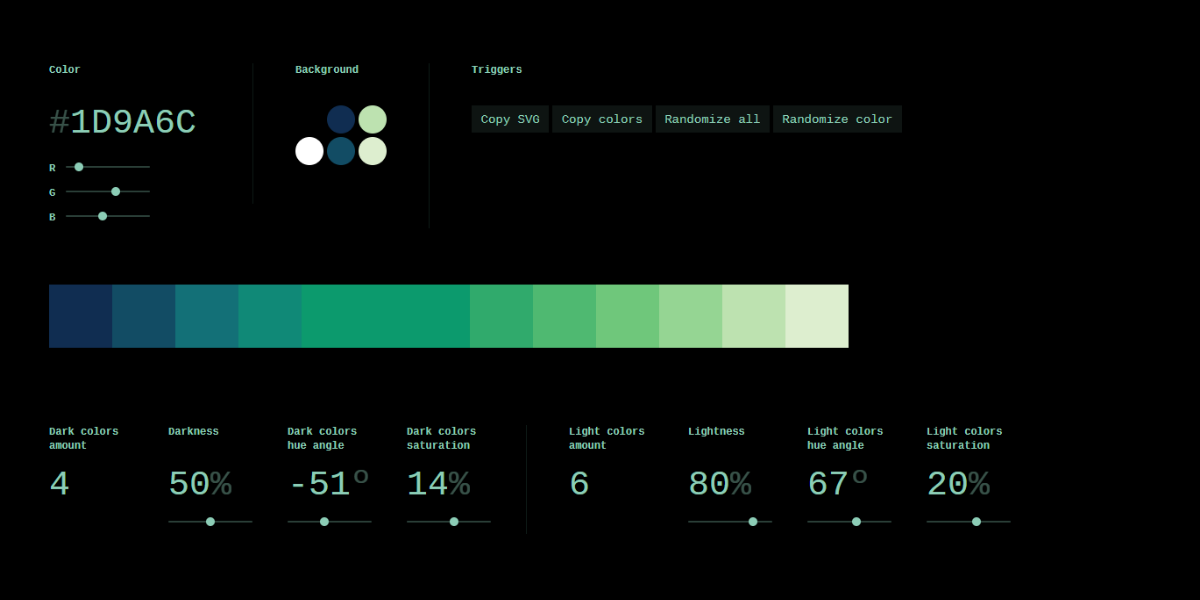
Scale is a color system generator that creates multi-step color scales from a single base color. It allows designers to adjust parameters like lightness and contrast to generate consistent variations. This makes it especially useful for building UI design systems, where multiple shades are needed for states, hierarchy, and accessibility.
121. Color Mixer
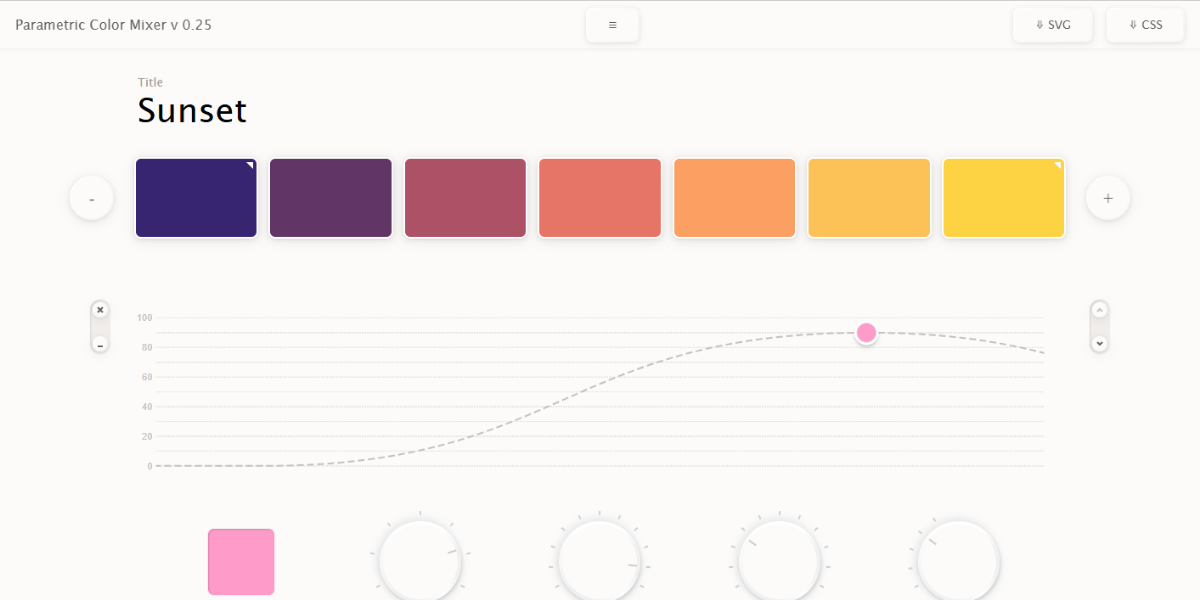
Color Mixer is an interactive tool that lets users blend colors to create custom combinations and variations. Designers can experiment with mixing values in real time, making it useful for exploring new shades and refining palettes for creative or branding projects.
122. Components AI
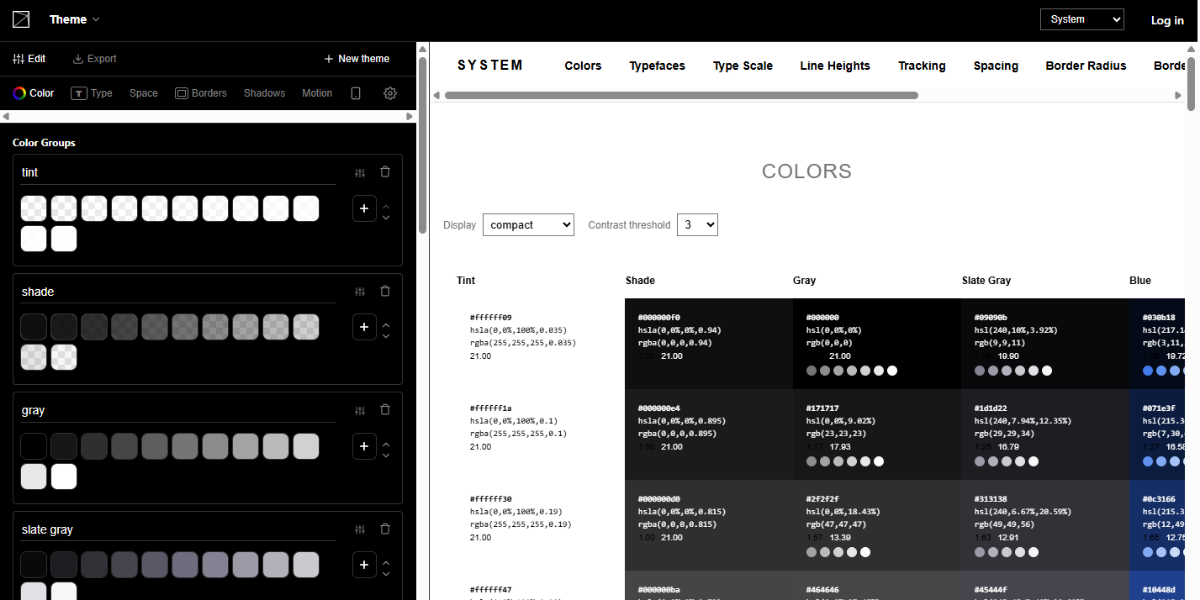
Components AI’s theme generator creates complete color systems with multiple shades and scales. It allows designers to define base colors and generate structured themes, making it ideal for UI design and building consistent design systems across applications.
123. CLRS
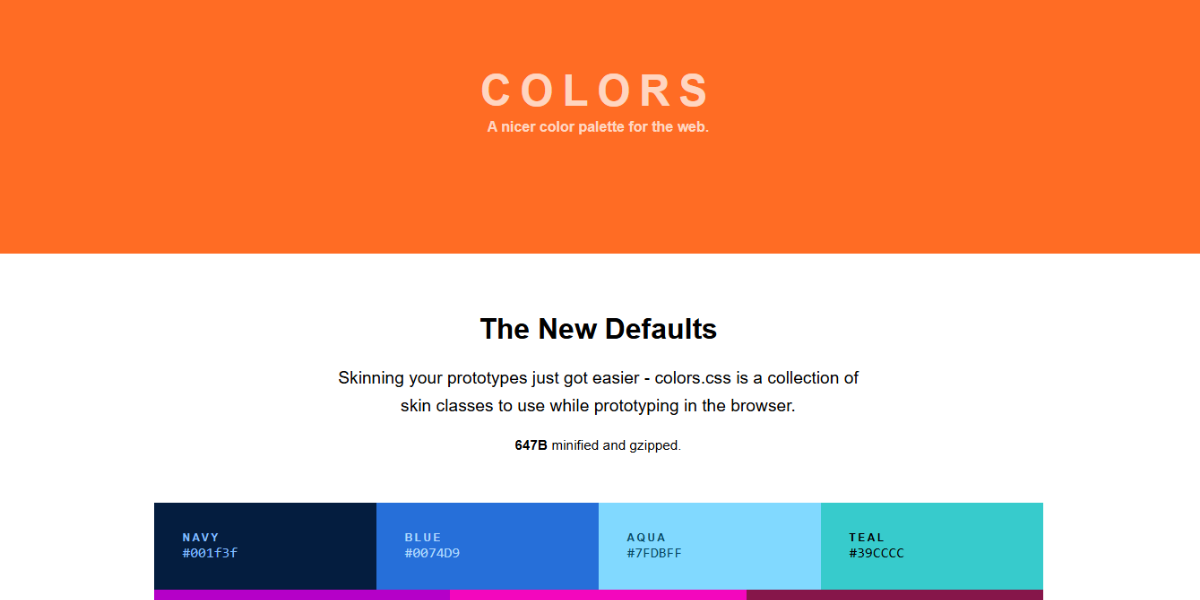
CLRS is a minimalist color palette resource featuring a set of predefined, web-safe colors. It’s designed for quick selection and consistency, allowing designers and developers to apply reliable color choices without overcomplicating the design process.
124. 0 To 255
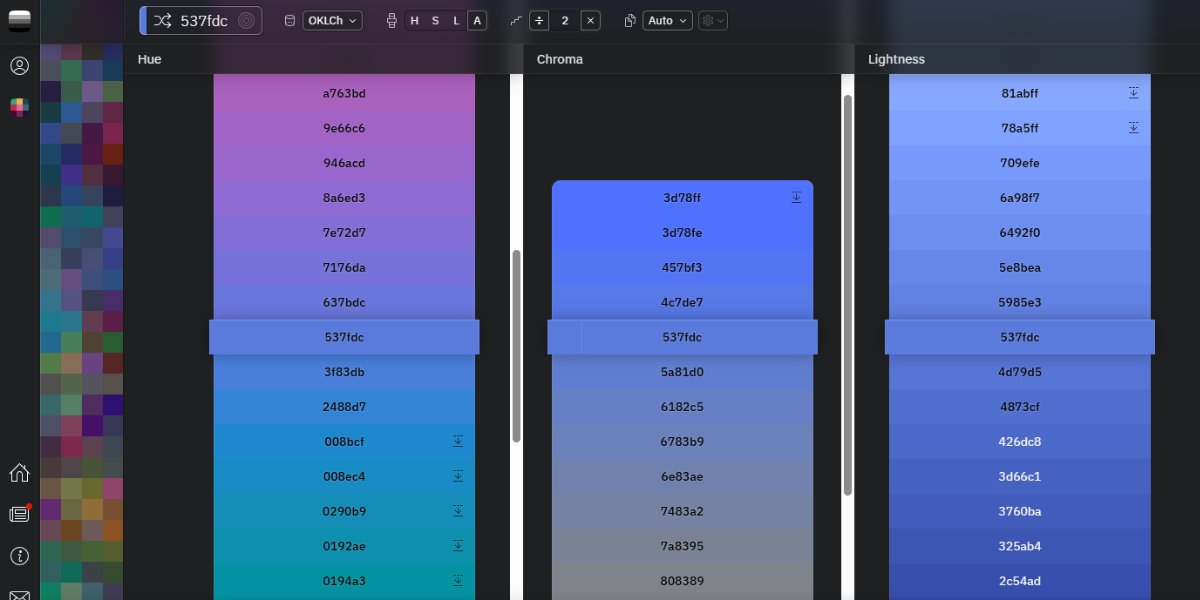
0 to 255 helps designers generate lighter and darker variations of a single color. By selecting a base color, users can explore a full range of shades, making it useful for creating hover states, UI variations, and consistent tonal hierarchies.
125. HTML Color Codes
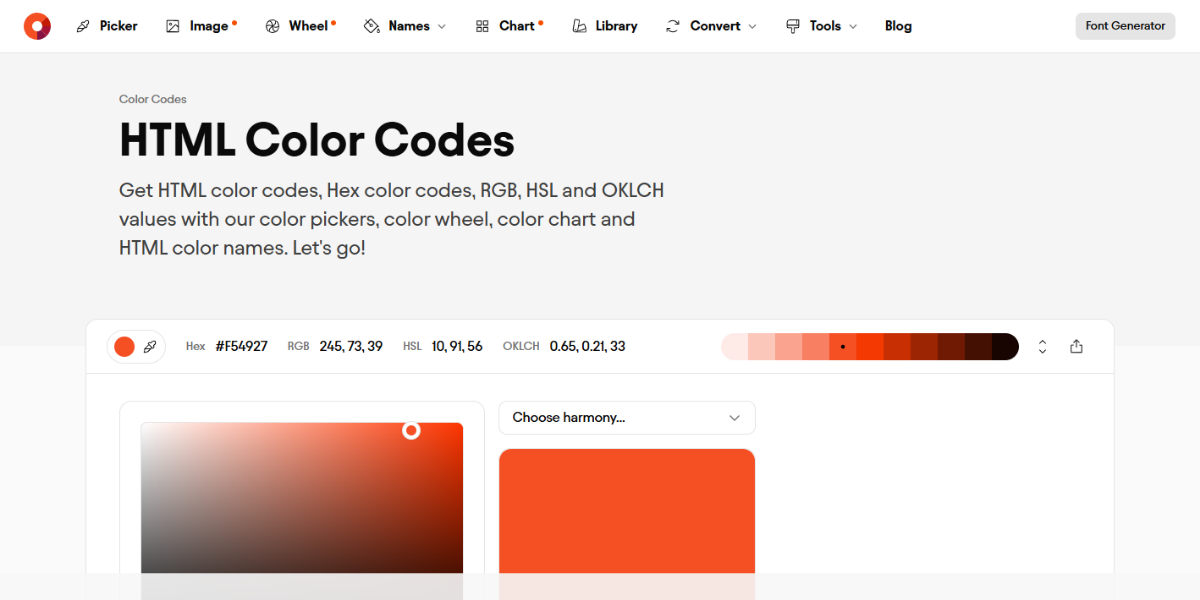
HTML Color Codes is a comprehensive resource that provides multiple color formats, charts, and tools. Designers can convert values, explore palettes, and access color names, making it a one-stop reference for both beginners and professionals working with web colors.
126. SVG Color Matrix Mixer
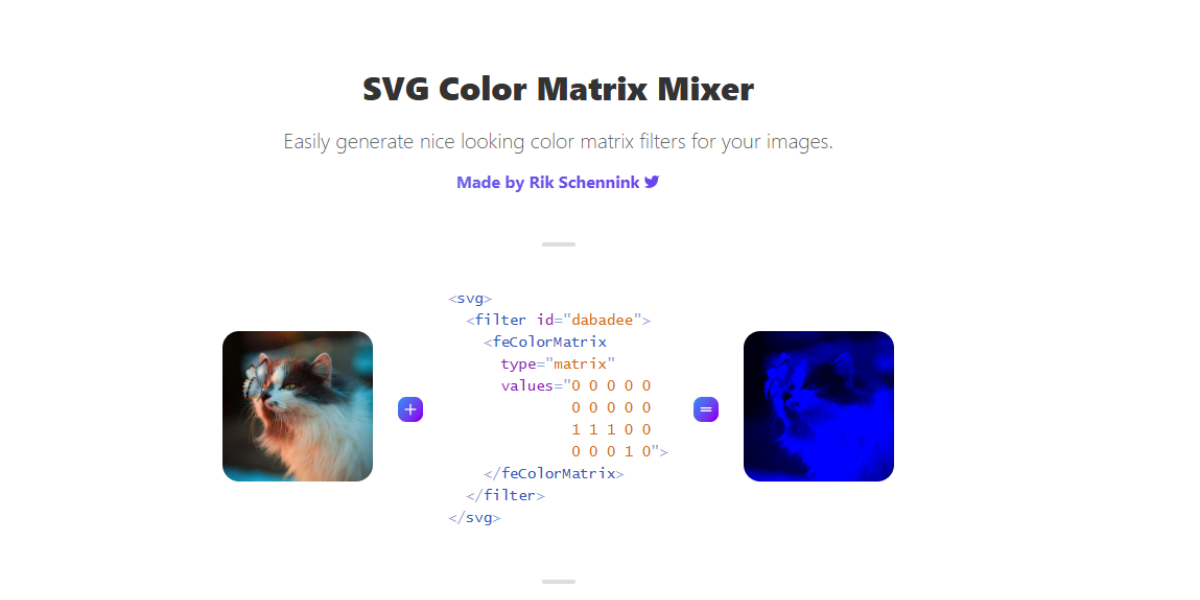
SVG Color Matrix Mixer allows designers to manipulate colors using matrix-based adjustments. It generates filter values that can be applied to SVGs or images, making it useful for advanced color transformations and visual effects in web design.
127. CSS Duotone Generator
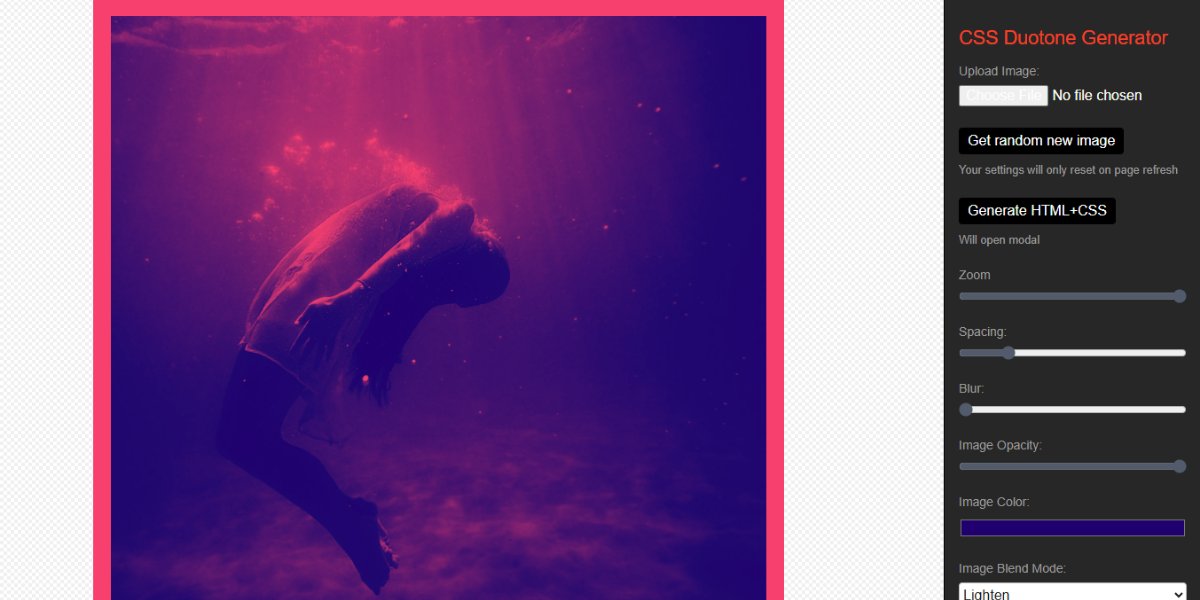
CSS Duotone Generator creates two-color (duotone) effects with adjustable values. It outputs CSS filters that designers can apply to images, helping create stylized visuals commonly used in branding, marketing, and modern web interfaces.
128. Computer Hope HTML Color
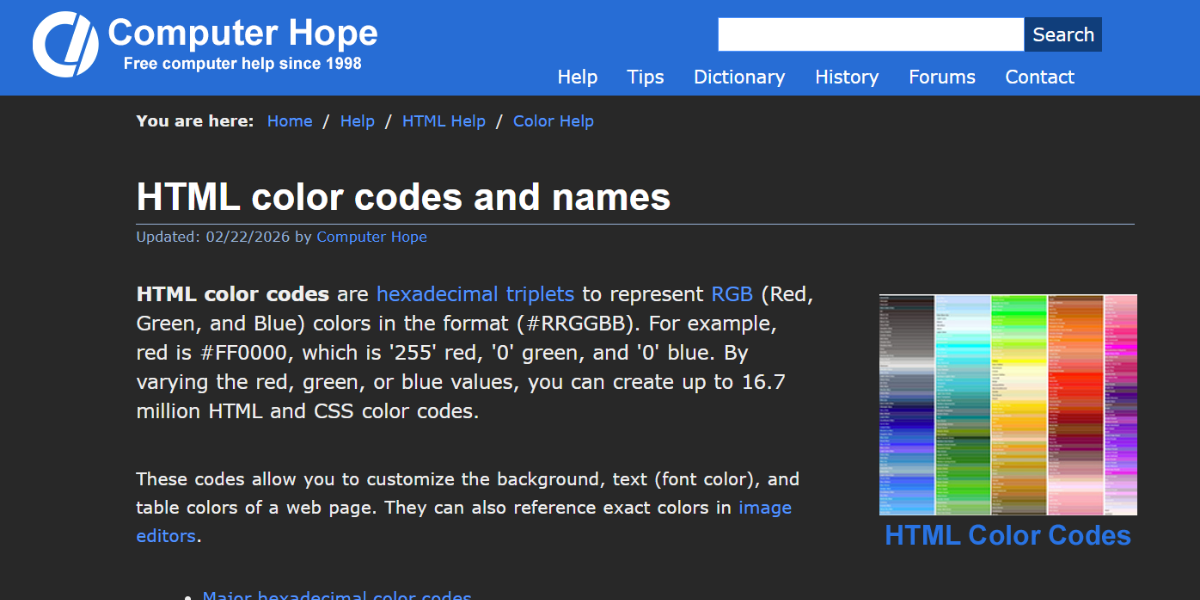
Computer Hope’s HTML Color tool provides color charts, codes, and format conversions. It helps users identify and apply colors in web design, making it a practical reference for selecting and implementing color values in HTML and CSS projects.
Brand Color Management Tools for Consistency
Make sure that the colors of your brand are consistent and well-organized on all platforms. These tools are a must-try for teams that work on more than one project or design system.
129. Brands in Color
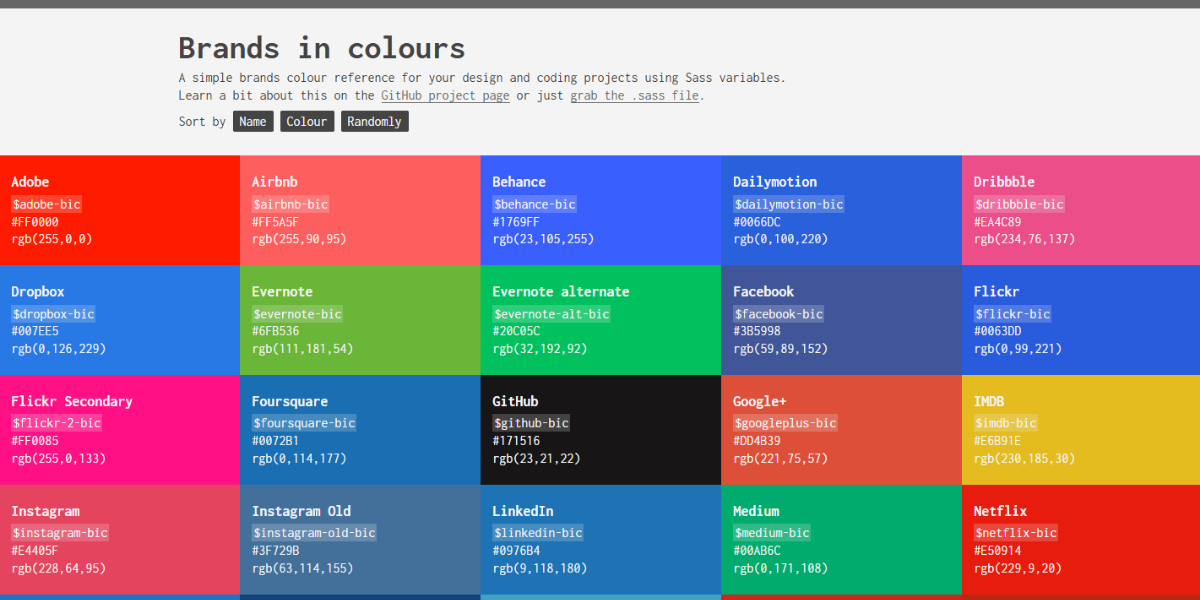
Brands in Color is a visual database showcasing real-world brand color palettes. Designers can explore how established brands use color combinations, making it useful for competitive research and inspiration when developing brand identities.
130. HueMint – Brand Intersection
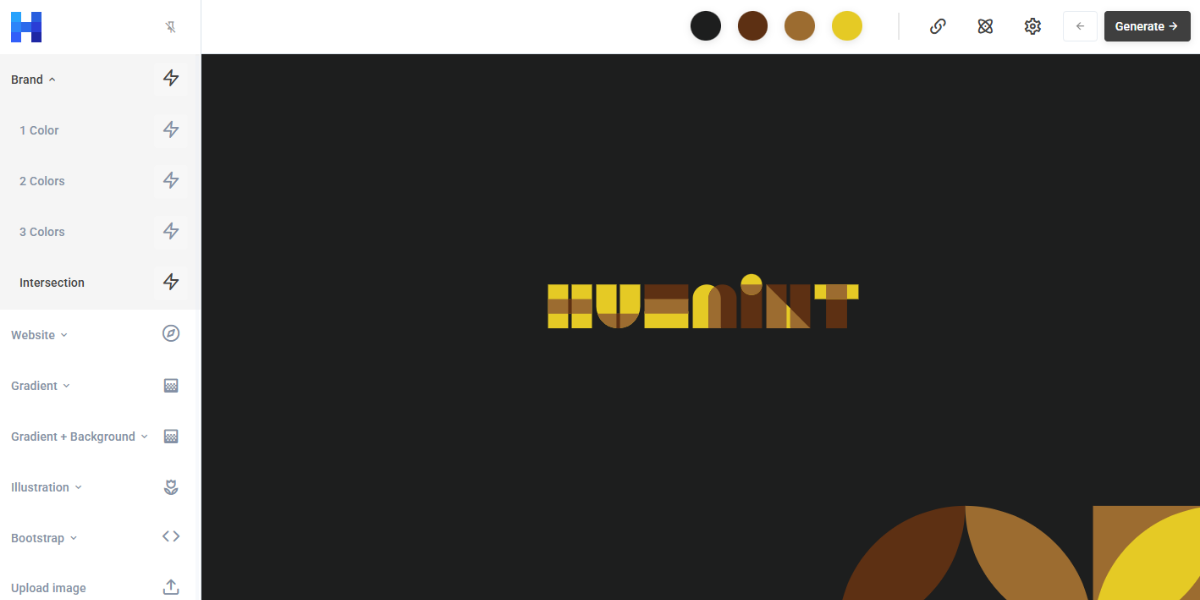
HueMint’s Brand Intersection tool analyzes and generates brand-focused color combinations based on design context. It produces multiple palette variations optimized for branding, helping designers create cohesive and distinctive visual identities.
131. Frontify
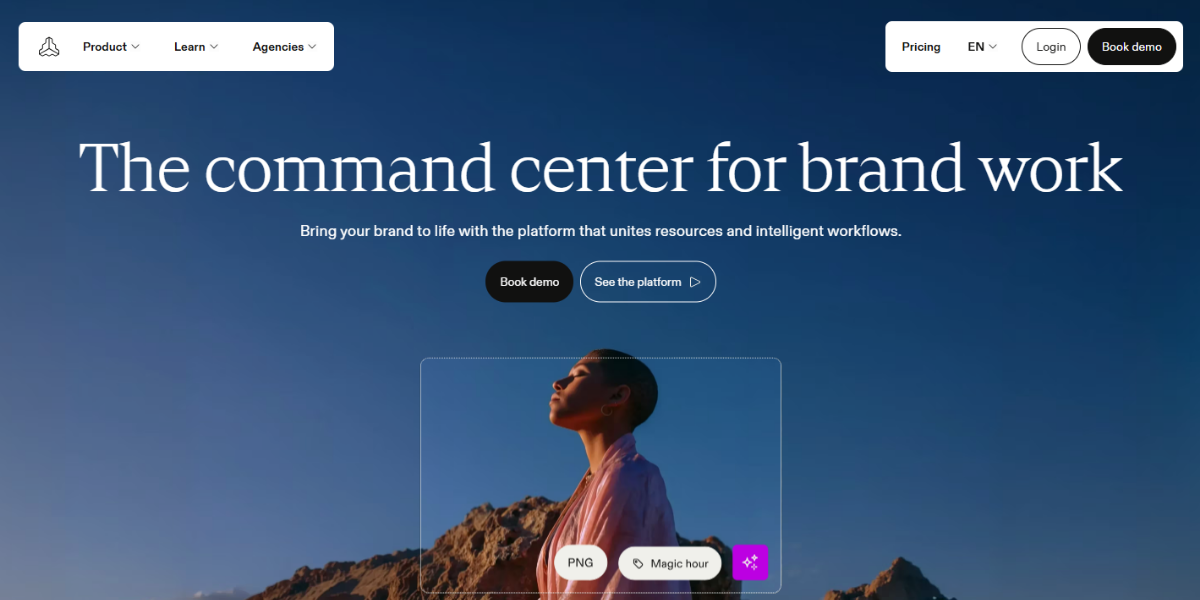
Frontify is a brand management platform that helps teams organize and maintain centralized color systems and design assets. It allows designers to document palettes, enforce consistency, and collaborate across projects, making it essential for large-scale branding workflows.
132. Zeplin
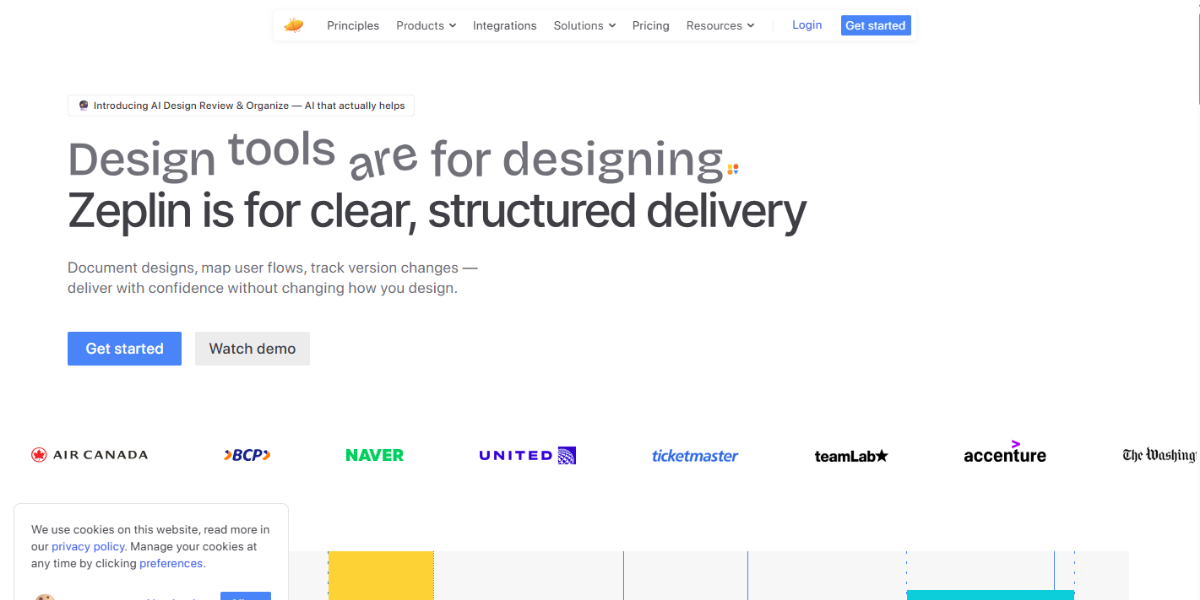
Zeplin is a collaboration tool that bridges design and development by organizing design tokens, including color variables. It ensures consistent color implementation across products, allowing teams to translate design palettes into code-ready assets efficiently.
Conclusion
At the end of the day, the right color tools aren’t just about making things easier; they help you design with more clarity and intention. From generating palettes to picking exact shades or checking contrast, each tool plays a small but important role in your overall workflow.
Once you start combining them, the process feels a lot more seamless. Instead of second-guessing choices, the focus shifts to building on them. Whether you’re working on a UI or deciding between styles like flat vs gradient colors, having the right tools in place makes everything feel more controlled and cohesive.
There’s no one-size-fits-all here. It’s really about finding what works for you and building your own toolkit over time. And honestly, once you do, you’ll notice the difference, not just in how fast you work, but in how polished your designs start to look.