Free Logo Maker

Design a logo in minutes with our logo creator!

Make a Free Community Logo Design


Select

Pick a Brand Symbol

Communities are a great way to bring people together. If you are looking for a community logo that tells people what motive your foundation supports, start by entering the name of your center and our community logo maker will show you design ideas to boost your creativity.
Select
Customize

Personalize Your Design

You have found a community logo design for your center but it's missing that spark. You can use the editing tools in our logo maker to create a brand symbol that speaks the values of your organization. Be experimental and add graphics, colors, and fonts that highlight your foundation’s personality.


Download

Create Brand Awareness

When you’re finished making your community logo, you can see how it looks on flyers or t-shirts. If you like your design, then download your brand identity in PDF, JPEG, and PNG formats from the “My Design” section of our foundation logo software. You can now use it to raise awareness about your community center.

Download

Start Using Our Free Logo Maker for

Elements to Create Community Logo

Logo Symbol

Use Symbolism in Your Design

With your foundation logo you need to showcase a collaborative, friendly and welcoming image of your organization. The best way to send this message is to use symbols that reflect the spirit of your community and its members. These are some of the icons to use: hands, torch, illustrations of people with shields, sun rays, trees, flowers, an open book and more. These logo symbols will create the brand image for your social community center so it is important to spend some time on brainstorming ideas.
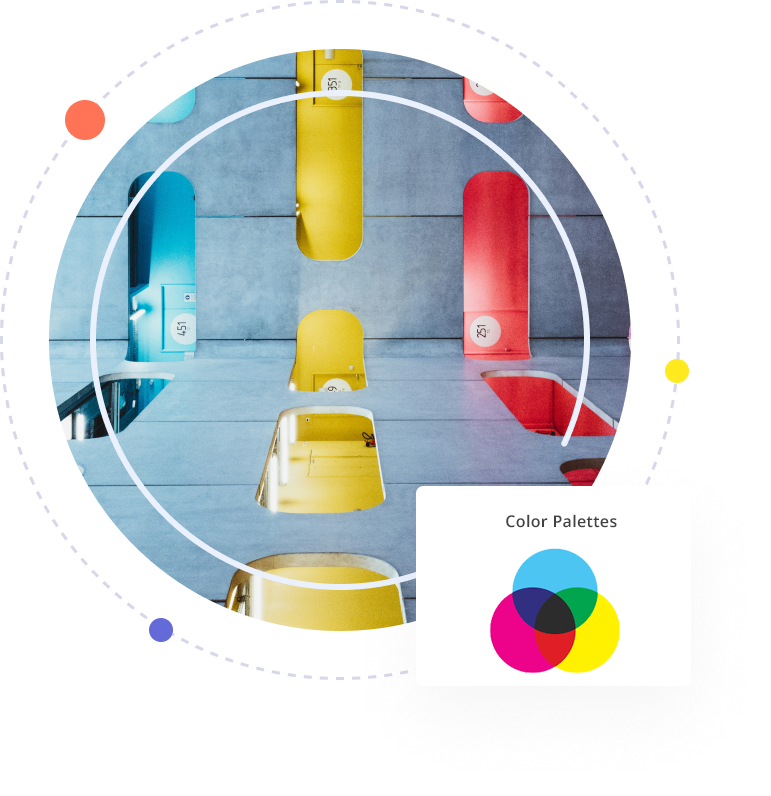


Color Palette

Add Meaningful Colors

It’s a good idea to do some research on your audience to see which colors appeal to them. That way you can design a community logo that people can relate to and trust. There’s no single color palette that can work for all kinds of communities. But you can mix and match different shades to create a unique palette that depicts the work of your foundation. Feeding America is a nonprofit organization that works to fight hunger. The brand clearly sends this message by using two shades orange and green–both colors symbolize food.
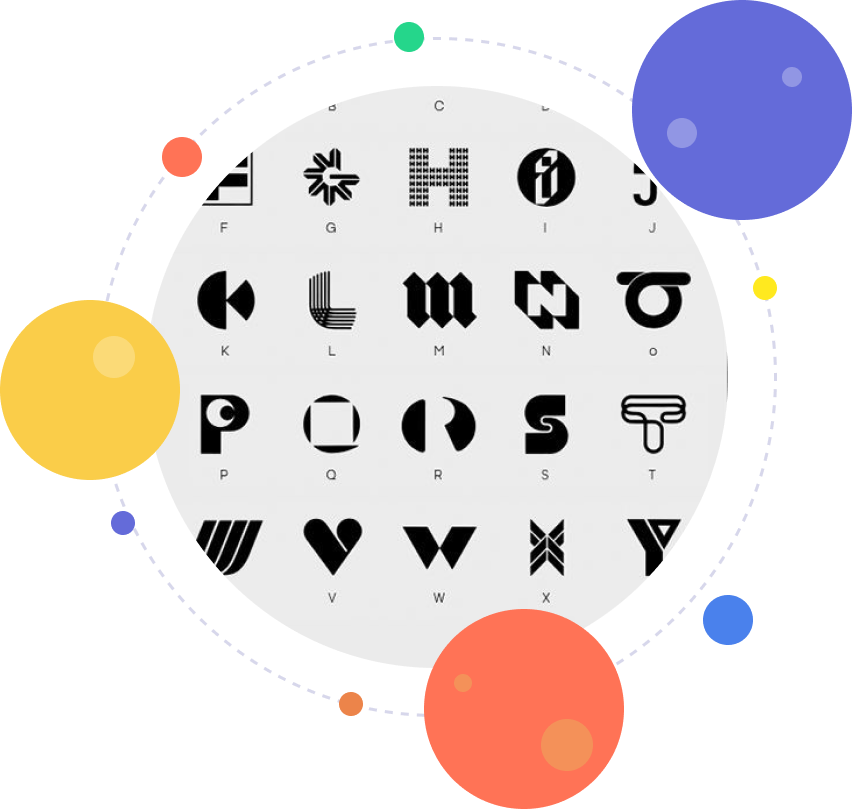
Font Choice

Use Fancy and Script Fonts

Choose Fonts Wisely

Use relevant fonts to capture the spirit of your community and let people know what you stand for. If you want people to take your foundation seriously, then no fancy script fonts. With your community and foundation logo, you need to win the goodwill and trust of people. To do that you can use clean and professional fonts that deliver the message of your organization. You can play around with typefaces like Gotham, Century, Minion Pro, Aargh and Georgia or try different combinations of these fonts to create an unforgettable brand image.


Design Layout

Design a Clean Brand Symbol

Create a simple design for your community center logo so that people can get your message from the first look. Most people will see your logo as decals on buses, signboards, brochures, or if you have a digital presence on a website or a fundraiser campaign on social media. Our logo maker gives you popular design styles you can use like typographic logos or abstract imagery of people holding hands. Create a community brand image that tells people about the impact your organization is creating in the local community or on a global scale.

Design Layout

Create Your Logo Now By Entering a Keyword

Frequently Asked Questions about Logo Maker

Why do you need a logo?

A logo is a visual representation of your brand, which is usually denoted by a graphic image, symbol, or emblem. It gives your business a recognizable face that customers can connect with. Your need for a logo depends on factors like personal preference, industry standards, audience perception, and current design trends.

But there’s more to it. A logo is part of your overall brand identity that helps communicate your message, mission, and values. It should clearly express your brand promise and evoke feelings of trust, confidence, and reliability.

Your logo also acts as your brand ambassador. Whether your business is online or offline, local or global, your logo represents you everywhere – on packaging, uniforms, vehicles, social media, websites, and more. That’s why businesses of all sizes, from startups to large enterprises, invest in strong, consistent branding.

You can create your own logo with LogoDesign.Net. It is one of the best free logo makers and offers a wide range of professionally designed templates to match your brand style perfectly.

What makes a good logo?

A good logo speaks for your brand, even when you're not in the room. It includes key elements like a symbol, company name, slogan, or trademark that help set your brand apart from the competition.

Beyond just looking nice, a good logo tells a believable brand story through simple graphics or thoughtful illustrations. When making a logo, make sure it is memorable, scalable, visually appealing, and adaptable to various branding needs. A well-designed logo works exceptionally, whether you use it on a website, app, banners, or other marketing materials.

How to make a unique logo?

Whether you decide to work with a graphic designer or use an online logo creator, creating a unique logo starts with the same foundation.

First, you need to understand what the brand stands for, what message it needs to convey, and which industry it belongs to. Then, research competitors, the target market, and audience preferences before diving into design.

Next, choose the type of logo you want: wordmark, letter mark, icon-based, or monogram. If you go with iconic logos, pick a symbol that reflects your brand, like a flower for something soft and natural. If you choose a wordmark or letter mark, focus on a clean, legible font selection that fits your brand tone.

Pro tip: always design your logo in black and white first to ensure it works without color. Then, explore color options based on color psychology, industry trends, and audience preferences. Once your palette is set, you can add design elements like gradients, shadows, or retro touches to give your logo a unique flair.

Should I use a logo maker or hire a logo designer?

Hiring a professional logo designer can give you a fully custom logo tailored to your brand, but it comes with a time and budget commitment. You’ll need to:
  • Find the right designer
  • Review portfolios
  • Negotiate pricing
  • Sign contracts
  • Go through rounds of revisions
  • Finalize design
The whole process can take weeks, which isn’t ideal if you’re a busy business owner or just starting out.

On the other hand, using a free logo maker online is a faster, more affordable option. With an advanced tool like LogoDesign.Net, you can browse hundreds of templates, customize them with your preferred fonts, colors, shapes, and effects, and create a logo in minutes.

Once you're happy with your design, you can instantly download high-quality vector files and start using your logo right away, all without breaking the bank.

When can I use my logo?

As soon as you download your logo, you're ready to go. You'll receive high-quality vector files like PNG, JPEG, and PDF, which means you can start using your logo instantly, with no waiting and no final steps needed.

Use your new logo across your website, social media profiles, YouTube channel, email signature, and more. It’s also perfect for branding materials like brochures, billboards, ads, and other marketing designs.

Our logo creator delivers professional-grade files and resolutions, so even graphic designers can easily use them for advanced branding projects. Want to learn more? Check out our FAQs to see how our logo creator works for you.

How do I make a company logo for free?

You can make a company logo for free with a DIY logo maker like LogoDesign.Net. It is one of the best free logo makers that offers plenty of logo templates you can choose from and edit to fit your brand. Just focus on the four main elements: company name, font style, color, and a symbol (optional).

Here’s how to get started:
Step 1: Browse our logo gallery and choose a symbol or letter design you like.
Step 2: Customize the logo by editing the colors, fonts, and text in our easy-to-use editor.
Step 3: Once you're happy with the design, download your logo in high-quality vector files.
Feel free to reach out if you need more help with how our online logo creator works.

How to trademark a logo?

A trademark is a unique symbol, name, or logo that legally represents your business, products, or services. In the US, you can trademark your logo through the U.S. Patent and Trademark Office (USPTO) to protect it from being copied or misused.

To begin, check that your logo isn’t already registered by searching the Trademark Electronic Search System (TESS) database. If it’s clear, you can start the online trademark application. You’ll need details like your business category, ownership info, the design elements of your logo, and the date you started using it commercially.

If you file without legal assistance, the application fee typically ranges from $275 to $325. Confirmation can take anywhere from six months to a year.

Keep in mind that logos created using a logo generator are usually copyrighted by the platform. To trademark such a design, you’ll need to purchase the full rights to the logo, which may require approval. For more details, check the terms of use on our site.

Does your software allow designing a logo without text?

Yes, our free logo maker online lets you design a logo without text.

Start by browsing our collection of logo symbols. Once you find a symbol you like, head to the logo editor studio. From there, you can easily remove the default text from the template and create a symbol-only logo. You can also add other shapes or icons, like hexagons, hearts, or abstract elements, to customize the design even further. Once satisfied with the look, simply choose colors and download your logo in minutes.

How can I create a logo with letters?

Letter logos are all about using the right fonts and design elements to represent your brand. Start by choosing the letter you want to use. Our logo creator has a full library of A to Z letter logos designed for different industries and styles.

Whether you need a sleek initial for a law firm or something creative for a yoga studio, you’ll find thousands of professionally designed options. Fonts range from serif and sans-serif to script and slab, so you have many options.

All you have to do is select a letter logo you like, head to the design studio to customize the colors, company name, and tagline, and then download your logo in vector formats ready for branding.

Can I create my own logo with taglines?

Of course, you can easily create a logo with a tagline using our best free logo maker online. One of the best parts of designing your own logo is the ability to customize it fully, including adding your slogan.

Our logo tool lets you insert a tagline right alongside your company name. Just click the “Add Text” button to include your slogan, then choose different fonts for each part if you'd like, like a bold sans serif for the name and a script font for the tagline.

You can also experiment with placement: try the tagline in one or two lines, below or above the symbol, or even add extra text like your founding year. Once done, download your logo vector files and start using them anywhere.

How much does a logo costs?

The cost of a logo can range from absolutely free to thousands of dollars, depending on your brand’s needs and the method you choose.

If you hire a professional designer, you'll go through a longer process: finding the right person, discussing your vision, filling out a creative brief, reviewing design concepts, and making revisions. While this can deliver a custom logo, it also costs more and takes time.

Alternatively, using a DIY online logo creator like LogoDesign.Net is a faster and more affordable option. You can create and download a professional-looking logo starting at just $37, without needing any design experience.

Is your logo maker free for all?

Absolutely! Our logo maker is free for anyone to use, anytime, anywhere in the world. You can browse our entire library of symbols, letters, and templates without any restrictions. There’s no cost to design or customize your logo; payment is only required if you decide to download the final version. So go ahead, explore our logo generator and start creating your design today!


Frequently Asked Questions About Community & Foundation Logos

Where can I get community logo designs for free?

You may not be able to get any community logo design worth using that are completely free. However, there are options that are easy on the budget:

  • Logo Design Contest
  • Stock Image
  • Online Logo Maker

Though all three are within regular budget range for most entrepreneurs, the community logo maker option is the most affordable of all. An online logo maker, like LogoDesign.Net, hosts a wide range of community logo templates that are varied enough to take care of your design needs

.

You can create a community center logo, community service, community church logo, or even for any other business or foundation you can think of. Our budget friendly services are more than equipped to handle all your community logo design needs.

What popular charity logo images I can use for my NGO?

The best charity logo images evoke a sense of togetherness, community, and humanitarian spirit. To capture these warm and collaborative feelings in a charity center logo, we have tons of images, symbols, and icons that you can use for your charity logo design concept.

Some symbols include hands protecting a house logo, community symbol showing a handshake, helping hands, birds or dove icons, people in rotation or circle logos, and hundreds of other designs that are similar in their effect of inducing the feelings of warmth and support in a charity logo design.

If you want, you can also use text based or alphabet letter logos for your charity organization symbol. These logos make your charity name into a logo design for added impact.

Will I get high quality association logo PNGs from your logo maker?

Of course, you will. Not only PNG but our association logo vectors (including other industry logos, too) come with a variety of file extensions that make your job as a marketer or entrepreneur really easy.

To get your community or association logo vector in PNG (and other formats), simply start browsing our logo maker to pick the template you wish to work on. The customization panel helps you modify the association logo template into a professional logo design that you can proudly display and advertise.

Once the design is final, create a quick account and download your logo for association swiftly and easily. For the complete list of file formats for our logo vectors, please click here.

Where do I go for inspiration for a foundation logo design?

The best place that’ll help you unpack your creative imagination to make an impressive foundation logo design is a logo maker design database. There are three main reasons for that:

  • All the foundation logos in our database are created by professional designers so you have real people’s design work to inspire your own.
  • The foundation logo templates in such a database are varied: created by different people of different tastes and for different types of companies. So, you have more variety to choose from.
  • The customization options, especially at LogoDesign.Net, are awesome. They give you enough room to add your personal style into any foundation logo image you select.

If you are looking for foundation logo design inspirations, it's right here.

Which colors do you suggest I use for a nonprofit logo template?

Nonprofit logo templates, like community logos, must induce a sense of warmth and support through its business logo. Therefore, the best colors you can use in such a design are green, orange, yellow, and red.

Except for green, all of these are warm colors and make people feel motivated, energized, and cheered on. Green is a cool color but symbolizes growth, development, and nature. It is, therefore, used in a lot of nonprofit logo designs.

To really amp up your nonprofit organization logo, you can use grey, white, and brown as supporting colors.