SALES / SUPPORT : 844-232-4816
Construction and Handyman Logos



Free Construction Logo Maker For Building Companies



Creating a Construction Company Logo Is Now Easy!
Step 1 - Search for the best construction logo imagery
You will have tons of construction logo ideas by simply entering your business name and industry in our logo builder in no time! Use keywords like “building houses,” “construction,” “roofing,” “remodeling,” “excavation,” or “handyman services” to explore tons of amazing templates tailored to your specific business type.





Step 2 — Select A Template And Start Customizing
From a pool of logo templates, choose a template that matches your brand's needs the best. All our templates are designed by seasoned designers, catering to different industry niches. Moreover, you will find several types of logo layouts, including pictorial logos, wordmarks, lettermarks, and combination mark logos.
Step 3 — Personalize to Get Brand-Specific Construction Logo
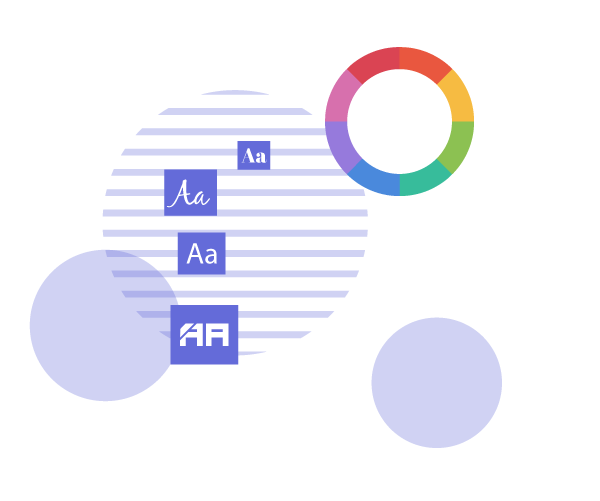
Choose a template you love and start customizing. Add construction icons and imagery from our library, such as icons of construction tools, machinery, hammers, screwdrivers, and many more. Edit colors to make the logo on-brand, and add visual effects to get depth and perspective in the logo. Enjoy an endless number of edits and customizations to build a solid brand personality for all sorts of construction and handyman service providers — insulation installers, plumbing contractors, hardscaping contractors, and more.


Step 4 — Download your new construction firm logo
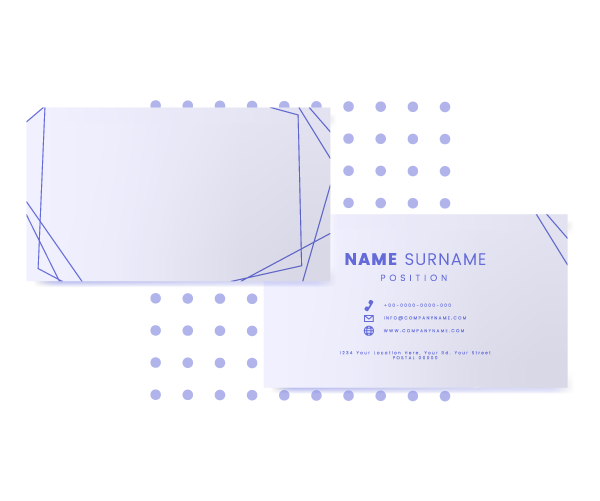
With the LogoDesign.net logo maker, you can get the best construction business logos for all types of use cases and platforms — digital or print. Once you have finalized the design, download the logo in various file formats, including scalable vector files like EPS, as well as other formats such as PDF and JPEG.
Start Using Our Free Logo Maker for Construction & Handyman
Unique Design Elements for Construction Logos

Range of Logo Styles for Construction Businesses
You can design any type of construction logo with LogoDesign.Net —wordmarks, letter marks, or combination logos. Select the best style based on your brand goals and audience. For construction businesses, wordmark and initial logos work well because they are clean and memorable. Construction brands such as Caterpillar (CAT), Bechtel, and Fluor use bold, simple wordmark logos, whereas KBR and AECOM use initial or lettermark logos for a strong, professional look.
Custom Icons for Handyman and Builder Logos
Our construction logo gallery offers a diverse library of symbols and icons to work with. Explore our range of icons for construction and handyman logos, including wrenches, screwdrivers, hard hats, cranes, excavators, shields, skyscrapers, and bridges. Add, edit, and blend icons to create personalized logo imagery for a customized brand identity.

Modern Fonts for Construction Company Logos
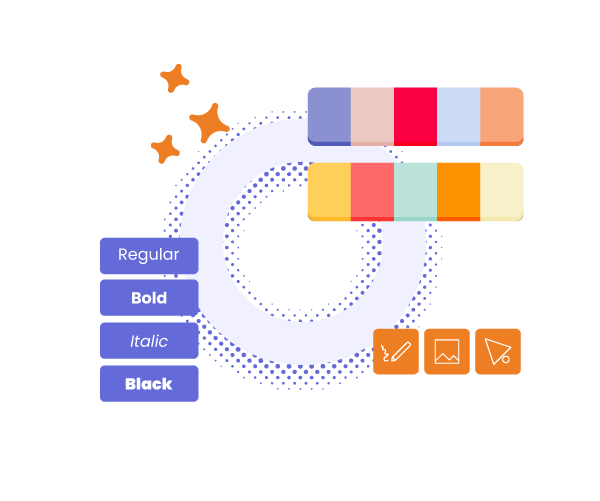
Your logo and company name are the first point of contact between you and your target audience. To make a lasting impression on your audience, prioritize legibility and choose a typeface that conveys a professional image. Our tool features tons of legible and professional typefaces, such as Roboto Slab, Arvo, Bebas Neue, Montserrat, Open Sans, Futura, and more, that align perfectly with a construction logo and identity.
Color Palettes for Construction Logos
Our custom logo maker offers complete freedom to customize your logo color palette. You can create unique construction logos and brand collateral with our all-inclusive color library. Construction logos often use bold, high-contrast colors to show trust, experience, and strength. Popular choices include earthy browns and greens for durability, drak blues and greys for a professional look, and bold colors like black, orange, or yellow to grab attention. You can explore all these options and more in our logo gallery.

Logos similar to Construction & Handyman logo designs
Create Your Logo Now By Entering a Keyword
What People Ask
How can I design a construction logo?
You can design a free construction logo use LogoDesign.Net. For just $37, you can download a high-resolution logo with an editable PDF. In addition to this, you can also get customized logos designed by LogoDesign.Net expert designers through custom logo consultation.
What makes a good construction logo?
A good construction logo should be legible. This means it should have clear and easy-to-read fonts that are well-adapted to different mediums, including business cards. Additionally, the logo colors should contrast well to ensure visibility and appeal. Make sure to use industry-relevant icons and symbols. For construction companies, handyman services, repair services, roofing businesses, and other similar businesses, you should use icons like wrenches, screwdrivers, nuts and bolts, or heavy machinery like saws and bulldozers.
What are the best construction logo fonts?
Keep these things in mind when choosing a construction logo font:
- Make sure the font is readable by avoiding overly decorative and stylized typography to maintain readability and clarity. Also, sans-serif fonts are the best in terms of readability.
- Fonts like Helvetica and Arial render well in print and digital, ensuring readability and consistent quality across media.
- San serif fonts like Bevan, Swansea, and Quicksand Bold are the best options for a clean and modern look.
What are the best colors for construction companies' logos?
To develop a strong and memorable brand image and personality, we recommend you use the following colors, widely dominant in the construction industry:
- Blue – representing trust, credibility, and professionalism
- Red – best for making logos attention-grabbing.
- Black or Gray – reflects seriousness, sophistication, and durability
- Orange or yellow – representing cautiousness, safety, and outdoorsiness
- Green – representing eco-friendliness, cleanliness, and responsibility
For further personalization in your logo, you can add shades, gradients, and accents of various colors depending on the psychology of colors in logo design.
Does your construction logo gallery feature contractor logos?
In our logo gallery, you'll find contractor logo elements such as icons with bricks and a hammer or shield and crane symbols. We also have niche logo designs, such as
electrical contractor logos,
painter brand identities, building contractor logo graphics, and road contractor logos. These logo templates are available in different styles, such as minimal, modern contractor logos, and logos with abstract icons. A professional artist has created every contractor logo design sample you see here.
Can I get a transparent version of my construction company logo?
Yes, absolutely! A transparent logo is typically provided in PNG format, with a transparent background that allows it to be placed anywhere. PNG format or transparent versions of logos are best for ensuring uniformity and standard quality across all use cases, such as websites, business cards, and social media profiles.
Should I add a tagline in my construction company logo?
Yes, a tagline is the quickest and easiest way to tell your target audience what your company is about. Moreover, it concisely reflects your brand’s identity and mission.
However, take care of the following for adding a tagline to your construction company logo:
However, take care of the following for adding a tagline to your construction company logo:
- Keep it short, approximately five words
- Use simple vocabulary
- Make it catchy and smart
- Use modern, clean, and readable typefaces
- Ensure it adds value
- Make it consistent with the brand image and personality
Which file type/format is best for a construction company logo?
You can get a construction company logo in various formats, including PNGs, PDFS, and JPEGs. Depending on how you plan to use your logo, you can choose a format, such as:
- PNGs are best for use on websites or using the logo as watermarks as well
- EPS is a vector file format that is best for printing, such as business cards or banners
- PDFs for using the logo on different platforms without compromising quality
- JPEGs for general use, such as on social media, may alter quality
With LogoDesign.net, you can explore a wide array of file formats depending on your needs and goals.
Can I get a free handyman logo for my business card?
Absolutely. All the handyman logo design templates in our gallery are free to explore and edit. Feel free to browse our database of professionally designed handyman services logos with no hidden costs. All our handyman logo templates can be downloaded as vector files, you can use them on several marketing materials, such as business cards, without hassle.
What symbols can I use for a vintage handyman logo?
Vintage handyman logos are popular among contractor logo designers. The ruggedness and rough edges of vintage design fit perfectly with the look and feel of the construction business.
Businesses usually prefer vintage handyman logo images such as wrench icons, pipe symbols, retro hammer symbols, etc. Shield graphics and mascots also feature prominently in these designs, or you can choose an alphabet or a text-based wordmark vintage logo.
Whichever way you wish to go, our free handyman logo maker helps you select a design that fits your taste and connects to your audience. So, don’t wait. Pick a logo now and start promoting your brand.
Businesses usually prefer vintage handyman logo images such as wrench icons, pipe symbols, retro hammer symbols, etc. Shield graphics and mascots also feature prominently in these designs, or you can choose an alphabet or a text-based wordmark vintage logo.
Whichever way you wish to go, our free handyman logo maker helps you select a design that fits your taste and connects to your audience. So, don’t wait. Pick a logo now and start promoting your brand.
What symbols can I use for my house construction logo?
For a house construction logo, you must focus on imagery that can give an impression of trustworthiness and connection. Typically, residential construction logo designs include symbols such as
house
or
roof icons
that quickly give the customer an idea of building a house. You can also use tool icons, brick icons, arcs, doors, and windows to represent residential structures.
Lucky for you, our free house construction logo marker is packed with several icons and symbols that you can choose from. Without any prior graphic design experience, you can make the most impactful construction logos!
Lucky for you, our free house construction logo marker is packed with several icons and symbols that you can choose from. Without any prior graphic design experience, you can make the most impactful construction logos!